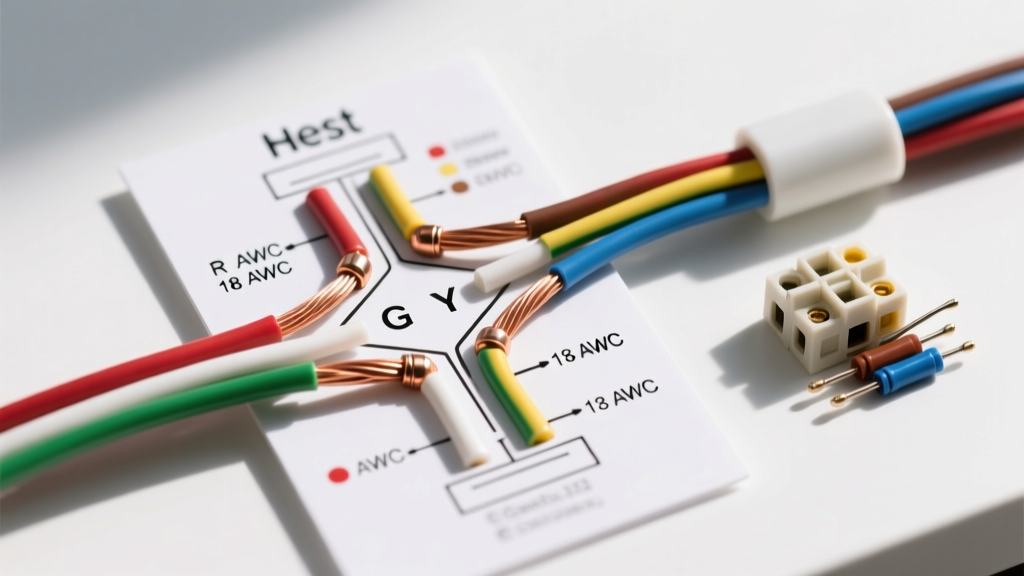

Decoding the Wiring Diagram for the Nest Thermostat
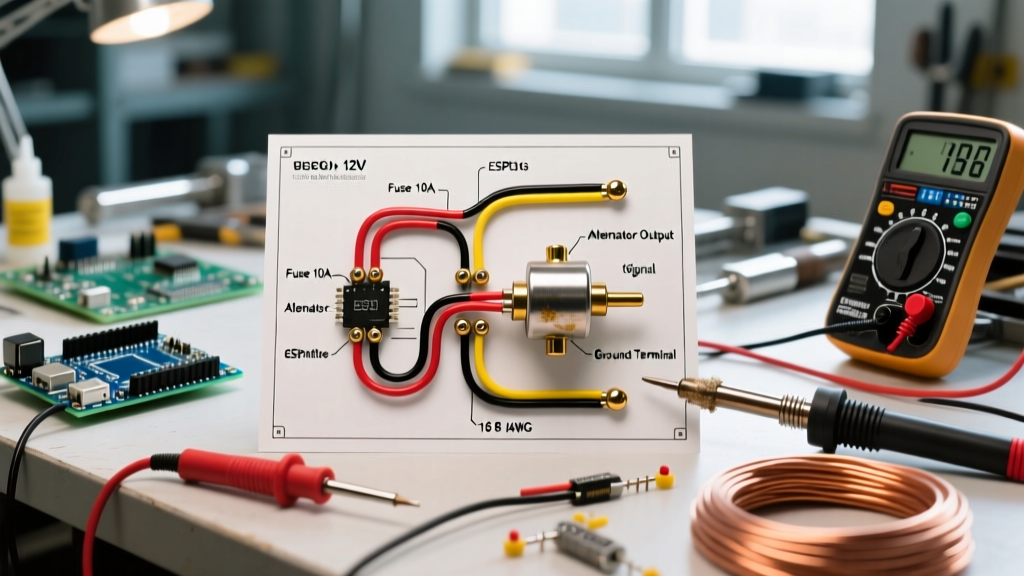
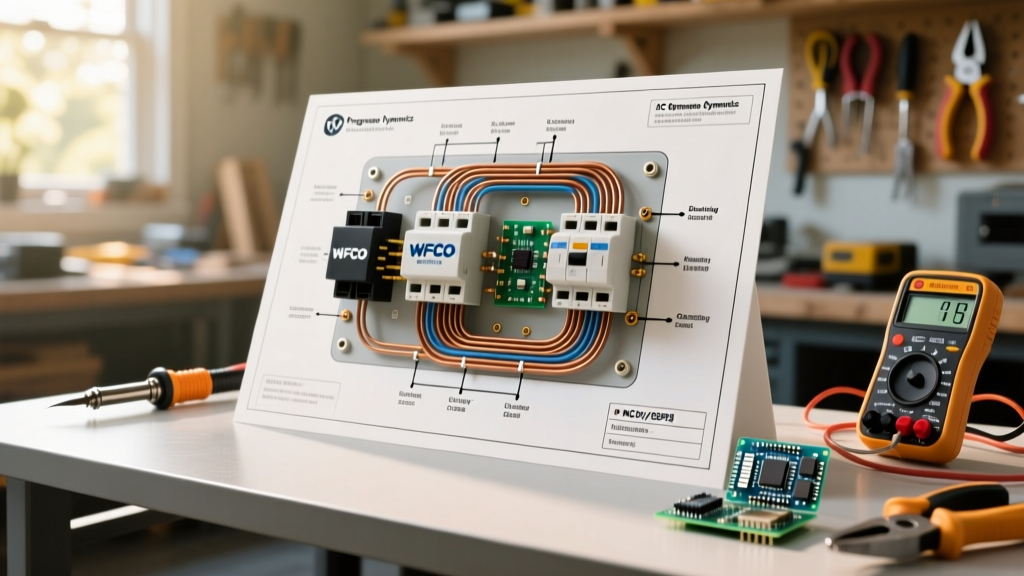
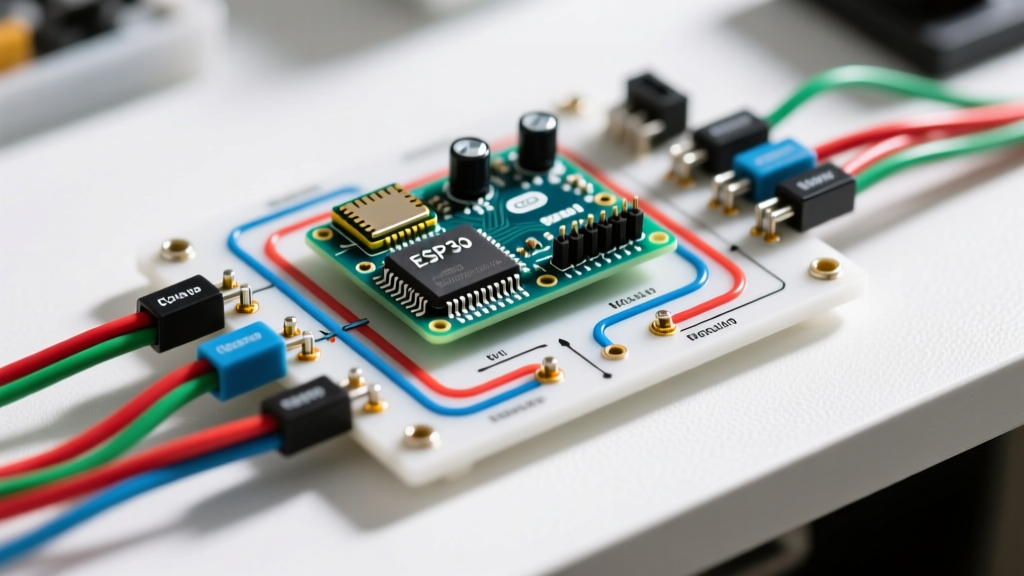
As smart home ecosystems mature in 2026, the Google Nest Thermostat lineup—including the latest 4th Generation Learning Thermostat and the standard mirror-face Nest Thermostat—remains the gold standard for climate control. However, a flawless installation hinges entirely on understanding the correct wiring diagram for the Nest thermostat, specifically regarding low-voltage color codes and wire gauge specifications. Unlike older mechanical thermostats that simply completed a circuit, modern smart thermostats are essentially Wi-Fi-enabled computers that require constant 24VAC power.
This comprehensive reference guide breaks down the exact terminal mappings, wire gauge requirements per NEC standards, and troubleshooting protocols for the most common HVAC configurations.
Standard Thermostat Wire Color Codes vs. Field Reality
While the HVAC industry has a standardized color code for thermostat wiring, field reality often tells a different story. Installers frequently use whatever wire color is left on the spool when running new thermostat cables. Therefore, always trace the wire to the air handler or furnace control board to verify its actual function before connecting it to the Nest base plate.
| Terminal | Standard Color | Field Reality (Common) | Function & Nest Mapping |
|---|---|---|---|
| Rc / Rh | Red | Red, Orange (rare) | 24VAC Power. Nest uses an internal jumper; use Rc for cooling, Rh for heating. |
| W1 / W2 | White | White, Black, Brown | First and Second Stage Heating. Connects to the gas valve or heating relay. |
| Y1 / Y2 | Yellow | Yellow, Blue, Orange | First and Second Stage Cooling (Compressor contactor). |
| G | Green | Green, Brown, Bare | Indoor Blower Fan Relay. |
| C | Blue / Black | Blue, Black, Purple | Common Wire. Completes the 24VAC circuit to provide continuous power to the Nest. |
| O / B | Orange / Dark Blue | Orange, Brown | Heat Pump Reversing Valve. O for Rheem/Ruud (energized in heat), B for most others (energized in cool). |
Wire Gauge Specifications: 18 AWG vs. 20 AWG
According to the National Fire Protection Association (NFPA 70), low-voltage thermostat wiring falls under NEC Article 725 for Class 2 remote-control and signaling circuits. While the code permits various gauges depending on the specific transformer VA rating and run length, the HVAC industry standard is 18 AWG or 20 AWG solid copper wire.
When to Use 18 AWG (1.02mm Diameter)
- Long Runs: If the distance between your air handler control board and the Nest thermostat exceeds 30 feet, 18 AWG is mandatory. Thinner wires suffer from voltage drop, which can cause the Nest to register low-voltage errors or fail to engage the AC contactor.
- Multi-Stage Systems: Systems utilizing Y2, W2, and humidifier/dehumidifier accessories draw more cumulative current through the harness. 18 AWG minimizes resistance.
- Stranded vs. Solid: Always use solid copper wire for thermostat terminals. Stranded wire tends to fray when inserted into the Nest base plate's push-release terminals, leading to poor contact and intermittent E73/E74 errors.
When 20 AWG (0.81mm Diameter) is Acceptable
20 AWG is acceptable for short, single-stage runs (under 25 feet) where only R, W, Y, G, and C are utilized. However, upgrading to an 18 AWG 5-conductor or 8-conductor cable costs roughly $15 to $25 more per 250-foot spool and provides vital future-proofing for HVAC upgrades.
The C-Wire (Common Wire) Dilemma and Power Stealing
The most common hurdle when reviewing a wiring diagram for the Nest thermostat is the absence of a C-wire. Older homes often feature 4-conductor cable (Red, White, Yellow, Green) with no Common wire. Early smart thermostats relied on 'power stealing'—leaking a tiny amount of current through the Y or W terminal to charge their internal lithium-ion batteries.
Expert Warning: Power stealing is highly unreliable on modern 2025/2026 variable-speed HVAC control boards equipped with sensitive microprocessors. It can cause the AC compressor to short-cycle, click rapidly, or trigger ghost heating cycles.
If your system lacks a C-wire, you have two primary solutions:
- Run a New Cable: Pull a new 18 AWG 5-conductor cable from the air handler to the thermostat wall.
- Use the Nest Power Connector (Model GAE4): Priced around $39.99, this device wires directly into your air handler's control board and the C and Rc terminals, providing a dedicated power path without needing to pull wire through your walls. Always verify compatibility using the official Google Nest Compatibility Checker before purchasing.
Critical Safety: Identifying Line Voltage Systems
The Nest Thermostat is strictly designed for 24VAC low-voltage systems. If your current thermostat has thick wires with wire nuts, or is labeled 120V/240V (common with electric baseboard heaters or in-wall fan coils), do not connect it to a Nest. Doing so will instantly destroy the thermostat's internal logic board and poses a severe fire and electrocution hazard. Line voltage systems require a dedicated step-down transformer or a line-voltage specific smart thermostat.
Troubleshooting Common Nest Wiring Errors
When the wiring diagram for the Nest thermostat is misinterpreted, the device will display specific error codes on its screen or in the Google Home app.
Error E73: No Power to Rc/Rh
Cause: The thermostat is not receiving 24VAC power from the R wire.
Fix: Check the 3-amp or 5-amp automotive-style fuse located on the furnace control board. A blown fuse is the culprit in 90% of E73 cases, often caused by wires touching during installation. Also, verify the furnace door safety switch is fully depressed.
Error E74: No Power to C Wire
Cause: The C wire is disconnected at the thermostat or the air handler.
Fix: Ensure the C wire is firmly seated in the Nest base plate and securely screwed into the 'C' or 'COM' terminal on the HVAC control board. Use a multimeter to verify 24VAC between R and C.
Error N260 / N261: Power Stealing Failure
Cause: The Nest is attempting to charge via the Y1 (N260) or W1 (N261) wire because a C-wire is absent, but the HVAC system is preventing the current leak.
Fix: Install a C-wire or the Nest Power Connector. Do not attempt to bypass this by bridging terminals.
Frequently Asked Questions
Can I use a ground wire as a C-wire?
No. While the C-wire is technically a 'common' return path for the 24VAC transformer, it is not an earth ground. Connecting the C terminal to a bare copper earth ground wire will trip the transformer's internal breaker or blow the control board fuse immediately.
Does the Nest Thermostat 4th Gen require different wiring than older models?
The physical terminal layout and 24VAC requirements remain identical across the 3rd and 4th Generation Learning Thermostats. The primary difference in 2026 models is enhanced Wi-Fi and Thread/Matter radios, which actually draw slightly more standby power, making a dedicated C-wire even more critical than in previous generations.
What if my heat pump uses an O/B wire?
Connect the reversing valve wire to the O/B terminal on the Nest. During the initial software setup, the Nest app will ask whether your system energizes the reversing valve for cooling (O - standard for Trane, Lennox, Carrier) or heating (B - standard for Rheem, Ruud). Selecting the wrong option will result in the system blowing hot air when set to cool.