
The Enduring Legacy of the WESD51 in 2026
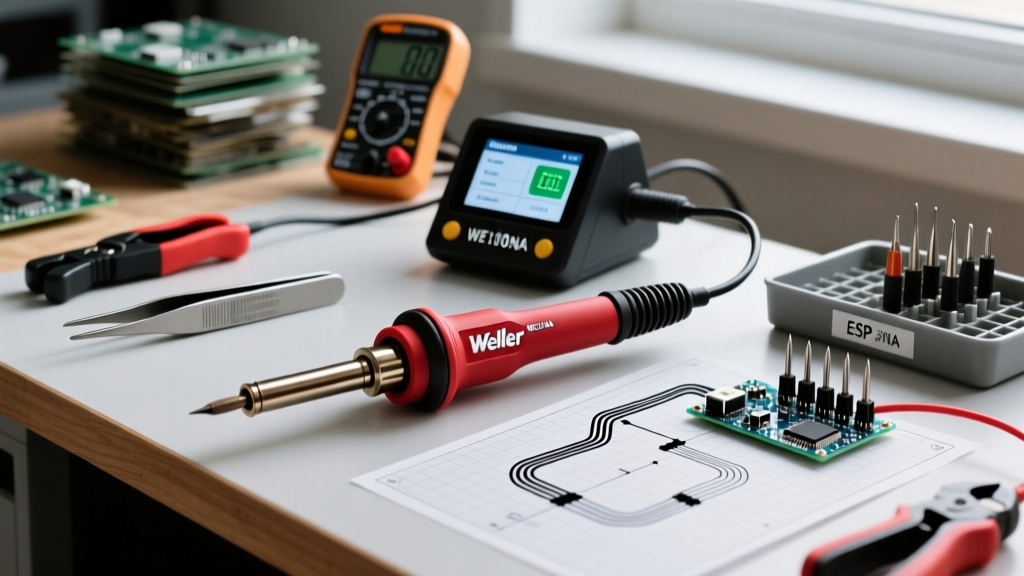
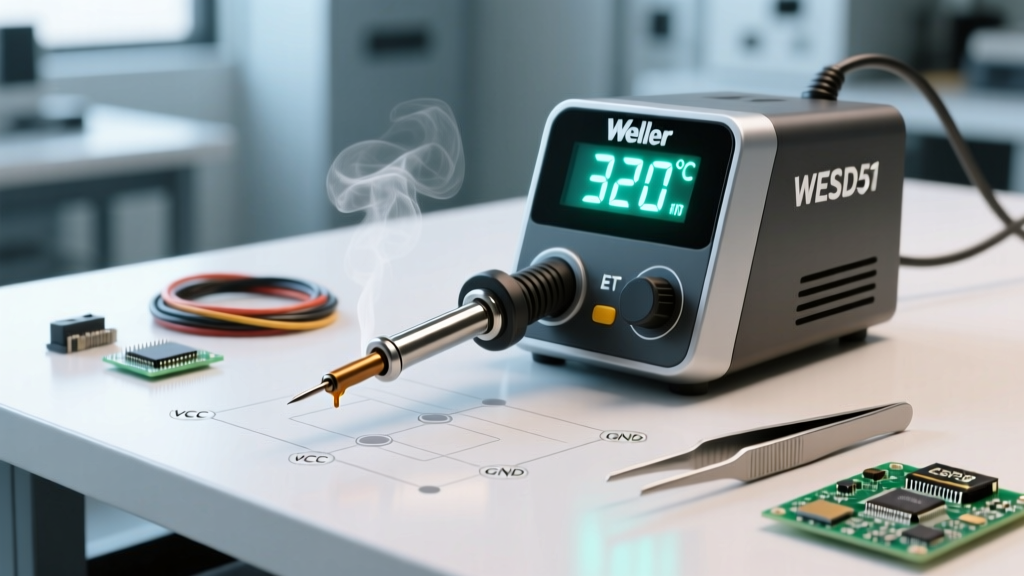
Even though Apex Tool Group discontinued the Weller WESD51 digital soldering station in favor of the WE1010NA series several years ago, it remains a highly sought-after workhorse on secondary markets in 2026. Why do veteran electronics technicians and aerospace engineers still hoard the WESD51? The answer lies in its heavy-duty 50W laminated core transformer, the ergonomic superiority of the WSP80 handpiece, and the dead-simple reliability of its digital LED feedback loop. Unlike modern switching power supplies that can introduce high-frequency noise into sensitive RF circuits, the WESD51 provides clean, isolated thermal recovery.
However, operating a legacy station requires specialized knowledge. Sourcing genuine replacement parts, calibrating the digital readout, and troubleshooting the infamous sensor errors demand an expert approach. This guide provides deep-dive technical insights to keep your WESD51 performing to IPC J-STD-001 workmanship standards.
Technical Specifications & Thermal Recovery
The WESD51 operates on a closed-loop control system. The thermocouple embedded in the WSP80 heater core reads the tip temperature 20 times per second, firing the 50W TRIAC only when thermal droop is detected. Below is a comparison of the legacy WESD51 against its modern successor to contextualize its performance profile.
| Feature | Weller WESD51 (Legacy) | Weller WE1010NA (Modern) |
|---|---|---|
| Power Output | 50W (Transformer) | 70W (Switching) |
| Handpiece | WSP80 (80W max rating) | WP65 (65W max rating) |
| Tip Compatibility | ET / ETA Series | ET / ETA Series |
| Display Type | Digital LED (Red) | Digital LCD |
| Auto-Sleep Mode | No (Manual adjustment required) | Yes (Configurable timer) |
| 2026 Market Price | $130 - $180 (Used/Refurb) | $140 - $160 (New) |
Expert Tip 1: Mastering ET and ETA Tip Selection
The WESD51 utilizes the Weller ET series tip architecture. The heating element and the tip are separate components, unlike the cartridge-style RT or WX tips. Selecting the correct geometry and metallurgy is critical for thermal transfer.
- ET (Standard Conical/Screwdriver): Designed for traditional 63/37 Sn/Pb eutectic solder. Optimal operating temperature is 600°F (315°C). The iron plating is thinner, allowing for rapid heat transfer but making it vulnerable to lead-free flux chemistries.
- ETA (Lead-Free Optimized): If you are assembling RoHS-compliant boards using SAC305 (Sn96.5/Ag3.0/Cu0.5), you must use ETA tips. The ETA series features a thicker iron cladding and a specialized wetting surface to resist the aggressive oxidation caused by lead-free fluxes at 700°F (371°C).
- ETK vs. ETD: Use the ETK (micro-conical) for 0603 and 0402 SMD components where precision is paramount. Switch to the ETD (heavy screwdriver) when soldering to large copper ground planes or TO-220 through-hole leads, as the increased surface area prevents the 50W transformer from stalling during thermal draw.
Expert Tip 2: Precision Calibration Protocol
Over time, the internal reference voltage of the WESD51 can drift, causing the digital display to misreport the actual tip temperature. Calibrating the station ensures compliance with strict aerospace and medical electronics profiles.
- Preparation: Insert a fresh, genuine Weller ETA tip and allow the station to stabilize at 700°F for 5 minutes.
- Measurement: Use a dedicated tip thermometer (such as the Hakko 191 or Weller WSDH100) with a surface thermocouple probe. Apply a small dab of thermal paste or fresh solder to the tip to ensure thermal coupling with the probe.
- Enter Calibration Mode: Press and hold the CAL button on the front panel for 3 seconds. The LED display will begin to flash.
- Adjust Offset: Use the UP and DOWN arrow buttons to adjust the digital readout until it exactly matches the temperature shown on your tip thermometer.
- Save and Exit: Press the CAL button once more to lock in the offset. The station will reboot its control loop with the new calibration curve.
Expert Warning: Never attempt to calulate the WESD51 using an infrared pyrometer. The emissivity of the oxidized iron tip will result in temperature readings that are off by 50°F to 100°F. Always use direct-contact thermocouple probes.
Troubleshooting: The Dreaded Blinking "H1" Sensor Error
The most common failure mode on the Weller WESD51 digital soldering station is the blinking "H1" error code. This indicates an open circuit in the thermocouple sensor loop. Before you throw away the WSP80 handpiece or replace the heating element, follow this diagnostic sequence.
Step-by-Step H1 Diagnostic Fix
Unplug the station and disconnect the WSP80 handpiece from the 4-pin DIN connector on the front panel. Using a digital multimeter set to the Ohms (Ω) setting, probe the pins on the handpiece cable connector:
- Pins 1 and 4 (Heater Element): You should read between 10 and 14 ohms. If this reads infinite (open), the ceramic heater core is shattered. This usually happens if the handpiece is dropped on a hard tile floor. The heater assembly must be replaced.
- Pins 2 and 3 (Thermocouple Sensor): You should read near 0 ohms (typically 1 to 3 ohms). If this reads infinite, you have an open thermocouple circuit.
The 90% Rule: In 90% of H1 error cases where the thermocouple is open, the fault is not in the tip or the heater. It is a broken wire inside the silicone cord, specifically at the strain relief where the cord enters the handpiece handle. The constant bending causes the thin thermocouple wires to fatigue and snap. An experienced technician can carefully open the WSP80 handle, trim the cord back by one inch, and re-solder the connections to the internal PCB, restoring the handpiece for less than $5 in materials.
Ergonomics, ESD Safety, and Fume Management
The WSP80 handpiece features a low-grip diameter and a foam-insulated sleeve that keeps hand fatigue at bay during multi-hour rework sessions. However, because the WESD51 lacks an auto-sleep feature, leaving the iron at 700°F during idle periods will rapidly oxidize the tip and degrade the flux core of your solder wire.
Pro-Tip for Idle Management: Wire an external smart plug or a simple foot-pedal switch to the WESD51's AC input. When you step away from the bench, click the foot pedal to cut power, or program the smart plug to drop power after 15 minutes of inactivity. This mimics the auto-sleep functionality of modern $400 stations.
Regarding safety, the WESD51 is designed to be ESD-safe, provided it is plugged into a properly grounded 3-prong receptacle. The ground pin routes directly to the metal chassis and the tip via a 1-megohm resistor, safely bleeding off static charges from sensitive MOSFETs and CMOS ICs. When working with traditional Sn/Pb solder, always ensure your bench is equipped with an active HEPA and activated carbon fume extractor to mitigate exposure to vaporized flux rosin and lead particulates, adhering to OSHA guidelines on lead safety and workplace air quality.
Frequently Asked Questions
Can I use third-party clone ET tips on the WESD51?
While cheap clone tips flood online marketplaces, they are strongly discouraged for professional work. Clone tips often use inferior copper cores and lack the proprietary electroplated iron cladding developed by Weller. They will pit, oxidize, and fail to recover thermally on heavy ground planes, ultimately stressing the WESD51's TRIAC and transformer.
Is the WESD51 safe for modern 0201 SMD components?
Yes, provided you use the correct micro-tip (like the ET micro-conical) and strictly manage your temperature. The digital readout allows you to dial in exactly 580°F for delicate SMD work, preventing the thermal overshoot that plagues older analog dial stations.
Where can I find replacement WSP80 parts in 2026?
Apex Tool Group still manufactures the WSP80 handpieces and ETA tips to support the massive installed base of legacy Weller stations. Authorized industrial suppliers like Digi-Key, Mouser, and Newark still stock genuine replacement heaters, cords, and tip sets.