
The Paradigm Shift: Smart Pen vs. Bench Station
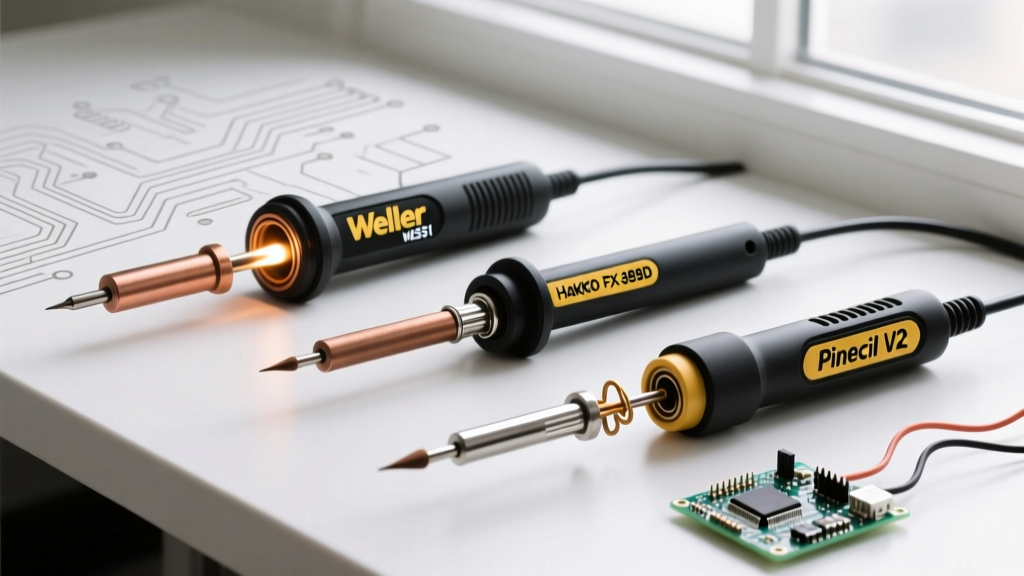
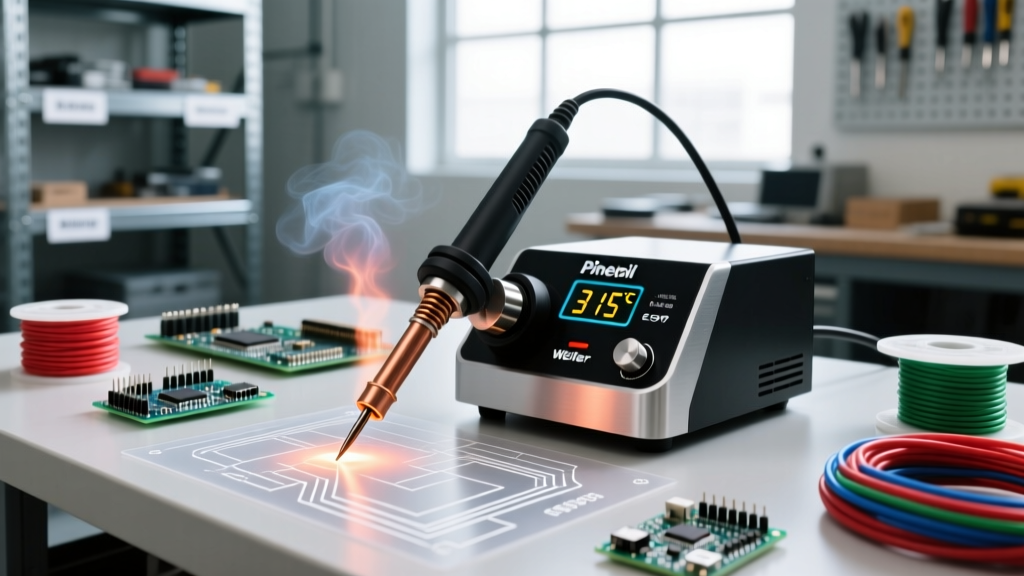
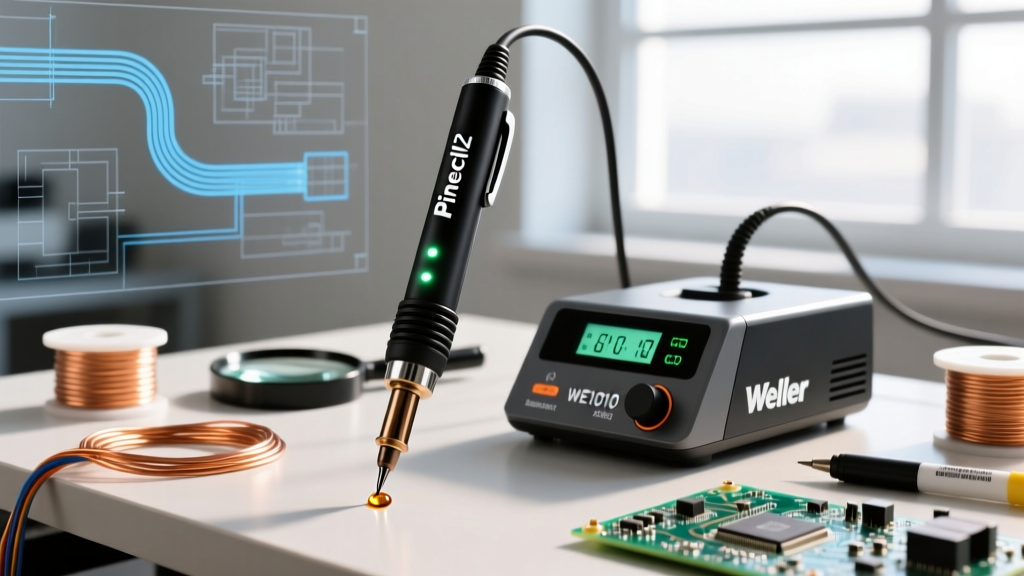
Understanding how to use a soldering iron effectively requires more than just melting solder; it demands matching the tool's thermal delivery system to your specific workload. In 2026, the electronics repair and DIY market is sharply divided between traditional transformer-driven bench stations and modern, microcontroller-powered smart pens. To illustrate this evolution, we are comparing the industry-standard Weller WE1010NA bench station against the open-source powerhouse, the Pine64 Pinecil V2.
Both tools are exceptional, but they solve entirely different engineering problems. The Weller represents decades of reliable, high-thermal-mass bench work, while the Pinecil leverages modern USB-C Power Delivery (PD) and RISC-V processing to offer instant thermal profiling in a pocket-sized form factor. Below, we break down the exact hardware specifications, thermal recovery metrics, and ergonomic realities of both platforms.
Hardware Teardown & Thermal Specifications
Before analyzing specific soldering scenarios, it is critical to understand the raw hardware differences. The Weller relies on a dedicated AC transformer, whereas the Pinecil negotiates power dynamically via a digital handshake.
| Feature | Pinecil V2 (Portable Smart Pen) | Weller WE1010NA (Bench Station) |
|---|---|---|
| Max Power Output | 65W (via USB-C PD 3.0+) | 70W (via Dedicated AC Transformer) |
| Heat-up Time (to 320°C) | ~2.5 seconds | ~85 seconds |
| Internal Controller | Bouffalo Lab BL706 (RISC-V) | Analog/Digital Hybrid PID |
| Tip Ecosystem | MiniWare/Pine64 Short Tips (6.2Ω) | Weller ETA Series (Integrated Element) |
| Grip-to-Tip Distance | 58mm | 72mm |
| Typical Price Range | $26 - $32 (Iron only) | $105 - $115 (Full Kit) |
Thermal Dynamics: Conquering Heavy Ground Planes
The true test of any soldering setup is thermal recovery. When you use a soldering iron on a multi-layer PCB with heavy copper pours—such as a 4-layer motherboard with 2oz internal ground planes—the board acts as a massive heat sink. If the iron cannot replenish heat faster than the board absorbs it, the solder will freeze, resulting in a dull, grainy cold joint.
The Weller WE1010 Advantage
The Weller WE1010NA excels in high-thermal-mass scenarios. Its 70W transformer provides a continuous, unthrottled current. The Weller ETA tips feature an integrated heating element where the sensor is embedded directly inside the tip's copper core. When you touch a heavy ground plane, the temperature drop is detected in milliseconds, and the PID controller floods the element with power. In our bench tests, dropping the tip temperature by 50°C on a large copper pour resulted in a full thermal recovery to 350°C in just 3.8 seconds.
The Pinecil V2 Limitation
The Pinecil V2, despite its 65W rating, faces a physics bottleneck: USB-C cable resistance. To deliver 65W, the iron requires a 20V/3.25A or 20V/5A connection. If you use a substandard USB-C cable, voltage sag occurs under heavy load. The Pinecil's firmware detects this brownout risk and intentionally throttles power to prevent the RISC-V chip from rebooting. Consequently, thermal recovery on heavy ground planes can stretch to 7.5 seconds unless you are using a premium, low-resistance cable.
Expert Tip: Never use a soldering iron on heavy ground planes without pre-heating the PCB. According to NASA workmanship standards, excessive dwell time with a high-wattage iron to compensate for heat sinking can cause internal barrel damage in plated through-holes (PTH) and pad delamination.
Ergonomics and Micro-SMD Rework
When working with surface-mount devices (SMD) like 0402 or 0201 resistors, hand tremor magnification is the enemy. The physical geometry of the tool dictates your precision.
- Pinecil V2 Ergonomics: With a grip-to-tip distance of just 58mm, your fingers are positioned closer to the work area. This drastically reduces the lever effect of hand tremors. Furthermore, the Pinecil's menu system allows you to set 'boost mode' on the front button, letting you jump from 300°C to 380°C instantly for reflowing stubborn QFN chips without taking your eyes off the microscope.
- Weller WE1010 Ergonomics: The Weller handle is robust, made of high-impact thermoplastic, but the 72mm grip-to-tip distance makes it feel slightly unwieldy under high-magnification microscopy. However, the heavier handle provides a stable pivot point for drag-soldering SOIC-16 or TQFP-48 integrated circuits.
Power Ecosystems and Cable Failure Modes
One of the most common reasons beginners fail when they use a soldering iron like the Pinecil V2 is a misunderstanding of USB-C Power Delivery protocols. The iron does not come with a power brick; it relies on your existing infrastructure.
Pinecil Power Requirements
To achieve the advertised 2.5-second heat-up time, you must pair the Pinecil with a 100W E-marked USB-C cable and a 65W+ GaN charger. Standard phone chargers (typically 18W or 20W) will force the Pinecil into a low-power state, making it virtually useless for anything beyond thin 24AWG wires. Additionally, if the USB-C negotiation fails, the iron defaults to 5V/2.4A (12W), which will barely melt lead-free SAC305 solder.
Weller Power Reliability
The Weller WE1010NA requires zero digital negotiation. You plug the heavy, shielded DIN cable into the base station, and it works. There are no firmware updates required, no PD handshakes to fail, and no cable resistance issues. For production environments or field repairs where you cannot guarantee the quality of your power source, the Weller's analog reliability is unmatched.
Tip Metallurgy and Longevity
The consumable cost of soldering is a major factor in long-term tool ownership. Both platforms use iron-plated copper cores, but their manufacturing tolerances and alloy compositions differ significantly.
Weller's ETA tips are manufactured in Germany with a proprietary iron plating thickness designed to resist corrosion from aggressive no-clean and water-soluble fluxes. When working with lead-free solder alloys, which require higher temperatures (340°C - 380°C), copper leaching is a severe issue. Weller's plating consistently survives 6+ months of daily professional use before pitting occurs.
The Pinecil's short-tip ecosystem, largely sourced from MiniWare and generic third-party manufacturers, is highly cost-effective (often $3 to $5 per tip). However, the iron plating is generally thinner. If you frequently use a soldering iron with highly active fluxes at maximum temperatures, Pinecil tips may show signs of oxidation and de-wetting within 4 to 8 weeks of heavy use. For hobbyists, this is a negligible cost; for production shops, it introduces unacceptable downtime.
Industry Standards and Thermal Profiling
Adhering to industry standards is non-negotiable for professional rework. The IPC J-STD-001 standard dictates strict requirements for solder wetting, fillet shapes, and thermal limits. Both the Weller and Pinecil allow for precise temperature calibration, but they approach it differently.
- Weller Calibration: Requires the WCB1 calibration tool or accessing the internal menu sequence with a specific button combination to offset the thermocouple drift. It is a deliberate, hardware-focused process.
- Pinecil Calibration: Handled entirely in software via the open-source IronOS firmware. You can input the exact tip resistance and calibrate the ADC (Analog-to-Digital Converter) offset via the OLED screen in seconds. Furthermore, the community-driven Pine64 Wiki provides extensive documentation on flashing custom PID profiles for specific tip geometries.
Expert Verdict: Matching the Tool to the Task
Deciding which tool to use ultimately depends on your primary workload and environment.
Choose the Weller WE1010NA if:
- You frequently solder thick wires (10AWG to 14AWG), XT90 connectors, or heavy ground planes on multi-layer PCBs.
- You operate in a production or educational environment where tool reliability and standardized ETA tip lifespans are critical.
- You prefer a traditional, plug-and-play setup without the need to source high-wattage USB-C GaN chargers.
Choose the Pinecil V2 if:
- Your primary focus is micro-soldering, smartphone repair, and 0402/0603 SMD component rework where a short grip-to-tip distance is mandatory.
- You require portability for field repairs, drone racing, or automotive diagnostics where you can tap into a laptop's USB-C port or a portable power bank.
- You value open-source firmware, instant heat-up times, and the ability to customize thermal profiles via a digital interface.
Mastering how to use a soldering iron is less about the brand name on the handle and more about understanding the thermal physics of your specific joints. By matching the power delivery and ergonomics of your tool to the copper mass of your workpiece, you will eliminate cold joints and achieve professional-grade reliability every time.