
The True Cost of Poor Tip Maintenance in 2026
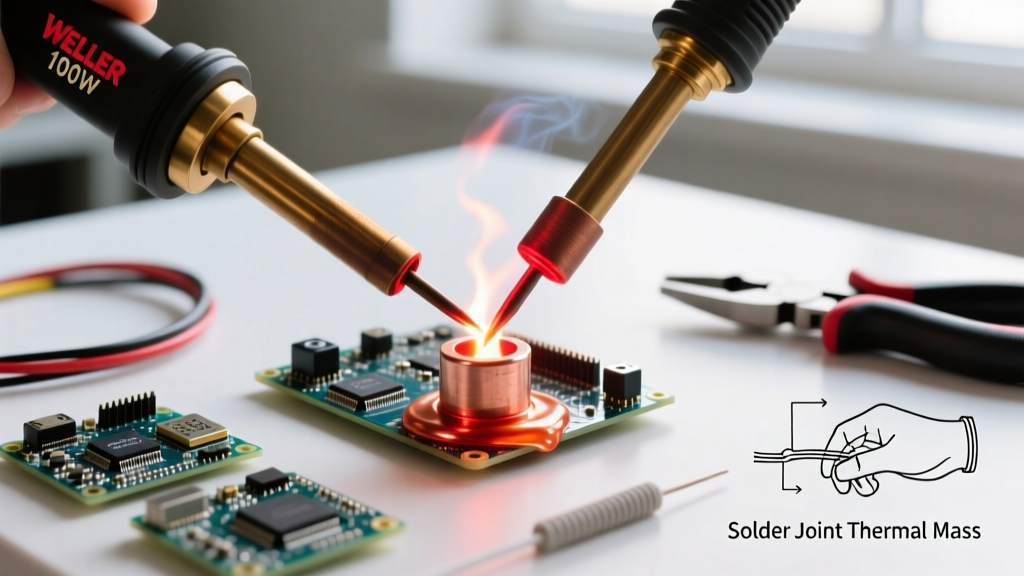
In any professional electronics lab or serious DIY workspace, soldering iron tips for electronics are the ultimate consumable workhorses. A genuine Hakko T18-B chisel tip costs around $9.50, while a specialized Weller RT4 micro-tip for 0402 SMD components can easily exceed $14.00. When you factor in the cost of lead-free SAC305 solder and premium flux, replacing tips weekly due to poor maintenance is a massive drain on your budget. More importantly, a degraded tip transfers heat inefficiently, leading to cold solder joints, lifted PCB pads, and damaged ICs.
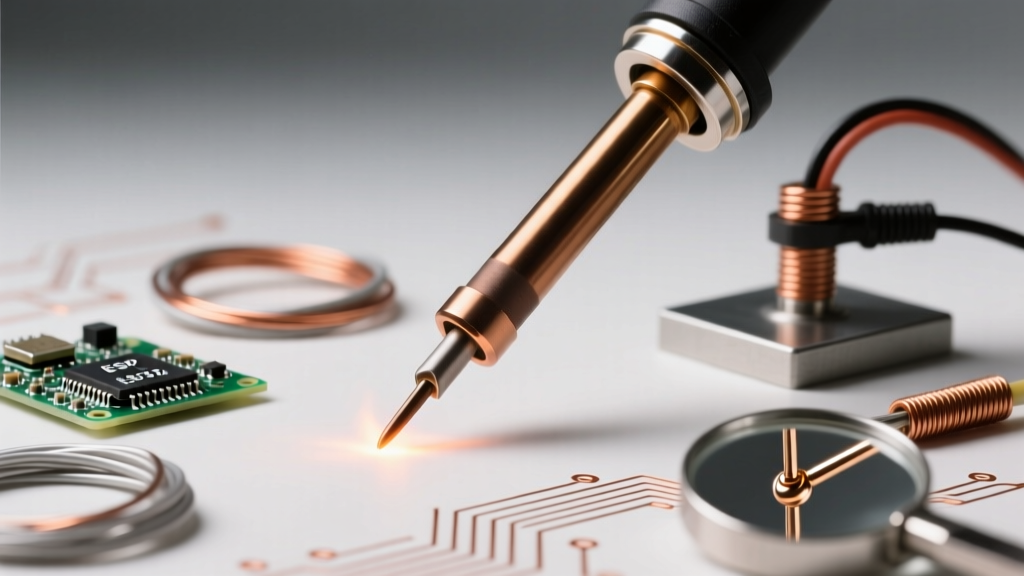
Troubleshooting soldering iron tips for electronics requires understanding the metallurgy of the tip itself. Modern tips are not solid copper; they consist of a copper core plated with a thin layer of iron (typically 0.8mm thick) to resist solder erosion, followed by a chromium layer on the shank to prevent solder creep. When this iron plating oxidizes or fractures, the tip is effectively dead. This guide provides a deep-dive diagnostic and maintenance protocol to rescue oxidized tips and troubleshoot underlying station failures.
Diagnostic Matrix: Identifying Tip Failure Modes
Before attempting any chemical or mechanical resurrection, you must accurately diagnose the failure mode. Use the following matrix to identify the root cause of your tip's poor performance.
| Symptom | Root Cause | Immediate Fix | Preventative Action |
|---|---|---|---|
| Solder balls up and rolls off the apex | Severe iron oxide layer blocking thermal transfer | Chemical tip tinner (e.g., Hakko 599B) | Always leave a thick solder blob on the tip before powering off |
| Tip turns black instantly after wiping | Temperature set too high; flux burning into carbon crust | Lower temp to 320°C; use RMA flux | Never exceed 380°C unless soldering heavy ground planes |
| Pitting or cratering on the working surface | Mechanical abrasion or galvanic corrosion from RA flux | Tip is permanently damaged; replace | Never use files, sandpaper, or steel wool on iron plating |
| Station reads error (H-E / S-E) or blinks | Thermocouple sensor failure or poor tip seating | Reseat tip; test heater element with multimeter | Ensure shank is fully inserted and set screw is snug |
The Metallurgy of Oxidation and Thermal Shock
Oxidation is the primary enemy of soldering iron tips for electronics. When the iron plating is exposed to oxygen at high temperatures, it forms iron oxide (Fe2O3), a compound that is highly resistant to thermal conductivity and completely rejects molten solder. According to metallurgical principles outlined by the IPC (Association Connecting Electronics Industries), oxidation rates double for every 10°C to 15°C increase in temperature above the solder's liquidus point.
If you are running a lead-free profile at 380°C and leave the iron idle in its holder for 15 minutes, the tip will oxidize rapidly. This is why modern stations like the Hakko FX-951 or JBC CD-2S feature aggressive auto-sleep functions that drop the tip temperature to 150°C when the handpiece is holstered.
The Cellulose Sponge vs. Brass Wool Debate
For decades, the damp cellulose sponge was the standard for tip cleaning. However, thermal shock is a silent killer. When a 350°C tip touches a room-temperature, water-logged sponge, the rapid temperature drop causes microscopic fractures in the iron plating. Over time, molten solder penetrates these micro-cracks, dissolving the underlying copper core and causing the tip to swell and seize inside the heater.
Expert Insight: Ditch the sponge for daily cleaning. Use a high-density brass wool tip cleaner (like the Hakko 599B or Edsyn BR1). Brass is softer than the iron plating, meaning it will scrape off oxidized solder and flux residue without scratching the tip. Furthermore, brass wool causes virtually zero thermal shock, preserving the structural integrity of the plating.
If you must use a cellulose sponge (e.g., for heavy flux residue), hydration is critical. The sponge should be damp, not dripping. Perform the 'squeeze test': squeeze the sponge over a sink; if water drips out, it is too wet and will cause thermal shock. Use distilled water to prevent mineral buildup from tap water baking onto the tip.
Step-by-Step Resurrection Protocol for Dead Tips
If your tip has turned completely black and refuses to accept solder, do not throw it away immediately. You can often reverse the oxidation using a chemical tip tinner/refresher. These compounds contain a mixture of mild acids, flux, and fine solder powder.
- Drop the Temperature: Turn your station down to 250°C. High heat will instantly burn off the activators in the tip tinner before they can work.
- Apply the Tinner: Dip the blackened tip directly into the tip tinner compound (e.g., Chemtronics Solder Wick Tip Tinner or generic rosin-based tinner) for 2 to 3 seconds. You will see it bubble and smoke as the acids dissolve the iron oxide.
- Wipe and Inspect: Wipe the tip vigorously in your brass wool cleaner. The tip should now show a dull, metallic silver finish.
- Immediate Re-tinning: The bare iron plating will re-oxidize in seconds. Instantly apply fresh 63/37 SnPb or SAC305 solder wire with a generous amount of rosin flux to coat the entire working surface.
- Repeat if Necessary: For severe oxidation, you may need to repeat the dip-and-wipe cycle 3 or 4 times before the iron plating is fully exposed and accepts a smooth solder coat.
Note: Always ensure adequate ventilation or use a fume extractor when using chemical tip tinners, as the activated fluxes release harsh fumes. Refer to OSHA guidelines on chemical handling for proper workspace ventilation standards.
Flux Residue and Halide Corrosion
Not all oxidation is caused by heat; some is caused by the flux itself. While No-Clean fluxes are standard in 2026 PCB assembly, they still contain halides and weak organic acids (WOAs) to break down surface oxides on the PCB pads. If you repeatedly dip your tip into No-Clean flux without wiping it, the halides can accumulate and cause galvanic corrosion on the iron plating.
Similarly, avoid using highly activated (RA) plumbing fluxes or acid-core solder on electronics workbenches. Cross-contamination from plumbing flux will eat through the iron plating of your electronics tips in a matter of hours. Dedicate specific, inexpensive tips for heavy-duty wire tinning and reserve your premium micro-tips strictly for rosin-based (RMA) or high-quality No-Clean electronics flux.
When the Tip Isn't the Culprit: Heater and Sensor Diagnostics
Sometimes, poor heat transfer or station errors are not the fault of the tip, but rather the heater core or thermocouple inside the handpiece. If you have re-tinned the tip and it still fails to melt solder, or if your digital station throws an error code, you must troubleshoot the hardware.
Multimeter Testing for Hakko and Weller Stations
Using a standard digital multimeter, you can verify the integrity of your handpiece. Always ensure the station is unplugged before performing resistance tests.
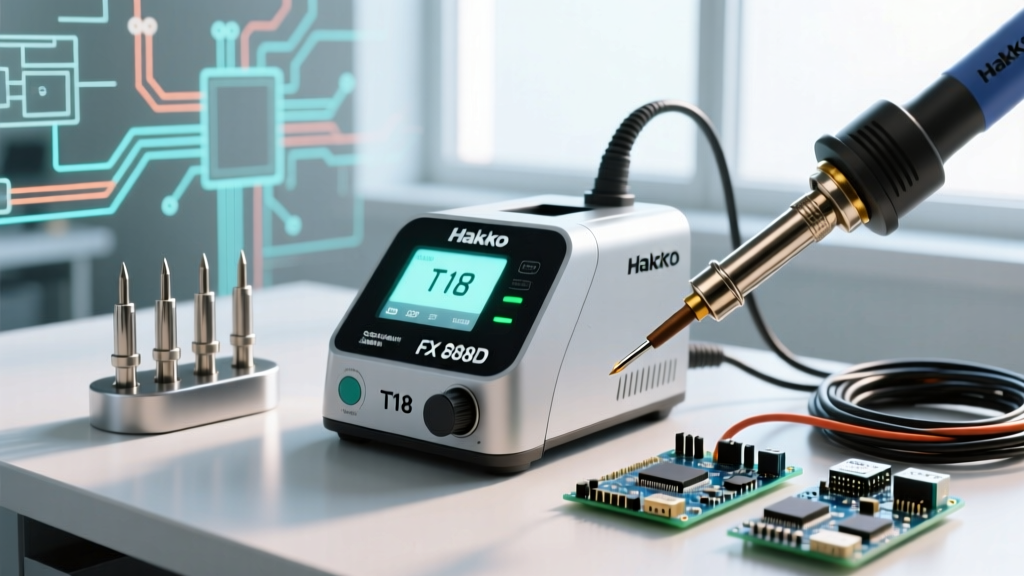
- Hakko FX-888D / T18 Series: The T18 tip slides over a ceramic heater element. If the station displays 'H-E' (Heater Error), unplug the handpiece and measure the resistance across the heater pins on the connector. A healthy ceramic heater should read between 2.0 and 3.5 ohms. If it reads infinite (open circuit), the ceramic heater is cracked and the handpiece must be replaced.
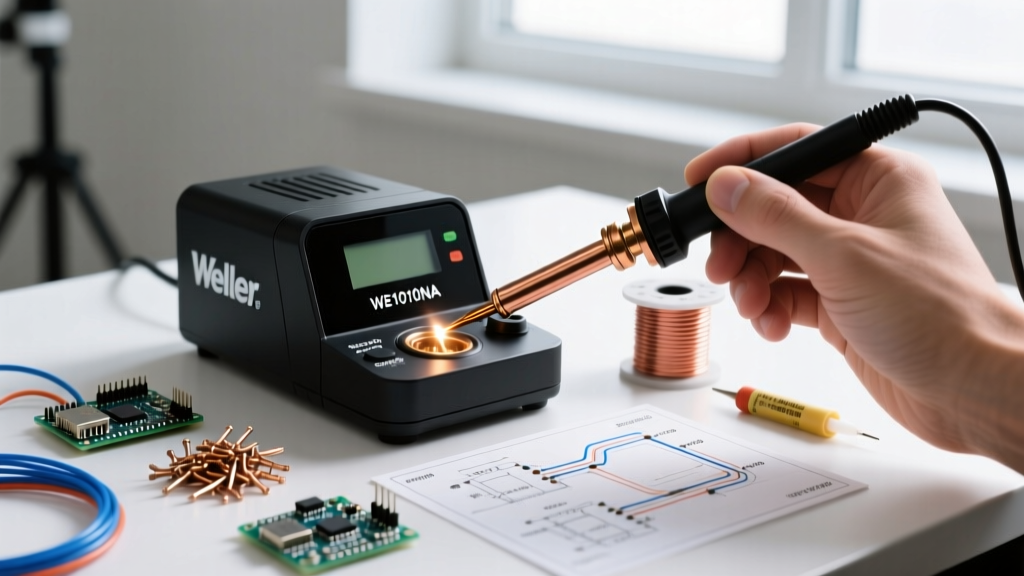
- Weller WE1010 / RT Series: The RT tips contain the heater and thermocouple internally. If the station blinks red, measure the resistance across the three pins on the handpiece connector. The heater pins should read roughly 1.5 to 2.5 ohms, and the sensor pins should read around 1 to 2 ohms. A short or open reading indicates a failed internal tip ribbon or a damaged handpiece receptacle.
Always consult Hakko Corporation's technical resources or Weller's official service manuals for the exact pinout diagrams and resistance specifications for your specific station model, as these values can vary slightly between production batches.
Best Practices for Long-Term Storage
The most critical moment for tip maintenance is when you turn the station off. As the tip cools from 350°C down to room temperature, it passes through the exact temperature range where oxidation accelerates rapidly. If the tip is bare, it will be black and unusable the next time you power on.
The Golden Rule of Storage: Never wipe the tip clean before turning off the station. Instead, melt a large, generous blob of cheap, rosin-core 60/40 or 63/37 leaded solder onto the tip, completely encasing the working surface. This sacrificial solder blob will oxidize instead of the iron plating. When you start your next session in 2026, simply wipe away the oxidized sacrificial blob in your brass wool, and you will be greeted by a perfectly tinned, pristine tip ready for precision electronics work.