
The Heart of Your Station: Understanding the Element for Soldering Iron Setups
When your trusted soldering station suddenly fails to heat up, the immediate reaction is often to replace the entire unit. However, in 90% of cases, the culprit is a degraded or burned-out heating element. Replacing the element for soldering iron assemblies is a fraction of the cost of buying a new station, provided you understand the thermal engineering and electrical compatibility required. As of 2026, the market is split between legacy nichrome wire cores and advanced Positive Temperature Coefficient (PTC) ceramic cartridges. Choosing the wrong replacement won't just fail to heat your tip—it can fry your station's logic board or cause dangerous thermal runaway.
This comprehensive guide breaks down the exact specifications, failure modes, and top replacement models on the market, ensuring your workstation meets the rigorous thermal profiles demanded by modern electronics manufacturing.
Ceramic vs. Nichrome: The Core Technology Debate
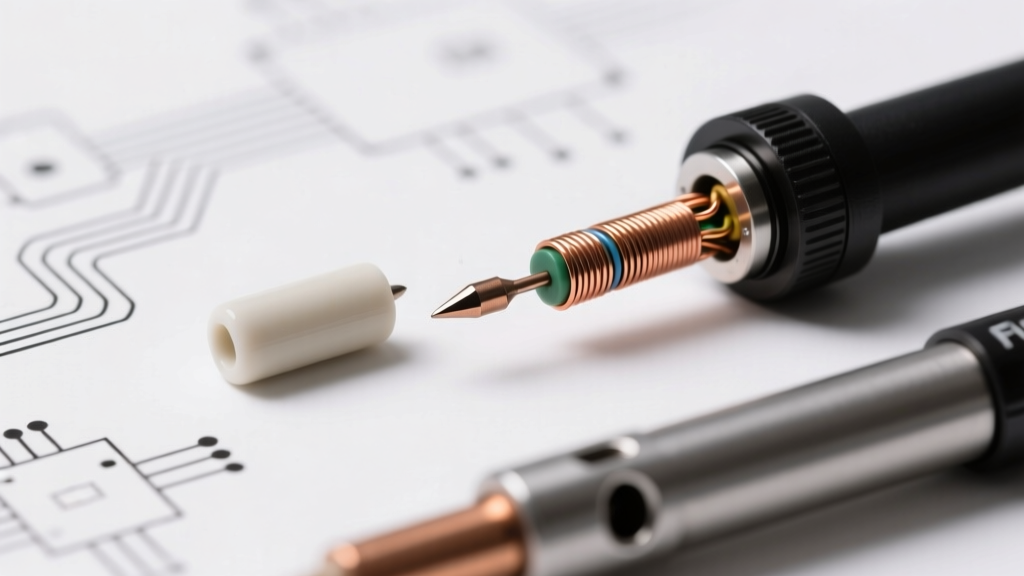
Before purchasing a replacement, you must identify the core technology of your current iron. The heating element dictates the thermal recovery rate, which is critical when soldering large ground planes or multi-layer PCBs.
| Feature | Nichrome Wire Element (Mica/Ceramic Core) | Ceramic PTC Element (Solid State) |
|---|---|---|
| Heat-Up Time | Slow (45 - 90 seconds) | Rapid (5 - 15 seconds) |
| Thermal Recovery | Moderate; prone to temperature droop | Excellent; near-instantaneous compensation |
| Sensor Integration | External thermocouple required | Embedded thermistor or acts as own sensor |
| Durability | High mechanical shock resistance | Brittle; cracks if dropped on hard surfaces |
| 2026 Avg. Cost | $12 - $25 | $18 - $65 |
According to the IPC J-STD-001 standard for soldered electrical assemblies, maintaining strict thermal excursion limits is vital to prevent pad lifting and component damage. Ceramic elements excel here by providing the tight temperature tolerances required for lead-free SAC305 solder alloys, which demand higher baseline temperatures (around 350°C/662°F) compared to legacy leaded solders.
Top Replacement Elements for Soldering Irons (2026 Market)
1. Hakko A1321 Ceramic Heater (The Industry Standard)
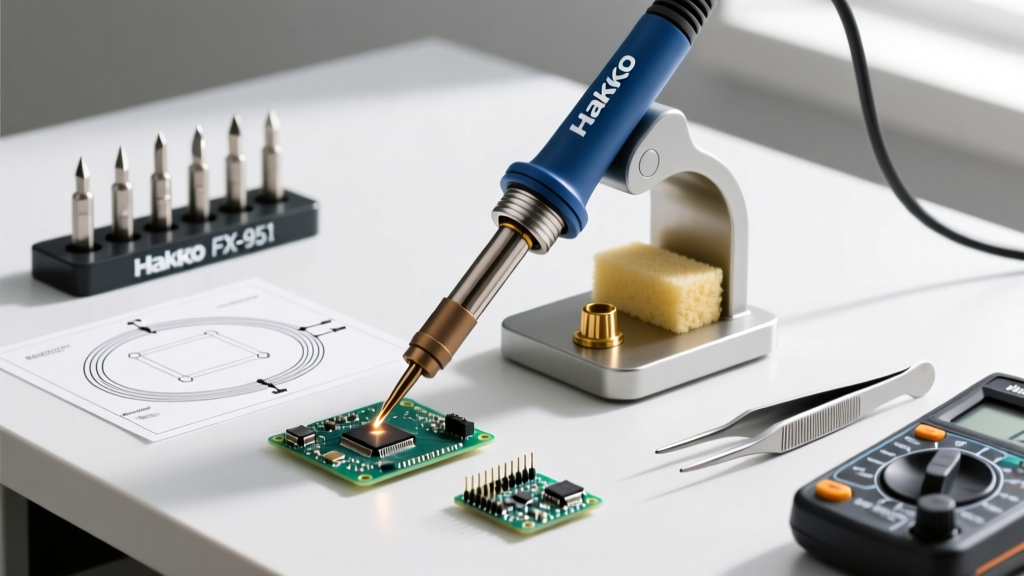
The Hakko A1321 is the undisputed king of replacement elements, designed for the ubiquitous FX-888D, FX-951, and countless high-quality clones. It features a 4-pin configuration with an embedded ceramic sensor.
- Part Number: Hakko A1321 (Genuine)
- Wattage: 65W (at 26V AC)
- Price Range: $16.99 - $22.00
- Best For: General through-hole and SMD soldering, DIY electronics, and repair shops.
Expert Warning: The market is flooded with counterfeit A1321 elements. Genuine Hakko elements feature a specific pinout (Pins 1 & 4 for the heater, Pins 2 & 3 for the sensor). Many cheap clones swap the sensor and heater pins, which will immediately short-circuit and destroy the TRIAC on your station's motherboard upon power-up.
2. Weller ETA / WSP80 Heating Element
For industrial environments and heavy-duty plumbing or thick-gauge wire tinning, Weller's proprietary elements offer unmatched thermal mass transfer. The WSP80 iron uses a specialized ceramic element paired with a high-sensitivity thermocouple.
- Part Number: Weller WSP80 Element Assembly
- Wattage: 80W
- Price Range: $45.00 - $58.00
- Best For: Automotive wiring, heavy ground planes, and continuous industrial use.
3. Pine64 Pinecil V2 PTC Cartridge
The smart iron revolution has shifted toward modular PTC cartridges. The Pinecil V2 uses a replaceable PTC heating element integrated directly into the tip shaft. If the element degrades, you swap the entire cartridge assembly.
- Part Number: Pine64 ST-V2 Cartridge
- Wattage: 65W (Peak via USB-C PD)
- Price Range: $24.99
- Best For: Field technicians, drone repair, and portable soldering setups.
Critical Diagnostics: Testing Your Element with a Multimeter
Before ordering a new element for your soldering iron, verify that the current one is actually dead. The NASA Electronic Parts and Packaging (NEPP) Program emphasizes rigorous component testing before replacement to avoid misdiagnosing faulty station logic boards.
Step-by-Step Multimeter Testing (4-Pin Ceramic Element)
- Disconnect Power: Unplug the station and detach the iron from the DIN or aviation connector.
- Set Multimeter: Turn your digital multimeter to the lowest Ohms (Ω) setting (usually 200Ω).
- Test the Heater Core: Place probes on Pins 1 and 4. A healthy Hakko A1321 will read between 2.5Ω and 3.5Ω. If it reads 'OL' (Open Line), the heater wire is snapped.
- Test the Sensor: Place probes on Pins 2 and 3. You should see a reading between 2.0Ω and 3.0Ω at room temperature.
- Check for Shorts: Test Pin 1 against Pin 2. The reading must be 'OL'. Any continuity between the heater and sensor pins indicates an internal short, requiring immediate replacement.
Pro-Tip: If your iron heats up but the temperature display on the station flashes an error code (like 'H-E' or 'S-E' on Hakko models), the heater is fine, but the sensor circuit is broken or the wiring harness has a micro-fracture near the handle strain relief.
Wiring Configurations: 4-Wire vs. 5-Wire Systems
One of the most common mistakes when sourcing an element for soldering iron setups is ignoring the wiring harness configuration. Physical fit does not guarantee electrical compatibility.
- 4-Wire Systems (e.g., Hakko 936/FX-888): Uses two wires for the AC heater and two wires for the low-voltage thermistor/thermocouple sensor. The station's microcontroller reads the sensor resistance to regulate power via a TRIAC.
- 5-Wire Systems (e.g., Weller WES51, older Ersa): Uses two wires for the heater and three wires for the sensor. The third wire often acts as a dedicated ground shield or a secondary calibration loop to prevent electromagnetic interference (EMI) from the AC heater wire from skewing the delicate millivolt sensor readings.
Attempting to wire a 5-pin element into a 4-pin station using an adapter will result in erratic temperature control, as the station lacks the reference ground required to read the sensor accurately.
Common Failure Modes and Prevention
Understanding why elements fail helps you extend the life of your next replacement. According to Hakko Technical Support bulletins, the majority of element failures are user-induced rather than natural end-of-life degradation.
1. Thermal Runaway (Sensor Decoupling)
If the iron is dropped, the ceramic sensor can detach from the internal thermal transfer plate. The station reads 'cold' and pumps maximum voltage into the heater. The element glows red hot, melting the plastic handle and oxidizing the tip to a useless black crust within minutes. Prevention: Never tap the iron hard against a workbench to remove excess solder.
2. Mica Degradation (Nichrome Elements)
In older or budget nichrome elements, the mica insulating sheets dry out and crumble after years of thermal cycling. This causes the nichrome wire to touch the outer metal sheath, resulting in a short circuit that trips your workshop's GFCI breaker. Prevention: Upgrade to a ceramic PTC element if your station's wiring supports it.
3. Tip Seizure and Thermal Starvation
If a tip is not cleaned or tinned, it seizes to the element's outer aluminum sleeve. When you forcefully yank the tip off, you bend the delicate ceramic core inside the sleeve, causing microscopic fractures that fail weeks later. Prevention: Always apply fresh solder to the tip before powering down, and use a brass wire sponge for cleaning.
Frequently Asked Questions (FAQ)
Can I use a 60W element in a 50W soldering station?
No. Soldering stations use specific AC step-down transformers. A 60W element requires lower resistance to draw more current. If you install it in a 50W station, the transformer will overheat, and the station's internal thermal fuse will likely blow, permanently bricking the power supply.
Why does my new element smell like burning plastic?
A slight 'burning' odor for the first 5 to 10 minutes of use is normal. Manufacturers apply a protective anti-corrosion coating to the aluminum sleeve and ceramic joints. Ensure your workspace is ventilated. If the smell persists beyond 15 minutes, power down immediately—you may have a counterfeit element with substandard internal insulation.
Is it worth replacing the element in a $30 budget soldering kit?
Generally, no. Budget kits (often unbranded 60W adjustable irons) use proprietary, non-standard glued-in elements. By the time you factor in the cost of the replacement part ($12-$15) and the labor to desolder the internal connections, you are better off investing in a modular station like the Pinecil or a base-model Hakko where elements are designed for 10-second field swaps.