
The Reality of Discount Soldering Gear in 2026
Walking into a Harbor Freight store to grab a quick tool is a rite of passage for DIYers and hobbyists. But when it comes to precision electronics, the stakes are significantly higher. Buying a soldering iron at Harbor Freight is a calculated trade-off: you gain immediate availability and rock-bottom pricing, but you sacrifice the thermal stability, ESD (Electrostatic Discharge) safety, and tip longevity of premium brands like Hakko, Weller, or JBC. In 2026, the budget tool market has evolved, and while discount irons are no longer the outright fire hazards they were a decade ago, they still require a heavy dose of expert intervention to produce reliable, IPC-compliant solder joints.
According to the IPC standards for electronic assemblies, proper thermal profiling and wetting are critical for joint reliability. Budget irons often struggle with thermal recovery, leading to cold joints or damaged PCB pads. However, with the right modifications, tip selections, and technique adjustments, you can squeeze remarkable performance out of these budget tools. This guide breaks down exactly what is on the shelves, the hidden flaws of discount irons, and the expert hacks required to make them viable for your workbench.
Product Matrix: What is Actually on the Shelves?
Harbor Freight typically cycles through a few core brand names for their soldering equipment, primarily Pittsburgh and Chicago Electric. Below is a 2026 snapshot of the most common models you will encounter, their real-world applications, and their inherent limitations.
| Model / Brand | Type | Avg. Price (2026) | Best Use Case | Fatal Flaw |
|---|---|---|---|---|
| Pittsburgh 60W Stick Iron | Unregulated | $12.99 | Heavy gauge wire, basic plumbing, RC hobbies | Thermal runaway; destroys sensitive PCBs |
| Pittsburgh Digital Station | Regulated Ceramic | $39.99 | Through-hole components, basic prototyping | Poor tip-to-heater thermal coupling |
| Chicago Electric 100W Gun | Transformer Gun | $24.99 | Automotive wiring, large terminal lugs | Massive magnetic field; useless for PCBs |
Deep Dive: The Pittsburgh 60W Stick Iron
The basic 60W stick iron is the most common impulse buy. It features a simple nichrome heating element wrapped around a hollow steel tube, into which a solid copper or iron-plated tip is inserted. Because it lacks a closed-loop temperature sensor (like a thermocouple or thermistor), it is entirely unregulated.
The Thermal Runaway Problem
When plugged in, the 60W iron will continuously draw power. If left in its stand for more than five minutes, the tip temperature can easily exceed 450°C (842°F). At this temperature, the rosin core in your solder instantly carbonizes, the iron plating on the tip oxidizes and pits, and any attempt to solder a delicate PCB trace will result in immediate pad delamination. Expert technicians who use unregulated irons practice 'intermittent plugging'—unplugging the iron between joints to prevent thermal saturation. While effective, this is an annoying workflow that severely limits your efficiency.
Deep Dive: The Pittsburgh Digital Soldering Station
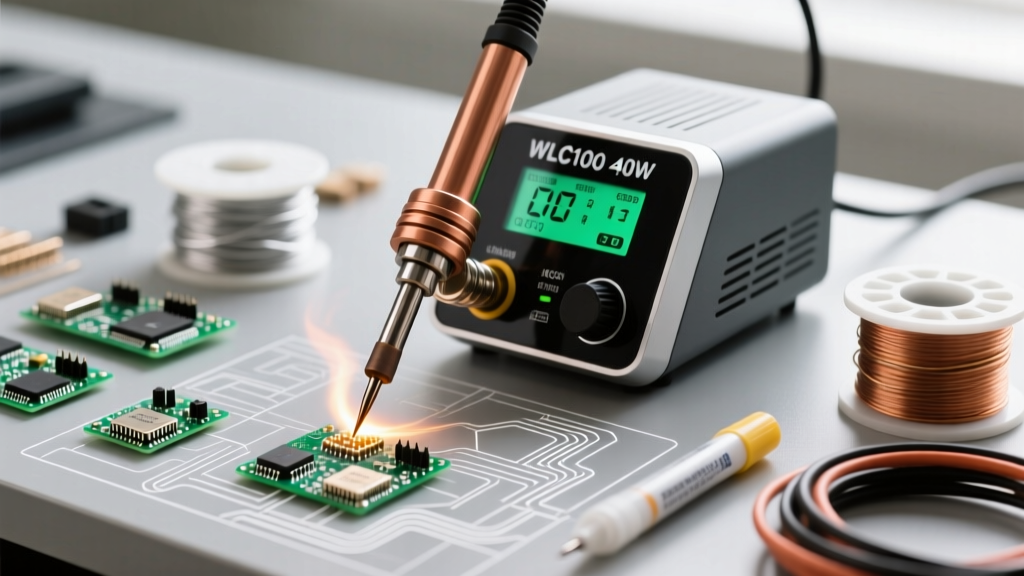
Stepping up to the $40 digital station provides a massive leap in functionality. These stations typically use a ceramic heating element with an integrated thermistor, allowing you to set a specific temperature (usually between 200°C and 480°C) via a digital dial. On paper, this mimics the functionality of a $100+ Hakko FX-888D. In practice, the execution reveals its budget origins.
The ESD Grounding Illusion
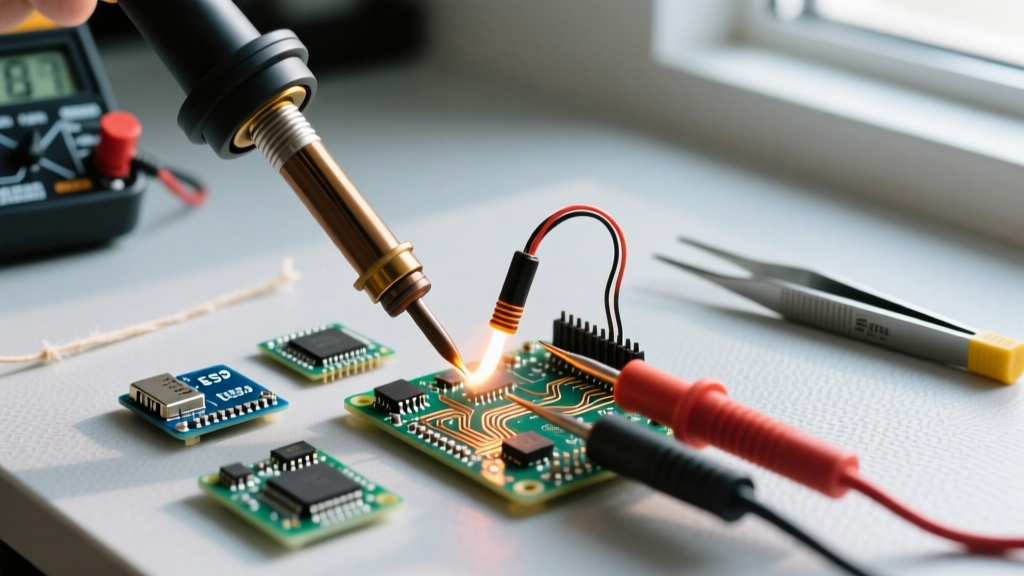
Many budget digital stations claim to be 'ESD Safe' and feature a three-prong grounded plug. However, teardowns of these units frequently reveal that the ground wire from the plug is either completely disconnected internally or fails to make proper continuity with the metal shaft of the handpiece. If you are working with bare MOSFETs, CMOS logic chips, or expensive microcontrollers, a static discharge from an ungrounded tip can instantly destroy the silicon. Expert Tip: Before using any budget station on sensitive silicon, use a digital multimeter to test for continuity between the soldering tip and the ground pin on the wall plug. If there is no continuity, do not use it for ESD-sensitive work.
Expert Hacks to Salvage and Upgrade Budget Irons
If you have already purchased a soldering iron at Harbor Freight, or if your budget strictly limits you to their inventory, you can employ several professional workarounds to drastically improve performance. As highlighted in the comprehensive Adafruit Guide to Excellent Soldering, technique and tip maintenance often matter more than the raw cost of the tool.
- The Inline Dimmer Hack: For the unregulated 60W stick iron, purchase a cheap AC motor speed controller or a heavy-duty light dimmer (rated for at least 300W to handle the inductive spike). Plug the iron into the controller. This allows you to manually dial back the voltage, effectively creating a manual temperature control system. Set it to roughly 60% power for standard 63/37 leaded solder work.
- Tip Swapping (The Hakko 900M Ecosystem): The tips included in the box with Harbor Freight stations are often made of low-grade copper with microscopic iron plating that degrades within hours. Fortunately, most Pittsburgh digital stations use the ubiquitous Hakko 900M series tip form factor. Throw away the included conical tip and purchase high-quality third-party or genuine Hakko chisel tips (like the 900M-T-D24). The increased thermal mass and superior metallurgy will transform the station's thermal recovery.
- Aggressive Flux Supplementation: Budget irons often struggle to transfer heat quickly enough to maintain a clean wetting action. To compensate, stop relying solely on the rosin core inside your solder wire. Apply a generous amount of external, high-quality no-clean or water-soluble tack flux (such as Amtech or MG Chemicals) to the joint before applying the iron. The flux will lower the surface tension and strip oxidation, allowing the lower-thermal-mass budget iron to form a proper fillet before the PCB pad lifts.
The Metallurgy of Cheap Tips: Why They Fail
To understand why a discount iron behaves poorly, you must understand tip metallurgy. A high-quality soldering tip is a solid copper core (for rapid heat transfer) electroplated with a thick layer of iron (to resist solder erosion), and finally flash-plated with chromium to prevent solder from sticking to the sides.
Harbor Freight tips often skimp on the iron plating thickness. When exposed to the high heat of an unregulated stick iron, the thin iron layer oxidizes and flakes off, exposing the raw copper underneath. Once the copper is exposed, the molten solder literally dissolves the copper tip, creating deep craters and pitting. Once a tip is pitted, it loses its ability to transfer heat efficiently, creating a frustrating cycle of poor joints and tip replacements. Always keep your budget tips heavily tinned with a sacrificial layer of solder when not in active use, and never use abrasive sandpaper or steel wool to clean them, as this will strip the iron plating instantly.
When to Walk Away and Buy Name Brands
While the hacks above can make a Harbor Freight iron usable for through-hole prototyping, automotive wiring, and heavy-gauge connections, there are scenarios where you must abandon budget tools. If your 2026 workflow involves:
- SMD (Surface Mount Device) Rework: Drag-soldering 0.5mm pitch QFP chips or soldering 0402 resistors requires instantaneous thermal recovery and micro-knife tips that budget stations simply cannot support.
- Multilayer PCBs with Heavy Ground Planes: Soldering a component leg to a massive copper ground pour requires an iron that can dump 80+ watts of heat instantly without dropping in temperature. A 40W budget station will stall, resulting in a cold, grainy solder joint.
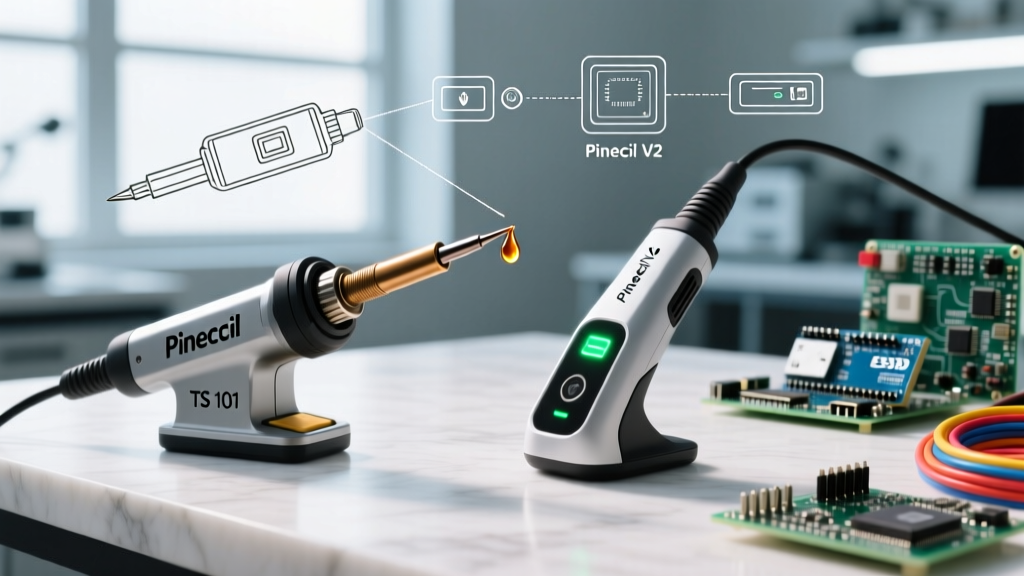
For these tasks, you must graduate to active-tip stations like the Pinecil V2 (which uses PD power delivery for incredible tip control), the Hakko FX-951, or the Weller WE1010. For a deeper dive into proper through-hole and advanced techniques, the SparkFun Soldering Tutorial remains an essential reference for understanding how thermal mass affects joint formation.
Safety Warning: Never use a cheap, ungrounded soldering iron for plumbing or near water sources. The lack of a true earth ground means that if the internal mica insulation fails, the metal shaft of the iron can become energized with 120V AC, posing a lethal shock hazard.
Frequently Asked Questions
Can I use the solder wire that comes in the Harbor Freight kit?
No. The included solder is often a low-grade, high-impurity alloy with an acidic or highly spattering rosin core. It requires excessive heat to melt and leaves corrosive residue. Discard it and purchase a high-quality eutectic Sn63/Pb37 (Tin/Lead) or a reliable lead-free SAC305 alloy from a reputable electronics supplier.
Why does my Pittsburgh digital station beep and show an error code?
Budget stations frequently suffer from thermistor wire fatigue. The thin wires connecting the ceramic heater's temperature sensor to the base station often break internally near the handpiece strain relief. When the station loses the thermistor signal, it triggers an overheat protection error and shuts down. You will likely need to open the handpiece and solder a new high-temp silicone wire to the heating element.
Is a soldering iron at Harbor Freight good for beginners?
It is acceptable for absolute beginners who are only practicing on scrap wire or basic through-hole kits and are unsure if they will stick with the hobby. However, the frustration of oxidized tips and cold joints often discourages newcomers. If your budget allows, spending an extra $20 on a Pinecil or a genuine entry-level Hakko will provide a vastly superior learning experience.