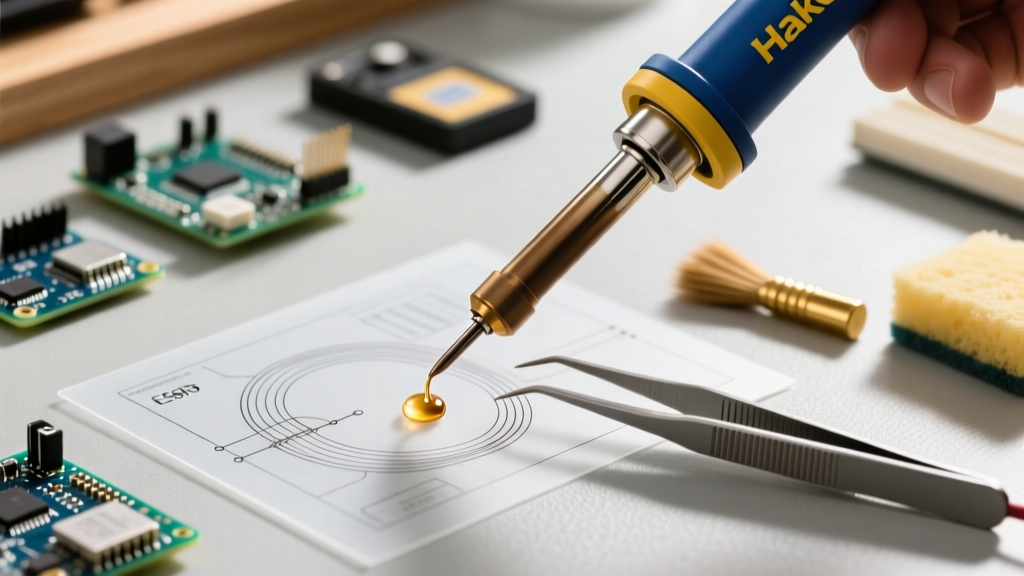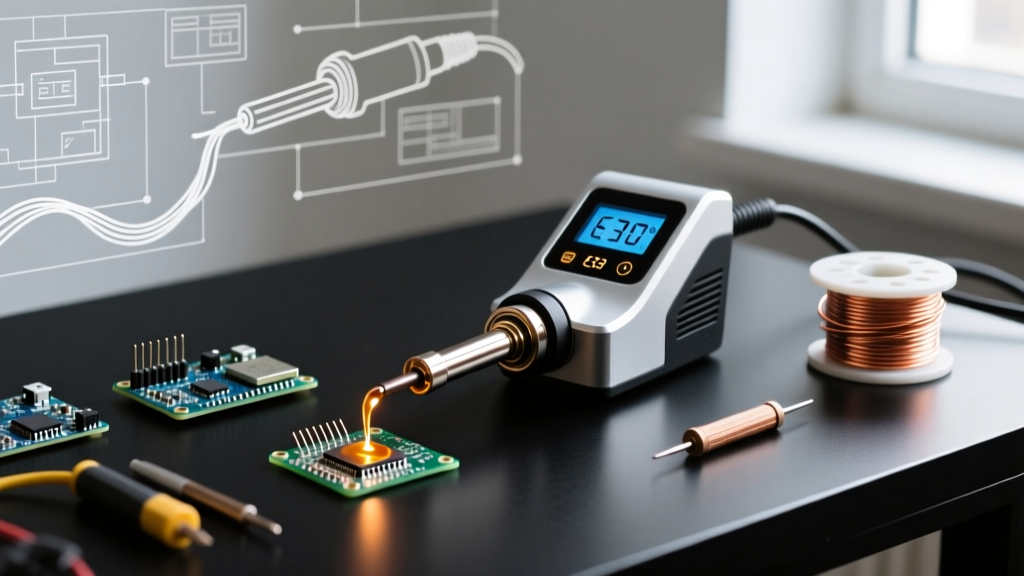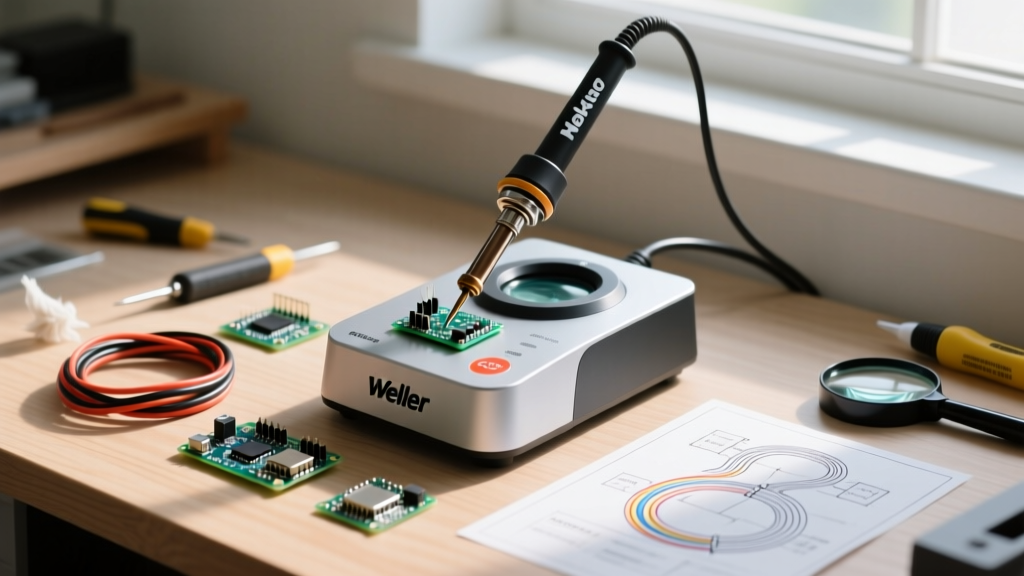

The Wall-Wart vs. The Soldering Station Machine
If you have ever tried to solder a delicate 0805 surface-mount resistor or a through-hole capacitor using a cheap $15 plug-in 'wall-wart' iron, you already know the frustration. The iron takes three minutes to heat up, instantly drops in temperature the second it touches a ground plane, and leaves behind a dull, cold solder joint. For beginners stepping into serious electronics repair, PCB assembly, or DIY microcontroller projects, upgrading to a dedicated soldering station machine is the single most impactful investment you can make.
Unlike basic irons that run on unregulated mains voltage, a modern station separates the power supply, control logic, and the handpiece. This architecture allows for precise thermal management, interchangeable tips, and critical safety features like ESD (Electrostatic Discharge) grounding. In this 2026 beginner's guide, we will break down the exact specifications you need to look for, compare the top entry-level models on the market, and teach you how to avoid the most common pitfalls that destroy expensive soldering tips.
Core Architecture: What Makes a Station Different?
When evaluating a soldering station machine, you are essentially looking at three distinct subsystems: the power delivery network, the temperature controller, and the physical interface. Understanding these will help you separate marketing fluff from actual engineering quality.
PID Temperature Control and Thermal Recovery
High-quality stations utilize a PID (Proportional-Integral-Derivative) controller. Instead of simply turning the heating element fully on and fully off (which causes massive temperature swings), a PID algorithm pulses the power to maintain the tip temperature within ±2°C of your target. When you touch a cold copper pad on a PCB, the thermistor inside the tip detects the microsecond temperature drop, and the station instantly dumps wattage into the heater to recover. This 'thermal recovery' is why a 70W station can solder a heavy ground plane faster than a 100W unregulated iron.
ESD (Electrostatic Discharge) Grounding
Modern microcontrollers, MOSFETs, and RF modules are highly sensitive to static electricity. A proper soldering station machine features a grounded tip. The metal shaft of the handpiece is electrically tied to the earth ground pin on the station's power cord. This ensures that any static charge on your body or the component is safely bled off, preventing catastrophic latent failures in your circuits. Always verify that a station is labeled 'ESD Safe' before purchasing.
2026 Beginner Station Comparison Matrix
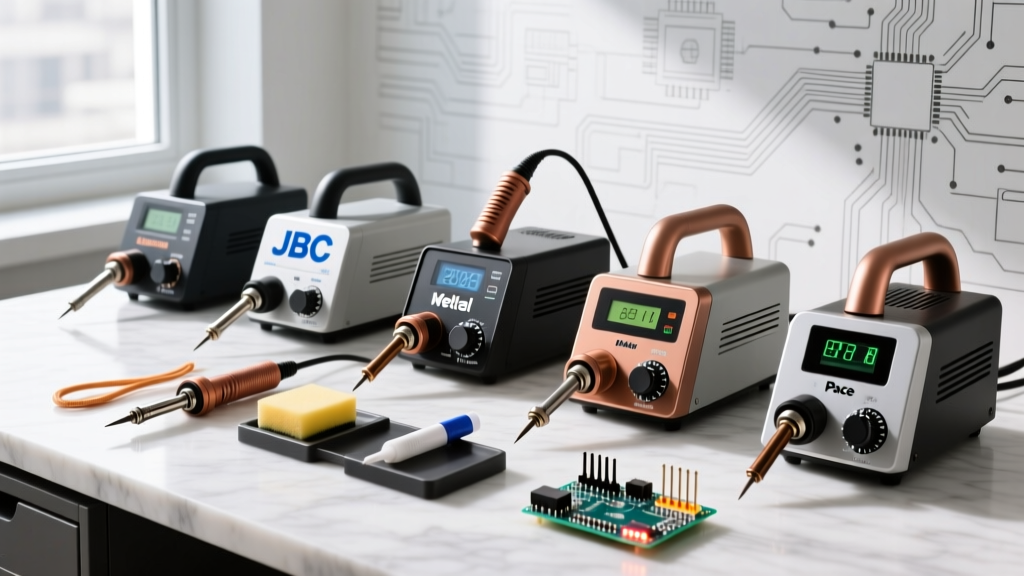
The market has bifurcated into two distinct camps: traditional transformer-based bench stations and modern USB-C PD (Power Delivery) smart irons. Here is how the top three beginner-friendly options stack up this year.
| Model | Power / Heating | Temp Range | Price (Approx.) | Best For |
|---|---|---|---|---|
| Pinecil V2 | 65W (via USB-C PD 3.0) | 50°C - 450°C | $26 - $35 | Makers, portability, smart features |
| Hakko FX-888D | 70W (Internal Transformer) | 120°C - 480°C | $115 - $130 | Traditional bench work, extreme durability |
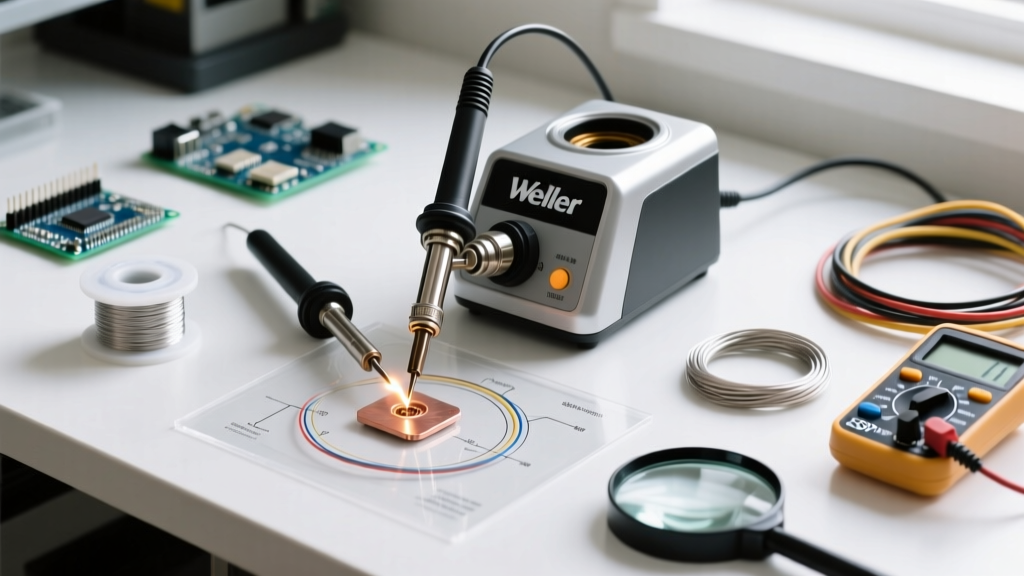
| Weller WE1010NA | 70W (Internal Transformer) | 200°C - 450°C | $110 - $125 | Intuitive UI, professional bench environments |
Deep Dive: The Contenders
- Pinecil V2: Powered by a RISC-V BL706 chip, this open-source marvel runs on IronOS. It boots in two seconds, supports Bluetooth app configuration, and can be powered by any 65W USB-C laptop charger or a LiPo battery in the field. The trade-off? It requires you to supply your own power brick, and the lightweight handpiece can feel less substantial than a traditional grounded wand.
- Hakko FX-888D: The undisputed workhorse of the industry. It uses the ubiquitous T18 tip series. While the single-button digital interface is notoriously clunky to program, the station's thermal mass and reliability are unmatched. It will easily survive a decade of daily abuse in a repair shop.
- Weller WE1010NA: Weller's answer to the Hakko. It features a much more user-friendly LCD screen and push-button navigation. The ET-series tips offer excellent thermal transfer, and the handpiece features a comfortable, heat-resistant silicone grip.
The Counterfeit Trap and Tip Oxidation
As a beginner, you must be aware of the counterfeit market. Because the Hakko FX-888D is so popular, the market is flooded with $45 knockoffs. These fake stations lack proper ESD grounding, use inferior thermistors that read temperatures inaccurately, and most dangerously, can catch fire due to missing thermal fuses. Always purchase your soldering station machine from authorized distributors like Mouser Electronics or direct from the manufacturer.
The Silent Killer: Tip Oxidation
Soldering tips are not solid metal; they are a copper core plated with iron (to resist solder dissolution) and then chrome-plated at the back. If you leave your station idle at 400°C, the iron plating reacts with oxygen in the air, forming a black, crusty oxide layer. Solder will not stick to this layer, rendering the tip useless. According to IPC soldering standards and industry best practices, you should never leave a station at maximum temperature when not in use. Drop the temperature to 150°C if you are stepping away for more than five minutes, or use the auto-sleep feature found on smart irons like the Pinecil.
Step-by-Step: Configuring Your Machine for 63/37 Sn/Pb Solder
For beginners, we highly recommend starting with 63/37 Tin/Lead (Sn/Pb) rosin-core solder. It is a eutectic alloy, meaning it melts and freezes at a single, exact temperature (183°C) without a 'pasty' phase, resulting in shiny, reliable joints. Here is how to set up your station for success:
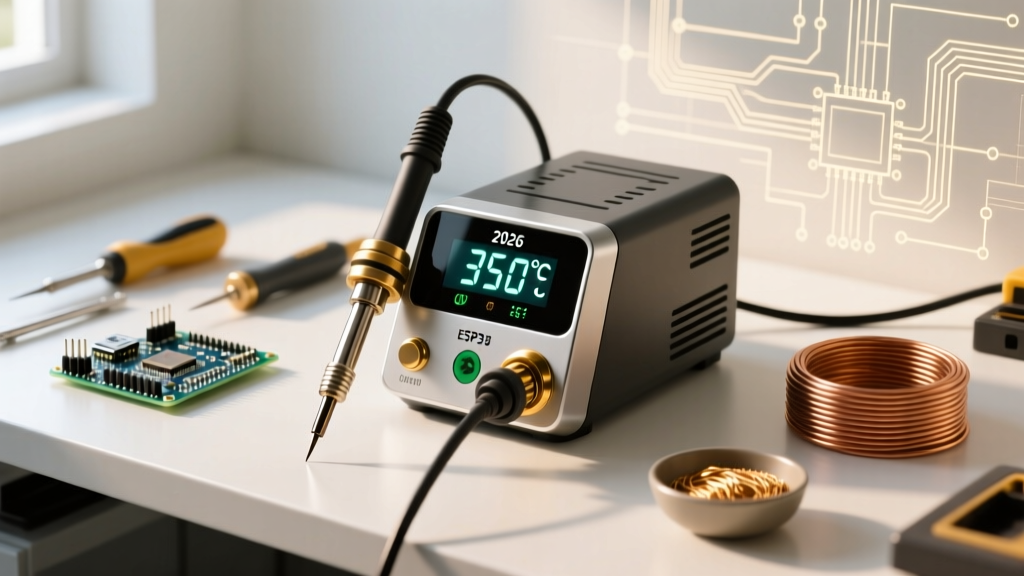
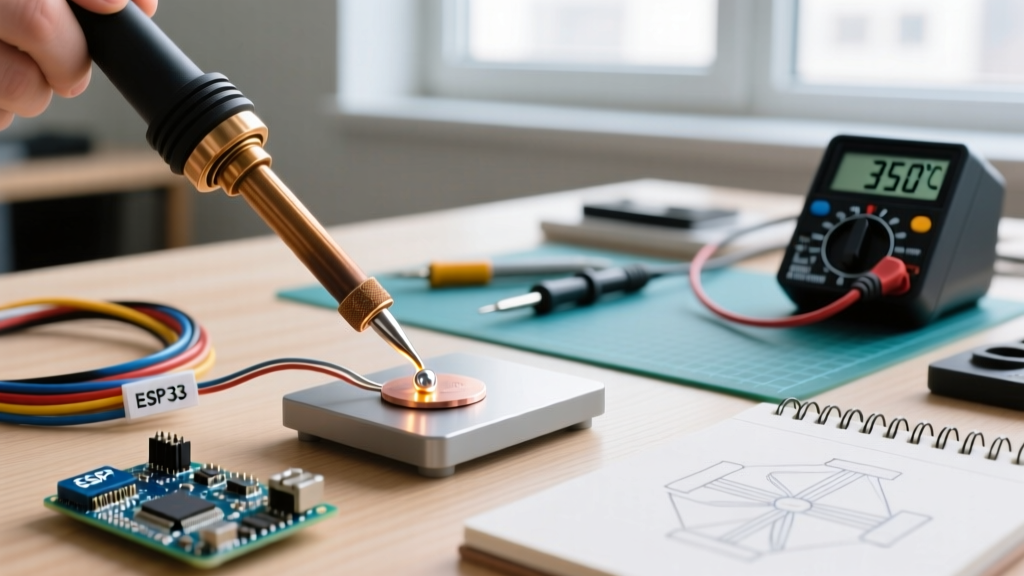
- Set the Temperature: Dial your soldering station machine to 320°C (608°F). This provides enough thermal overhead to melt the solder and activate the flux without burning the rosin instantly.
- Select the Right Tip: Discard the narrow conical (pencil) tip that came with your station. Conical tips have terrible thermal transfer because only the microscopic point touches the pad. Switch to a 1.2mm to 2.4mm Chisel tip (e.g., Hakko T18-D12 or Weller ET-A). The flat surface area maximizes heat conduction.
- Prep the Cleaning Station: Use brass wire wool, not a wet cellulose sponge. As noted in Adafruit's Guide to Excellent Soldering, wiping a 350°C tip on a wet sponge causes rapid thermal shock, leading to micro-fractures in the iron plating and premature tip death.
- The 'Keep it Tinned' Rule: Before placing the iron back in its holder, always melt a small blob of fresh solder onto the tip. This sacrificial layer of solder oxidizes instead of the tip's iron plating. Wipe it off on the brass wool the moment you pick the iron back up to work.
Frequently Asked Questions
Do I need a station with a digital display?
Not strictly. Analog stations with a dial (like the classic Hakko 936) use a potentiometer and a triac to regulate power. While they lack exact temperature readouts, they are incredibly robust. However, digital stations allow you to replicate exact temperature profiles for different solder alloys, which is highly recommended as you transition to lead-free solders later on.
Can I use a soldering station machine for plumbing?
No. Electronics soldering stations are designed for precision work up to 70 watts. Plumbing requires joining thick copper pipes with high-thermal-mass fittings, which demands a 100W+ butane torch or a specialized heavy-duty plumbing iron. Using an electronics station on copper pipes will instantly drain the heat from the tip, fail to melt the solder, and potentially burn out the station's heating element.
What is the best flux to use with my station?
Your solder wire already contains a rosin core, but for drag-soldering SMD chips or reworking joints, you need external flux. Look for a 'No-Clean' or 'Rosin Mildly Activated' (RMA) flux in a syringe or tacky pen format. Avoid highly corrosive 'acid flux' sold in the plumbing aisle at all costs; it will destroy your PCB traces and cause short circuits over time.