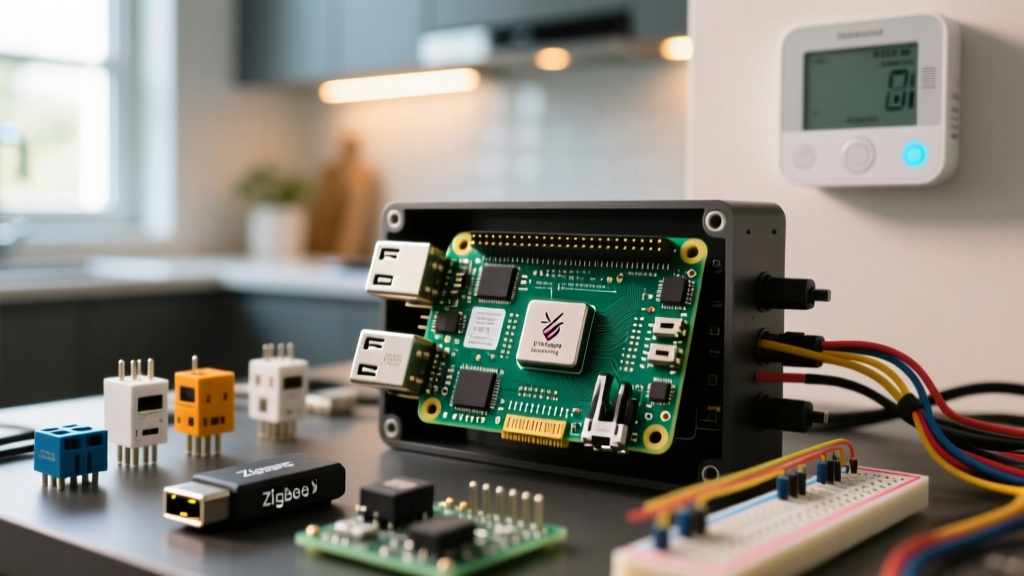
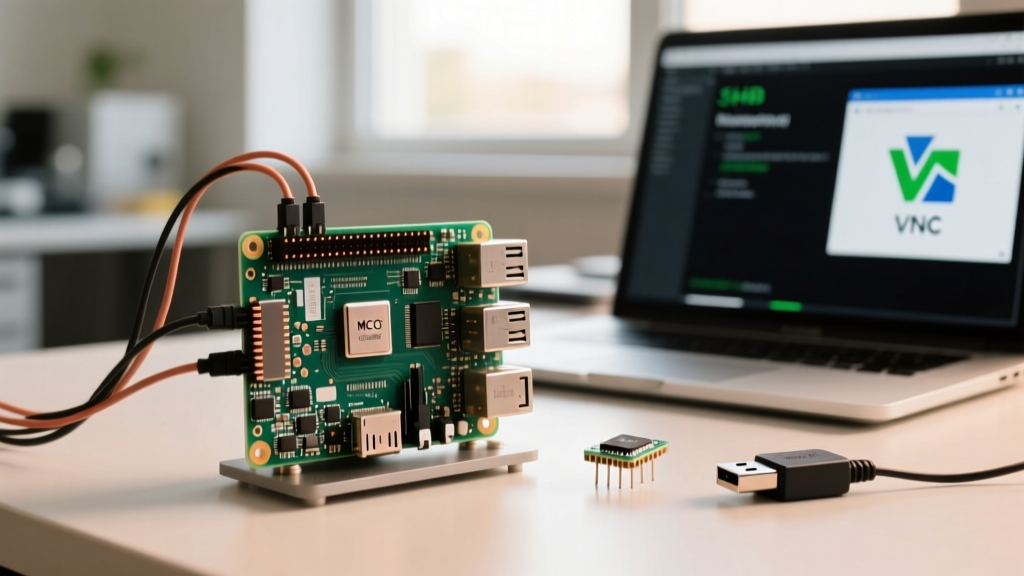
Using a raspberry pi as streaming box is a staple embedded project, but most guides stop at flashing an SD card and plugging in an HDMI cable. If you are building a custom media center that integrates physical hardware buttons, custom IR overlays, or automated daemon scripts, you need to understand the underlying hardware decode blocks, GPIO pin factories, and JSON-RPC API endpoints. This guide cuts through the generic advice to give you exact board selections, a complete Python control daemon, and the specific error strings you will encounter when the hardware and software collide.
The Direct Answer: Which Board and OS to Choose
If you want a pure, appliance-like media center with zero custom coding, buy a Raspberry Pi 4 Model B (4GB) and flash LibreELEC. However, if you are building an embedded project that requires custom Python scripts, GPIO hardware integration (like a physical volume knob or custom IR receiver), and background daemon control, your concrete pick is the Raspberry Pi 4 Model B (4GB) running Raspberry Pi OS (64-bit, Bookworm) with Kodi installed via apt.
Decision Tree: Hardware & OS Selection
Use this decision matrix to finalize your bill of materials before ordering. Do not default to the newest board without checking the codec requirements of your media library.
| Your Primary Use Case | Board Pick | OS Pick | Engineering Rationale |
|---|---|---|---|
| 4K HEVC/H.265 Local Files | Pi 5 (8GB) | LibreELEC | Pi 5 has hardware HEVC/VP9 decode. 8GB RAM handles large local file caching. |
| 1080p H.264 Web Streams (Twitch/YouTube) | Pi 4 (4GB) | LibreELEC | Pi 4 has a dedicated H.264 hardware block. Runs cool and handles 60fps natively. |
| Custom GPIO/Daemon Control + Media | Pi 4 (4GB) | RPi OS (Bookworm) | Full POSIX environment, native apt/pip access for embedded Python dev, hardware H.264. |
Parts List & GPIO Pin Mapping
For this build, we are targeting the Raspberry Pi 4 Model B (4GB) on Raspberry Pi OS (64-bit, Bookworm). We will wire a bare TSOP38238 IR receiver directly to the GPIO header to trigger Kodi playback controls via a custom Python daemon, bypassing the need for a generic USB IR dongle.
Bill of Materials
- Compute: Raspberry Pi 4 Model B (4GB RAM) - ~$55 USD
- Storage: SanDisk Extreme 32GB A2 microSD (UHS-I) - ~$12 USD
- Sensor: TSOP38238 IR Receiver Module (38kHz, 3.3V tolerant) - ~$3 USD
- Enclosure: Argon ONE M.2 Case (Provides built-in IR window and power button logic) - ~$45 USD
- Power: Official Raspberry Pi 27W USB-C PD Power Supply (Crucial for Pi 4 stability under load)
GPIO Pin Mapping Table
The TSOP38238 outputs an active-LOW signal when it detects a 38kHz IR carrier. We map this to GPIO 17 (Pin 11). Never power this module from the 5V pin if you are routing the data line directly to a Pi GPIO; use 3.3V to avoid frying the BCM2711 SoC.
| TSOP38238 Pin | Raspberry Pi GPIO | Wire Color | Notes |
|---|---|---|---|
| VCC | Pin 1 (3.3V) | Red | 3.3V logic safe. Do not use 5V. |
| GND | Pin 6 (GND) | Black | Common ground plane. |
| OUT | Pin 11 (GPIO 17) | Yellow | Active LOW. Pull-up enabled in software. |
Custom Hardware Control: Python JSON-RPC Daemon
Instead of relying on LIRC (which is notoriously difficult to configure on modern systemd-based Bookworm), we will use gpiozero to detect the IR pulse and send a command directly to Kodi's JSON-RPC API. This script targets the Pi 4 running Raspberry Pi OS with Kodi installed.
Prerequisites:
sudo apt update && sudo apt install python3-gpiozero kodi
Ensure Kodi's JSON-RPC API is enabled: Settings > Services > Control > Allow remote control via HTTP (Port 8080).
#!/usr/bin/env python3
import time
import json
import urllib.request
import urllib.error
from gpiozero import Button
from signal import pause

# --- PIN & API DEFINITIONS ---
IR_SENSOR_PIN = 17  # Physical Pin 11, BCM GPIO 17
KODI_IP = '127.0.0.1'
KODI_PORT = 8080
KODI_USER = 'kodi'
KODI_PASS = ''

# Initialize GPIO with internal pull-up (TSOP38238 is active LOW)
ir_button = Button(IR_SENSOR_PIN, pull_up=True, bounce_time=0.2)

def send_kodi_rpc(method, params=None):
    """Sends a JSON-RPC command to Kodi with robust error handling."""
    url = f'http://{KODI_IP}:{KODI_PORT}/jsonrpc'
    payload = {
        'jsonrpc': '2.0',
        'method': method,
        'id': 1
    }
    if params:
        payload['params'] = params

    data = json.dumps(payload).encode('utf-8')
    req = urllib.request.Request(url, data=data, headers={'Content-Type': 'application/json'})

    # Add basic auth if password is set
    if KODI_PASS:
        import base64
        credentials = base64.b64encode(f'{KODI_USER}:{KODI_PASS}'.encode()).decode()
        req.add_header('Authorization', f'Basic {credentials}')

    try:
        with urllib.request.urlopen(req, timeout=2) as response:
            return json.loads(response.read().decode('utf-8'))
    except urllib.error.HTTPError as e:
        print(f'[ERROR] HTTP Error: {e.code} - {e.reason}')
    except urllib.error.URLError as e:
        print(f'[ERROR] Connection failed: {e.reason}')
    except json.decoder.JSONDecodeError:
        print('[ERROR] Kodi returned invalid JSON.')
    return None

def handle_ir_pulse():
    """Triggered when IR sensor pulls GPIO LOW."""
    print('[INFO] IR Pulse detected. Toggling Play/Pause.')
    send_kodi_rpc('Player.PlayPause', {'playerid': 0})

if __name__ == '__main__':
    print('[START] Kodi GPIO IR Daemon active on Pin 17...')
    # Assign the callback
    ir_button.when_pressed = handle_ir_pulse

    # Keep the script alive
    try:
        pause()
    except KeyboardInterrupt:
        print('[STOP] Daemon terminated by user.')
Debugging: First Three Things to Check When It Fails
When integrating hardware GPIO with a media center frontend, the failure points are almost always at the boundary between the OS pin factory, the network stack, and the application API. If your script crashes, match your terminal output to these exact error strings.
1. The API Authentication Block
Exact Error String: urllib.error.HTTPError: HTTP Error 401: Unauthorized
- Cause A (Most Likely): You set a password in Kodi's web server settings, but the
KODI_PASSvariable in the Python script is empty. - Cause B: Kodi's JSON-RPC API is disabled. Go to Kodi > Settings (Gear Icon) > Services > Control, and ensure Allow remote control via HTTP is toggled ON.
2. The Network / Service Timeout
Exact Error String: ConnectionRefusedError: [Errno 111] Connection refused
- Cause A (Most Likely): Kodi is not currently running. The JSON-RPC server only spins up when the Kodi GUI is active. If you are booting to the desktop and haven't launched Kodi, the port is closed.
- Cause B: A local firewall (like
ufw) is blocking port 8080. Runsudo ufw allow 8080/tcp. - Cause C: You changed the
KODI_PORTvariable but didn't update the port in Kodi'sguisettings.xml.
3. The GPIO Pin Factory Collapse
Exact Error String: gpiozero.exc.BadPinFactory: Unable to load any default pin factory
- Cause A (Most Likely): You are running Raspberry Pi OS Bookworm, which deprecated the old
RPi.GPIOlibrary in favor oflgpio. You must install the lgpio backend:sudo apt install python3-lgpio. - Cause B: You are running the script via a
systemdservice as therootuser, but the environment variables for the pin factory aren't loading. AddEnvironment="GPIOZERO_PIN_FACTORY=lgpio"to your systemd unit file.
Extending and Simplifying the Build
Once the baseline IR-to-Kodi daemon is stable, you have two paths forward depending on your project goals.
How to Extend (Advanced Embedded Control)
- Add CEC (Consumer Electronics Control): Instead of relying on IR, use the HDMI CEC bus to let your TV's native remote control the Pi. Install
libcecand use thecec-clientCLI tool to map TV remote buttons to Pi GPIO triggers. This eliminates the need for an IR receiver entirely. - Integrate an I2C OLED Display: Wire an SSD1306 128x64 I2C OLED to GPIO 2 (SDA) and GPIO 3 (SCL). Use the
luma.oledPython library to poll Kodi's JSON-RPCPlayer.GetItemmethod and display the currently playing track or movie title on the physical enclosure. - Hardware Volume Knob: Add a rotary encoder (like the KY-040) to GPIO 5 and GPIO 6. Map the encoder's interrupts to Kodi's
Application.SetVolumeRPC method for tactile, analog-style volume control.
How to Simplify (The Appliance Route)
If the Python daemon and GPIO wiring feel like overkill, and you just want a reliable streaming box without the embedded debugging:
- Abandon Raspberry Pi OS and flash LibreELEC to your microSD card.
- Buy a pre-packaged Argon ONE case, which includes a pre-programmed MCU that handles the power button and IR natively via the Pi's serial/I2C bus without requiring custom Python scripts.
- Use a standard $15 USB IR MCE remote. LibreELEC's built-in
keymapeditor handles USB HID remotes out of the box with zero terminal configuration.
For further reading on Kodi's API architecture, refer to the official Kodi JSON-RPC API documentation. For OS-level codec and hardware specifics, consult the Raspberry Pi Hardware Documentation. If you opt for the appliance route, the LibreELEC project wiki remains the definitive guide for media-center-specific OS tuning.