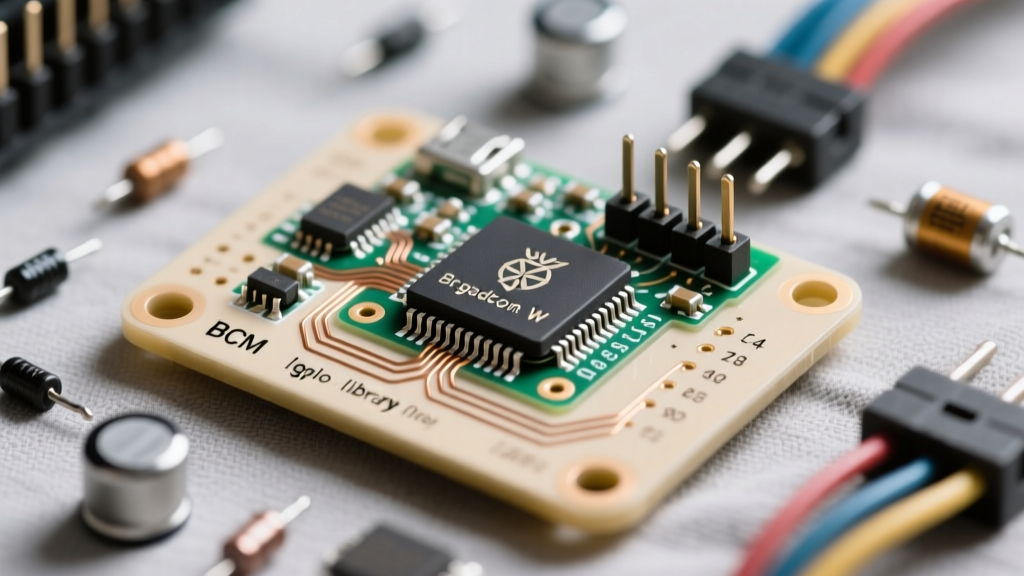
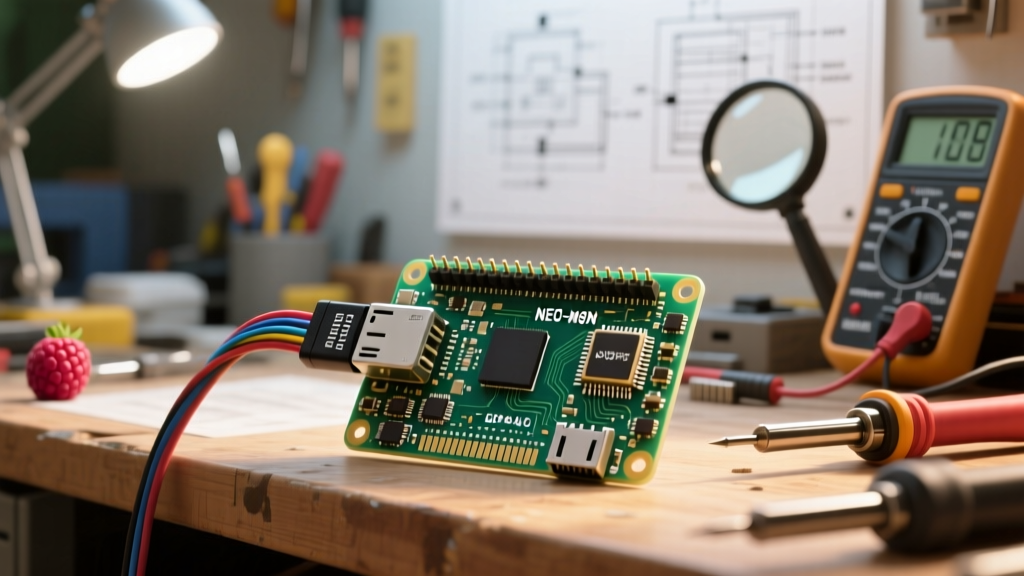
The Hardware Decision: Which USB Boot Drive to Pick?
Booting a Raspberry Pi from a microSD card is a bottleneck that caps random I/O at roughly 45 IOPS and risks filesystem corruption during power loss. Moving your root partition to a USB 3.0 SSD or NVMe drive increases sequential read speeds from 45 MB/s to over 400 MB/s on a Pi 4, and up to 800+ MB/s on a Pi 5. However, not all USB adapters are created equal. The Pi's USB controllers (the VL805 on the Pi 4, and the RP1 southbridge on the Pi 5) are notoriously picky about bridge chipsets.
Use this decision matrix to select your hardware. Do not guess; picking the wrong chipset will result in kernel panics or silent fallback to USB 2.0 speeds.
| Scenario | Drive Type | Required Bridge Chipset | Verdict & Part Pick |
|---|---|---|---|
| Budget / Low Power (Pi 4) | 2.5" SATA SSD | ASMedia ASM1153E | StarTech USB312SAT3 |
| High Perf / Pi 4 USB Boot | M.2 NVMe SSD | Realtek RTL9210B | Sabrent EC-SNVE Enclosure |
| Maximum Perf (Pi 5 Native) | M.2 NVMe SSD | Native PCIe (No USB) | Pimoroni NVMe Base HAT |
| Production / Always-On USB | WD SN580 1TB NVMe | Realtek RTL9210B | BUY THIS: Sabrent EC-SNVE + WD SN580 |
Parts List and USB 3.0 Power/Pin Mapping
This guide targets the Raspberry Pi 4 Model B (8GB) and the Raspberry Pi 5 (8GB). Both require specific power headroom to spin up an NVMe drive via USB without triggering brownouts.
Required Components
- Compute: Raspberry Pi 4B (8GB) or Raspberry Pi 5 (8GB)
- Storage: WD Blue SN580 1TB NVMe M.2 SSD
- Enclosure: Sabrent EC-SNVE (USB 3.2 Gen 2, RTL9210B)
- Power (Pi 4): Official 27W USB-C Power Supply (5.1V / 3.0A)
- Power (Pi 5): Official 27W USB-C PD Power Supply (5V / 5A)
- Cable: USB 3.2 Gen 2 Type-C to Type-C (must be rated for 10Gbps, not just charging)
USB 3.0 Type-A Pinout & GPIO Mapping
When debugging physical connection issues or wiring a hardware watchdog, you need to understand the physical pinout. The Pi 4's Type-A ports share a single 1.2A current limit across all four ports. The Pi 5's RP1 chip manages power delivery more dynamically but still enforces strict over-current protection.
| Pin / GPIO | Function | Debugging Relevance |
|---|---|---|
| USB 3.0 Pin 1 | VBUS (+5V Power) | Check for 4.8V-5.1V under load. Drops below 4.6V cause drive disconnects. |
| USB 3.0 Pin 2/3 | D- / D+ (USB 2.0 Data) | If only these negotiate, your cable is damaged or lacks SuperSpeed wires. |
| USB 3.0 Pin 5/6 | StdA_SSTX- / + | SuperSpeed Transmit. Required for 5Gbps boot. |
| USB 3.0 Pin 8/9 | StdA_SSRX- / + | SuperSpeed Receive. Required for 5Gbps boot. |
| GPIO 17 (Pin 11) | Status LED Output | Used in our Python script to indicate USB 3.0 vs 2.0 link speed. |
| GPIO 27 (Pin 13) | Watchdog Trigger | Pulled high to signal an external hardware watchdog to reset the Pi. |
Step-by-Step: EEPROM Configuration and Imaging
Out of the box, older Pi 4 boards default to booting from SD (boot order 0x1). You must update the EEPROM to prioritize USB mass storage (boot order 0xf41). The Pi 5 defaults to 0xf416 and usually requires no EEPROM changes, but verifying is mandatory.
- Flash the EEPROM (Pi 4 only): Boot the Pi from an SD card running Raspberry Pi OS Lite. Open the terminal and run:
sudo rpi-eeprom-update -a sudo reboot - Verify Boot Order: After rebooting, check the current boot order:
vcgencmd bootloader_config | grep BOOT_ORDERYou must see
BOOT_ORDER=0xf41or0xf416. The1represents SD, the4represents USB-MSD. If it reads0x1, edit the config:
Change or addsudo -E rpi-eeprom-config --editBOOT_ORDER=0xf41, save, and reboot. - Image the NVMe Drive: Do not use standard dd. Use the Raspberry Pi Imager on your host PC. Select your OS, choose the Sabrent USB enclosure as the target, and click the gear icon to pre-configure SSH and WiFi.
- Disconnect SD and Boot: Power down, remove the microSD card, plug the USB-C cable from the Sabrent enclosure directly into the Pi's blue USB 3.0 port (Pi 4) or any USB 3.0 port (Pi 5), and apply power.
Boot Verification Script (Python)
The most common silent failure in USB booting is falling back to USB 2.0 speeds (480 Mbps) due to a bad cable or EMI. This Python script targets the Raspberry Pi 4B and 5, checks the negotiated link speed via lsusb, and triggers a GPIO pin to alert you or trip a hardware watchdog.
#!/usr/bin/env python3
"""
USB Boot Link Speed & Health Monitor for Raspberry Pi 4B / 5
Targets: Raspberry Pi 4 Model B (8GB) & Raspberry Pi 5 (8GB)
Pin Definitions:
  GPIO 17 (Pin 11) -> Status LED (Solid = USB 3.0, Blink = USB 2.0 fallback)
  GPIO 27 (Pin 13) -> Hardware Watchdog Trigger (Active High)
"""
import subprocess
import sys
import time

try:
    from gpiozero import LED
except ImportError:
    print("ERROR: gpiozero not installed. Run: sudo apt install python3-gpiozero")
    sys.exit(1)

# Pin Definitions
STATUS_LED = LED(17)
WATCHDOG_PIN = LED(27) # Used to signal external watchdog circuit

def get_usb_speed():
    """Parses lsusb to check if root mass storage is running at 5000M (USB 3.0)"""
    try:
        result = subprocess.run(['lsusb', '-t'], capture_output=True, text=True, check=True)
        # USB 3.0 shows as 5000M, USB 2.0 shows as 480M
        if "5000M" in result.stdout:
            return 3.0
        elif "480M" in result.stdout:
            return 2.0
        return 0.0
    except subprocess.CalledProcessError as e:
        print(f"ERROR executing lsusb: {e}")
        return 0.0

def main():
    print("Monitoring USB Boot Link Speed...")
    speed = get_usb_speed()

    if speed == 3.0:
        print("SUCCESS: Boot drive negotiated at USB 3.0 (5Gbps).")
        STATUS_LED.on() # Solid Green
        WATCHDOG_PIN.off() # Safe state
    elif speed == 2.0:
        print("WARNING: Boot drive fell back to USB 2.0 (480Mbps). Check cable/adapter.")
        STATUS_LED.blink(on_time=0.5, off_time=0.5)
        WATCHDOG_PIN.on() # Trigger external watchdog to force reboot
    else:
        print("CRITICAL: No USB mass storage device detected on bus.")
        STATUS_LED.off()
        WATCHDOG_PIN.on()

if __name__ == "__main__":
    try:
        main()
    except KeyboardInterrupt:
        print("\nMonitor stopped by user.")
        STATUS_LED.off()
        WATCHDOG_PIN.off()
Debugging USB Boot Failures: Ranked Causes
When the Pi fails to boot from USB, the green activity LED will blink in a specific pattern, or the serial console will output exact error strings. Here are the first three things to check, followed by the exact error strings you will encounter.
- UASP Support: Run
lsusb -t. If you do not seeDriver=uas, your adapter lacks UASP. The Pi will experience massive I/O latency and may kernel panic under load. - Power Supply Headroom: NVMe drives spike to 2.5A during boot. If you are using a phone charger instead of the official Pi 27W supply, the Pi will throttle the USB port.
- EEPROM BOOT_ORDER: Run
vcgencmd bootloader_config. If the hex string does not contain a4or1in the correct nibble, the Pi isn't even looking at the USB bus.
Exact Error Strings and Fixes
- Error:
XHCI port reset timeoutorBoot mode 0x1 (timeout)
Cause: The USB bridge chipset is incompatible with the Pi's XHCI controller. JMicron JMS583 adapters frequently throw this on the Pi 4.
Fix: Replace the enclosure with a Realtek RTL9210B model. Alternatively, addusb-storage.quirks=152d:0562:uto yourcmdline.txtto disable UASP (sacrifices speed for stability). - Error:
over-current detected on USB port(Often seen indmesgright before a reboot)
Cause: The NVMe drive's inrush current exceeded the 1.2A limit of the Pi 4's USB hub during the initial spin-up.
Fix: Use a powered USB 3.0 hub between the Pi and the drive, or switch to a lower-power SATA SSD. On the Pi 5, ensure you are using the official 5A PD power supply to unlock the higher current limits. - Error:
VL805 firmware out of date(Pi 4 only)
Cause: The dedicated USB 3.0 controller on the Pi 4 has an older EEPROM version that mishandles USB mass storage boot handoffs.
Fix: Runsudo rpi-eeprom-update -aand reboot to flash the latest VL805 firmware alongside the main bootloader.
Extending the Build: Watchdogs and Fallbacks
For headless, remote deployments (like a weather station or off-grid MQTT broker), a frozen USB bus means a dead node. You can extend this build by wiring a hardware watchdog to GPIO 27 (as defined in the Python script above).
When the script detects a USB 2.0 fallback or a missing drive, it drives GPIO 27 high. Connect this to an external watchdog timer module (like the Adafruit TPL5010 wired to the Pi's RUN pins). If the Python script fails to toggle the watchdog pin within 60 seconds, the hardware module physically drops the RUN pin to ground, hard-resetting the Pi and forcing a fresh USB enumeration.
By combining the RTL9210B NVMe enclosure, the 0xf41 EEPROM boot order, and a GPIO-driven hardware watchdog, you transform the Raspberry Pi from a hobbyist toy prone to SD card corruption into a resilient, production-grade edge compute node.