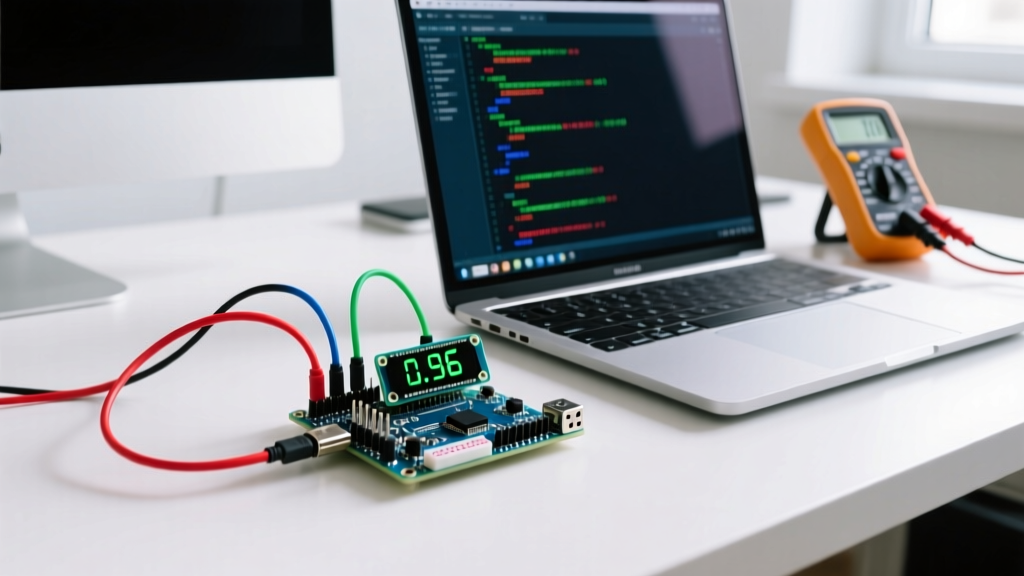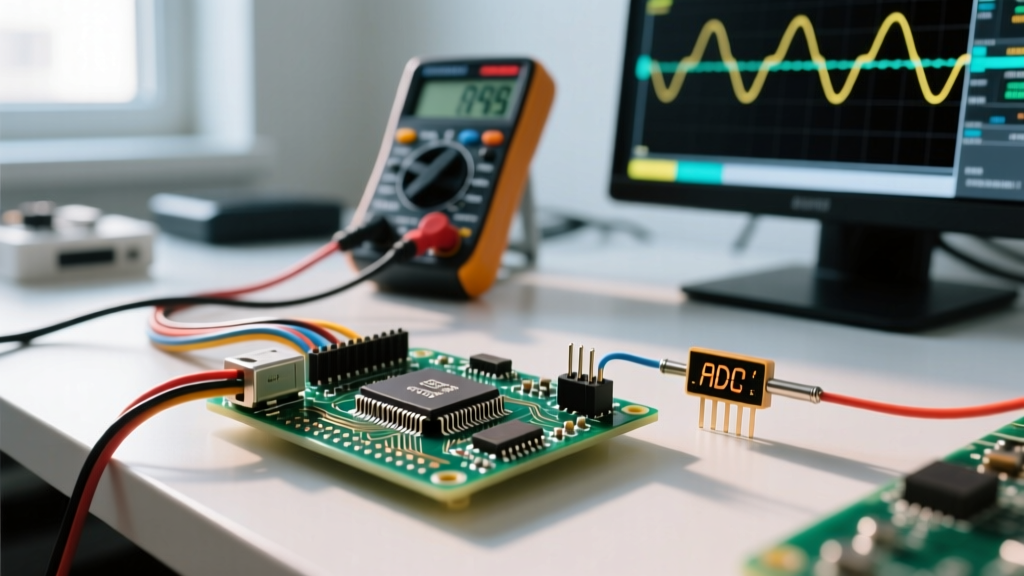

ESP time refers to the combination of hardware real-time clocks (RTC), network time protocol (NTP) synchronization, and software timers used by Espressif microcontrollers to track wall-clock time and manage sleep cycles. What this changes in a real installation is the difference between a data logger that accurately timestamps a 3 AM temperature spike and one that slowly drifts until your scheduled irrigation relays trigger at noon. The most common mistake makers make is confusing the ESP32’s internal Ultra-Low Power (ULP) RTC with a precision external I2C clock, or assuming that millis() uptime equates to absolute wall-clock epoch time.
The Core Methods of ESP Timekeeping
When you need to track time on an ESP8266 or ESP32 (including modern variants like the ESP32-S3 and ESP32-C3), you have four primary mechanisms at your disposal. Choosing the wrong one is the leading cause of timestamp errors in off-grid sensor nodes.
| Method | Hardware / Protocol | Typical Drift (at 25°C) | Deep Sleep Current Impact | Best Use Case |
|---|---|---|---|---|
| Internal RTC | ESP32 150 kHz internal oscillator | ~100 to 200 ppm (calibrated) | ~10 µA (ULP coprocessor active) | Short sleep intervals, relative timing |
| NTP Sync | WiFi / UDP Port 123 | 0 ppm (when connected) | High (requires WiFi radio on) | Mains-powered IoT dashboards, gateways |
| DS3231 (External) | I2C TCXO (Temperature Compensated) | ±2 ppm (max ±3.5 ppm) | ~1.2 µA (on VBAT coin cell) | Off-grid data loggers, precision scheduling |
| PCF8563 (External) | I2C standard quartz oscillator | ~10 to 20 ppm (temp dependent) | ~0.8 µA (on VBAT coin cell) | Budget battery-backed wake alarms |
Worked Example: Calculating RTC Drift for a 30-Day Deployment
Let’s look at what happens when you rely on the wrong clock for an off-grid deployment. Suppose you are building a soil moisture logger using an ESP32-S3 that wakes up every 6 hours, takes a reading, and goes back to deep sleep for a 30-day agricultural trial. You need the timestamps to be accurate to within 1 minute so they align with the farm's central weather station.
The Math:
Total deployment time = 30 days = 2,592,000 seconds.
Target accuracy = < 60 seconds of total drift.
Scenario A: Using the Internal ESP32 RTC (Calibrated to 150 ppm)
Parts per million (ppm) means the clock loses or gains 150 microseconds per second. Over 2,592,000 seconds, the drift is:
2,592,000 × 0.000150 = 388.8 seconds (roughly 6.5 minutes).
Result: Fails the 1-minute accuracy requirement.
Scenario B: Using an External DS3231SN (Rated at 2 ppm)
Using the same formula for the Maxim/Analog Devices DS3231:
2,592,000 × 0.000002 = 5.18 seconds.
Result: Passes easily, drifting only ~5 seconds over the entire month.
Furthermore, ambient temperature swings in an outdoor enclosure will push the internal ESP32 oscillator’s drift well beyond 150 ppm, whereas the DS3231’s internal TCXO (Temperature Compensated Crystal Oscillator) actively adjusts for thermal variance, maintaining that tight ±2 ppm envelope from 0°C to +40°C.
Where You Meet ESP Time in Practice
Understanding ESP time moves from theory to physical wiring and code the moment you start integrating sensors and power management.
1. Circuit Wiring and Pull-Up Resistors
If you choose an external I2C RTC like the DS3231, you are adding a device to the I2C bus. Many cheap breakout boards lack adequate pull-up resistors on the SDA and SCL lines. In practice, you should measure the bus with a multimeter; if you don't see a clean 3.3V idle state, add 4.7 kΩ pull-up resistors to the 3.3V rail. Running I2C at 3.3V is mandatory for the ESP32; feeding 5V into the ESP32's GPIO pins from a 5V Arduino-style RTC module will permanently damage the silicon.
For the DS3231 to keep time while the ESP32 is in deep sleep (or powered off entirely), you must wire a CR2032 coin cell to the V BAT pin. If your breakout board has a "charging circuit" (often a diode and resistor meant for LIR2032 rechargeable cells), remove the diode or cut the trace if you are using a standard non-rechargeable CR2032. Attempting to charge a primary lithium cell will cause it to vent or catch fire.
2. NTP Synchronization in Code
For mains-powered devices, NTP is the gold standard. In the Arduino IDE or ESP-IDF, you use the configTime() function. Here is a complete, copy-pasteable snippet for ESP32 NTP sync that handles the initial blocking delay:
#include <WiFi.h>
#include <time.h>

const char* ssid = "YourNetwork";
const char* password = "YourPassword";
const char* ntpServer = "pool.ntp.org";
const long gmtOffset_sec = -5 * 3600; // EST offset
const int daylightOffset_sec = 3600;

void setup() {
  Serial.begin(115200);
  WiFi.begin(ssid, password);
  while (WiFi.status() != WL_CONNECTED) { delay(500); }

  // Initialize and get the time from NTP
  configTime(gmtOffset_sec, daylightOffset_sec, ntpServer);

  struct tm timeinfo;
  if(!getLocalTime(&timeinfo)){
    Serial.println("Failed to obtain time");
    return;
  }
  Serial.println(&timeinfo, "%A, %B %d %Y %H:%M:%S");
}

void loop() { delay(1000); }
According to the Espressif System Time API documentation, configTime sets up the SNTP client in the background. It can take up to 2 seconds for the first sync to complete, which is why verifying with getLocalTime() is critical before logging your first sensor reading.
Common Confusions and Troubleshooting
Why does my ESP32 lose time every time it wakes from deep sleep?
When the ESP32 enters deep sleep, the main CPU and the Wi-Fi radio are powered down. The system time (epoch) stored in RAM is lost. The internal RTC keeps a rough count of milliseconds slept, but when the chip resets, the OS boots with the epoch reset to 0 (January 1, 1970) unless you explicitly save the time to RTC memory (RTC_DATA_ATTR) or read it back from an external I2C RTC immediately upon waking. Always read your external RTC in setup() and use settimeofday() to update the ESP32's internal system clock before doing anything else.
What is the difference between millis() and time()?
millis() is a monotonic uptime counter. It tells you how many milliseconds have passed since the ESP32 last booted. It pauses during deep sleep. time() (or time(NULL)) returns the Unix Epoch time—seconds since Jan 1, 1970. It represents absolute wall-clock time. If you are calculating the duration between two sensor events in a single boot cycle, use millis(). If you are stamping a CSV file for a database, use time().
Will my ESP32 suffer from the Y2038 problem?
Historically, 32-bit systems using a signed 32-bit integer for Unix time will overflow on January 19, 2038. If you are using older versions of the Arduino ESP32 core (based on ESP-IDF v4.x), time_t is 32-bit, meaning your device will roll over to 1901. However, if you are developing in 2026 using ESP-IDF v5.x or the latest Arduino ESP32 core (v3.x+), Espressif has transitioned time_t to a 64-bit integer on most targets, effectively solving the Y2038 overflow issue for modern firmware builds.
My NTP sync is failing or taking too long. What's wrong?
The global NTP Pool Project relies on volunteer servers. If your ISP blocks outbound UDP port 123, or if the specific pool server you hardcoded is down, configTime will fail silently in the background. Always use pool.ntp.org or time.nist.gov rather than a specific regional server, and implement a timeout loop in your code that forces a reboot if getLocalTime() fails after 10 seconds. Endless waiting loops in battery-powered nodes will drain your LiFePO4 or 18650 pack dry.
Getting ESP time right requires matching the hardware to the environment. Use NTP when you have mains power and Wi-Fi, use a DS3231 when you are off-grid and need precision, and rely on the internal RTC only for relative, short-duration sleep intervals. By understanding the drift math and the I2C wiring realities, your next embedded deployment will keep perfect time.