
The Physics of VGA and the Arduino Bottleneck
Integrating an Arduino VGA display setup is a rite of passage for embedded systems engineers, but it is fraught with hardware limitations that most beginner tutorials gloss over. The fundamental challenge lies in the VGA standard itself. A standard 640x480 resolution at 60Hz requires a pixel clock of exactly 25.175 MHz. The classic Arduino Uno, driven by the ATmega328P microcontroller, operates at a maximum stock frequency of 16 MHz. Mathematically, the AVR chip cannot toggle a GPIO pin fast enough to generate a compliant VGA signal natively.
However, the 'Arduino' ecosystem in 2026 extends far beyond the 8-bit AVR architecture. By leveraging the Arduino IDE with 32-bit ESP32 microcontrollers, or by employing extreme hardware hacks on the AVR, you can successfully drive VGA monitors. This guide dissects the most robust libraries, exact DAC wiring topologies, and the real-world signal failure modes you will encounter when building an Arduino VGA display interface.
AVR (Uno/Nano) VGA Libraries: Pushing the ATmega328P
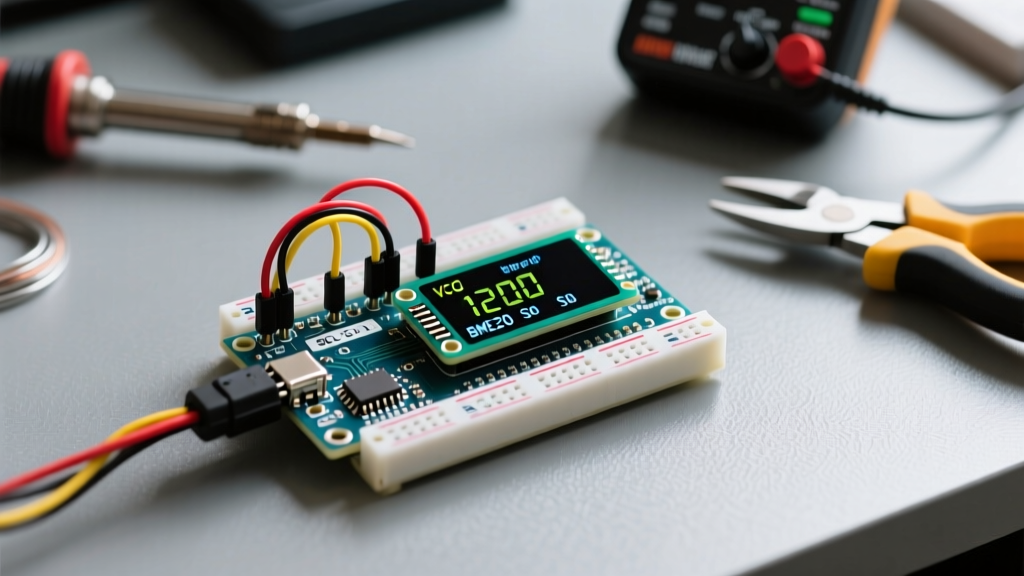
Driving a VGA display directly from an ATmega328P requires exploiting hardware peripherals—specifically Timer1 and the SPI shift register—to bypass the CPU's speed limits. The two most prominent libraries for this are Nick Gammon's VGA library and Bitluni's early AVR VGA implementations.
The SPI Shift Register Hack
Because the 16 MHz clock cannot achieve the 25.175 MHz pixel clock, AVR libraries typically output a lower resolution, such as 120x160 or 160x120, by dividing the clock and pushing pixel data through the SPI Data Register (SPDR). The SPI hardware automatically shifts out bits at half the system clock rate (8 MHz), which is then used as a base pixel clock.
- Memory Constraints: The ATmega328P has only 2 KB of SRAM. A 160x120 monochrome framebuffer requires 2,400 bytes. Therefore, AVR VGA libraries must be paired with an external SPI SRAM chip, such as the Microchip 23LC1024 (1 Mbit, ~$2.50 in 2026), to store the framebuffer.
- Color Depth: You are generally limited to 1-bit monochrome or, with severe overclocking to 22.1184 MHz, a highly restricted 4-color palette.
Expert Warning: Overclocking an Arduino Uno to 22.1184 MHz or 28.322 MHz to achieve better VGA timing margins requires replacing the physical quartz crystal and modifying the Optiboot bootloader baud rate calculations. This voids standard USB-to-Serial reliability.
The Modern Standard: ESP32 VGA Libraries via Arduino IDE
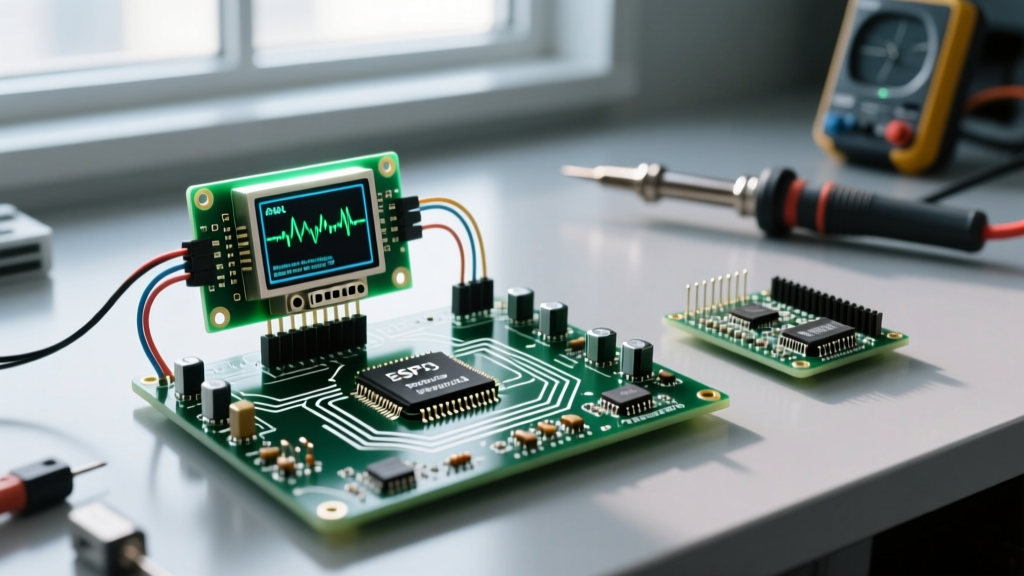
For any serious Arduino VGA display project in 2026, the ESP32 is the undisputed king. Running at 240 MHz with dual cores and specialized I2S (Inter-IC Sound) DMA peripherals, the ESP32 can push parallel RGB data without burdening the CPU. When programmed via the Arduino IDE, two libraries dominate the landscape: FabGL and ESP32Lib (by Bitluni).
FabGL: The Production-Ready Driver
Created by Fabrizio Di Vittorio, FabGL is a comprehensive graphics and sound library that treats the ESP32's I2S peripheral as an LCD controller. It uses DMA to continuously stream framebuffer data to a resistor-ladder DAC.
- Supported Resolutions: 640x480 (60Hz), 800x600 (60Hz), and even SVGA 800x600 with specialized timing.
- Color Depth: Supports 64 colors (RGB 2-2-2) natively, and up to 256 colors (RGB 3-3-2) using optimized DMA descriptors.
- Terminal Emulation: Includes a built-in ANSI/VT100 terminal emulator, making it ideal for retro-computing headless server interfaces.
ESP32Lib: The Multimedia Powerhouse
Bitluni's ESP32Lib is heavily optimized for multimedia. While FabGL excels at UI and terminal rendering, ESP32Lib is frequently used for full-motion video playback and complex sprite rendering directly to VGA. It utilizes the ESP32's ULP (Ultra-Low Power) coprocessor and I2S DMA to maintain rock-solid sync signals even while decoding compressed video assets from an SD card.
Library & Driver Comparison Matrix
| Library Name | Target MCU | Max Resolution | Color Depth | External SRAM Required? | Best Use Case |
|---|---|---|---|---|---|
| Gammon VGA | ATmega328P (Uno) | 160x120 | Monochrome / 4-color | Yes (23LC1024) | Retro 8-bit gaming, oscilloscopes |
| FabGL | ESP32 (Dual Core) | 800x600 | 256 colors (3-3-2) | No (Uses internal 520KB+PSRAM) | GUI apps, VT100 terminals, retro PCs |
| ESP32Lib (Bitluni) | ESP32 | 640x480 | 256 colors | No (PSRAM recommended) | Video playback, complex sprite engines |
| Gameduino 3X | Any (via SPI) | 800x480 (DVI/VGA) | 16-bit True Color | No (Dedicated GPU) | High-end industrial HMI, complex UI |
Step-by-Step: Building the 3-3-2 Resistor Ladder DAC
VGA monitors expect analog RGB signals ranging from 0.0V to 0.7V, referenced to a 75Ω impedance. Since the ESP32 outputs 3.3V digital logic, you must build a Digital-to-Analog Converter (DAC) using a resistor ladder network. For a 256-color (3-bit Red, 3-bit Green, 2-bit Blue) display, you need 8 GPIO pins connected to the VGA DE-15 connector via specific resistors.
Resistor Values for 3.3V Logic (ESP32)
To achieve the correct 0.7V peak-to-peak amplitude when terminated by the monitor's internal 75Ω pull-down resistor, use the following 1% tolerance metal film resistors:
- Red (3 bits): 270Ω (MSB), 560Ω, 1.1kΩ (LSB)
- Green (3 bits): 270Ω (MSB), 560Ω, 1.1kΩ (LSB)
- Blue (2 bits): 390Ω (MSB), 820Ω (LSB)
Sync Signals: HSYNC and VSYNC can usually be connected directly from the ESP32 GPIO pins to the VGA connector (Pins 13 and 14). Most modern LCD monitors accept 3.3V CMOS sync levels. However, if you are driving a legacy CRT monitor, you must buffer the sync lines through a 74HCT245 level shifter to achieve the 5V TTL levels expected by older CRTs.
Real-World Failure Modes & Signal Debugging
When your Arduino VGA display setup fails to show an image, the issue is rarely the code; it is almost always signal integrity or timing compliance. According to the authoritative VGA Timing Database, monitors are incredibly unforgiving of out-of-spec sync pulses.
1. The 'Out of Range' Error
If the monitor displays an 'Out of Range' or 'Unsupported Timing' OSD, your pixel clock or refresh rate is drifting. The ESP32's I2S clock divider must be calculated precisely. FabGL handles this automatically, but if you are writing custom DMA drivers, ensure your HSYNC frequency is exactly 31.468 kHz for 640x480@60Hz. A deviation of more than 2% will cause modern LCD scalers to reject the signal.
2. Sync Polarity Mismatches
VGA sync polarities change depending on the resolution. For 640x480, both HSYNC and VSYNC must be Negative. For 800x600, both must be Positive. If your display is shifted entirely off the screen or rolling vertically, verify that your library's driver configuration matches the polarity requirements of your target resolution.
3. Ground Bounce and Ghosting
VGA is highly susceptible to crosstalk. If you see 'ghosting' (faint duplicate images offset to the right of high-contrast text), your ground return path has too much inductance. Fix: Solder a dedicated ground plane on your perfboard connecting Pins 5, 6, 7, 8, and 10 of the VGA connector directly to the ESP32's GND pins. Use a high-quality, shielded VGA cable; cheap unshielded cables act as antennas and introduce severe high-frequency noise at 25 MHz.
Component Sourcing and BOM Costs (2026)
Building a robust ESP32-based VGA interface is remarkably cost-effective compared to buying dedicated HDMI shields. A standard ESP32 DevKit V4 costs between $5.50 and $8.00. A VGA breakout board (DE-15 female to DIP) is roughly $3.50. The resistor ladder network and passives will cost less than $1.00. For under $15, you can achieve 800x600 resolution with 256 colors, making it the most economical high-resolution display interface in the microcontroller space today.