
Bridging Embedded C++ and Python Data Pipelines
When makers and engineers search for how to get python to read arduino file outputs, they are typically trying to solve a specific data-logging bottleneck: extracting a CSV or text file stored on an Arduino's MicroSD shield and ingesting it directly into a Python environment for analysis. While the Arduino excels at real-time sensor polling and hardware interrupts, it lacks the RAM and processing power for heavy data science workloads. Python, conversely, thrives on data manipulation but cannot directly interface with bare-metal SPI storage.
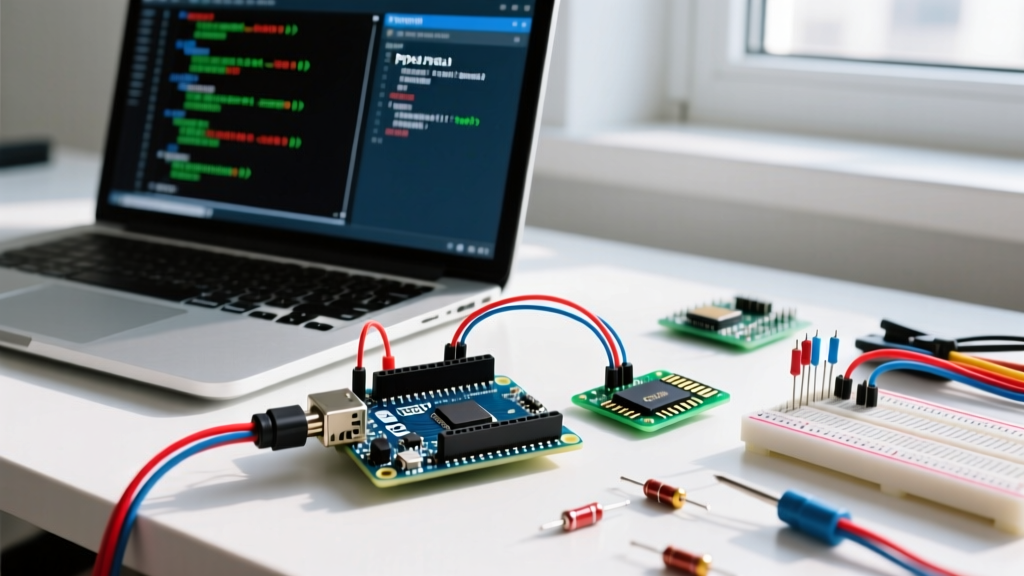
In this 2026 updated guide, we will build a robust pipeline that streams a file from an Arduino SD card module over a high-speed UART serial connection, directly into a Python script using the pyserial library. We will bypass common pitfalls like the DTR auto-reset trap, FAT32 formatting errors, and SRAM buffer overflows that plague basic tutorials.
Hardware BOM and SPI Wiring Matrix
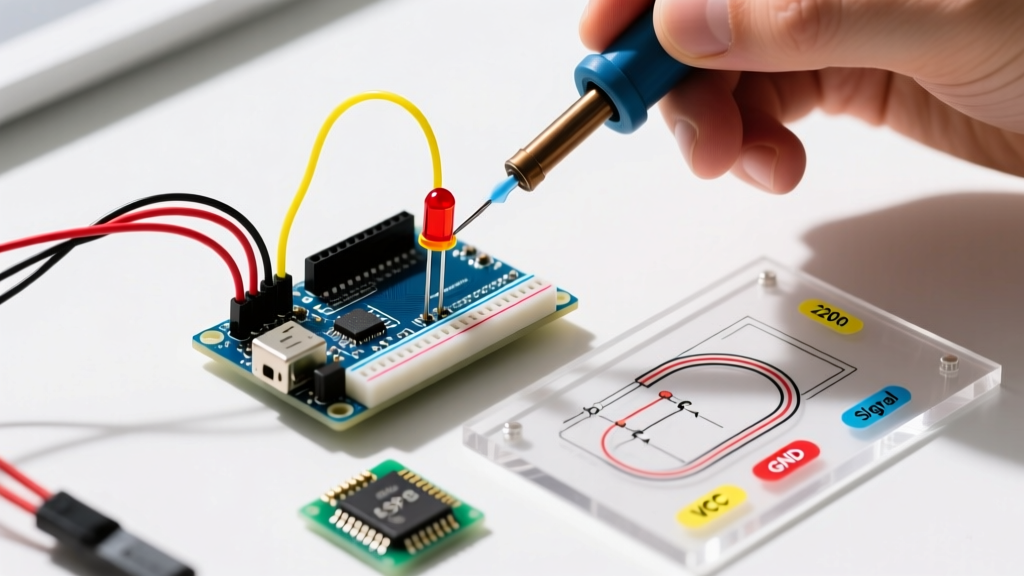
Before writing code, we must ensure the physical layer is stable. Reading an SD card requires the SPI (Serial Peripheral Interface) protocol. Below is the recommended bill of materials and wiring schema for an Arduino Uno R3 (ATmega328P) or the newer Uno R4 Minima.
| Component | Model / Specification | Estimated Cost (2026) | Notes |
|---|---|---|---|
| Microcontroller | Arduino Uno R3 or R4 Minima | $24.00 - $27.50 | R4 has more SRAM, but R3 is sufficient for streaming. |
| SD Breakout | Adafruit MicroSD Breakout Board+ | $7.50 | Includes built-in 3.3V logic level shifters. |
| MicroSD Card | SanDisk 8GB or 16GB (Class 10) | $8.00 | Must be formatted to FAT32. exFAT is not supported by SD.h. |
| Wiring | 22 AWG Silicone Jumper Wires | $5.00 | Keep SPI traces under 10cm to prevent signal degradation. |
SPI Pinout Mapping (Uno R3 / ATmega328P)
- MOSI (COPI): Pin 11
- MISO (CIPO): Pin 12
- SCK: Pin 13
- CS (Chip Select): Pin 4 (Standard for most Adafruit/Ethernet shields)
Expert Warning on Logic Levels: The Arduino Uno operates at 5V logic, while MicroSD cards strictly require 3.3V. If you use a cheap, unregulated Catalex MicroSD adapter without a dedicated level-shifting IC (like the CD4050BE or BSS138 MOSFETs), you risk degrading the SD card's silicon over time. The Adafruit breakout linked above handles this shifting natively.
The DTR Auto-Reset Trap (Critical Edge Case)
The most common reason Python scripts fail to read the first few lines of an Arduino file is the DTR (Data Terminal Ready) handshake. When Python opens a serial port via serial.Serial(), it asserts the DTR line. On the Arduino Uno, this triggers the auto-reset circuit, rebooting the microcontroller and invoking the bootloader for approximately 1.5 seconds.
If your Python script attempts to read data immediately after opening the port, it will capture bootloader garbage or miss the initial file headers entirely. The fix: Implement a 2-second blocking delay in Python immediately after initializing the serial connection, allowing the Arduino to boot, mount the SD card, and begin streaming.
Step 1: Arduino Firmware for SD File Streaming
We will use the official Arduino SD Library to open the file and stream it byte-by-byte. The ATmega328P only has 2KB of SRAM, meaning we cannot load the entire file into memory. We must stream it chunk-by-chunk over Serial at 115200 baud to maximize throughput.
#include <SPI.h>
#include <SD.h>

const int chipSelect = 4;
File dataFile;

void setup() {
  // Initialize Serial at high speed for file transfer
  Serial.begin(115200);

  // Wait for serial port to connect (optional but safe)
  while (!Serial) { delay(10); }

  // Initialize the SD card
  if (!SD.begin(chipSelect)) {
    Serial.println("SD_INIT_FAIL");
    while (1); // Halt execution
  }

  // Open the target CSV file
  dataFile = SD.open("log.csv", FILE_READ);
  if (!dataFile) {
    Serial.println("FILE_NOT_FOUND");
    while (1);
  }
}

void loop() {
  // Stream file byte-by-byte to prevent SRAM overflow
  if (dataFile.available()) {
    Serial.write(dataFile.read());
  } else {
    // End of file reached
    dataFile.close();
    Serial.println("\nEOF_REACHED");
    while (1); // Stop execution
  }
}
Step 2: Python PySerial Configuration
On the host machine, ensure you are running Python 3.12 or newer. Install the PySerial package via your terminal: pip install pyserial. For comprehensive API details, refer to the official PySerial documentation.
The following script handles the DTR reset delay, reads the serial stream line-by-line, and safely decodes the UTF-8 byte strings into native Python strings.
import serial
import time
import sys

# Configure your specific COM port (e.g., '/dev/ttyUSB0' on Linux)
PORT = 'COM3'
BAUD_RATE = 115200

try:
    # Timeout is critical to prevent infinite hangs if Arduino crashes
    ser = serial.Serial(PORT, BAUD_RATE, timeout=2)
except serial.SerialException as e:
    print(f"Failed to open port: {e}")
    sys.exit(1)

# Bypass the DTR Auto-Reset Trap
time.sleep(2.5)

print("Starting file read...")
output_buffer = []

while True:
    # Read a line from the serial buffer
    raw_line = ser.readline()

    # Break if timeout occurs or EOF marker is received
    if not raw_line:
        break

    decoded_line = raw_line.decode('utf-8', errors='replace').strip()

    if "EOF_REACHED" in decoded_line or "SD_INIT_FAIL" in decoded_line:
        break

    output_buffer.append(decoded_line)
    print(decoded_line)

ser.close()
print(f"Successfully read {len(output_buffer)} lines.")
Step 3: Parsing CSV Streams Directly into Pandas
For data scientists, manually iterating through a list of strings is inefficient. You can pipe the PySerial output directly into an io.StringIO buffer and hand it off to Pandas. According to the Pandas read_csv API documentation, this method avoids writing temporary files to your host machine's SSD, saving I/O cycles and keeping your workspace clean.
import serial
import time
import pandas as pd
import io

ser = serial.Serial('COM3', 115200, timeout=2)
time.sleep(2.5)

csv_buffer = io.StringIO()

while True:
    raw_line = ser.readline()
    if not raw_line:
        break
    line = raw_line.decode('utf-8').strip()
    if "EOF" in line or not line:
        break
    csv_buffer.write(line + '\n')

ser.close()

# Rewind the buffer to the beginning before parsing
csv_buffer.seek(0)

# Load directly into a Pandas DataFrame
df = pd.read_csv(csv_buffer)
print(df.head())
Troubleshooting Common Failure Modes
Even with perfect wiring, embedded file transfers are prone to environmental and configuration errors. Use this matrix to diagnose issues when your Python script returns empty arrays or corrupted data.
| Symptom | Root Cause | Actionable Fix |
|---|---|---|
| Python reads 0 lines, then times out. | SD Card formatted as exFAT or NTFS. | Use the official SD Card Formatter tool to format the card strictly to FAT32. The Arduino SD.h library cannot read exFAT. |
| Data contains random gibberish characters. | Baud rate mismatch or missing ground connection. | Verify both Arduino and Python are set to 115200. Ensure a common GND wire exists between the MCU and any external SPI peripherals. |
| First 3-4 lines of CSV are missing. | DTR Auto-Reset triggered by Python. | Increase the time.sleep() delay in Python to 3.0 seconds to account for slower SD card initialization times. |
| Arduino halts with "SD_INIT_FAIL". | SPI Chip Select (CS) pin mismatch. | Check your breakout board. Some modules hardwire CS to Pin 10, while shields use Pin 4. Update the chipSelect variable accordingly. |
| Python throws UnicodeDecodeError. | Sensor data contains non-ASCII bytes. | Change the Python decode method to raw_line.decode('utf-8', errors='ignore') or use 'latin-1' encoding. |
Optimizing for Large Files (10MB+)
If your Arduino is logging high-frequency sensor data (e.g., 500Hz accelerometer readings), your CSV files can easily exceed 10MB. At 115200 baud, transferring 10MB takes roughly 11 minutes. To optimize this pipeline in 2026, consider upgrading to an Arduino Portenta H7 or Teensy 4.1. These boards feature native USB CDC and SDIO interfaces, allowing you to mount the SD card directly to your PC as a virtual mass storage device, completely bypassing the serial bottleneck and allowing Python to read the file instantly via standard OS file paths.