
The Core Question: Is Arduino C++?
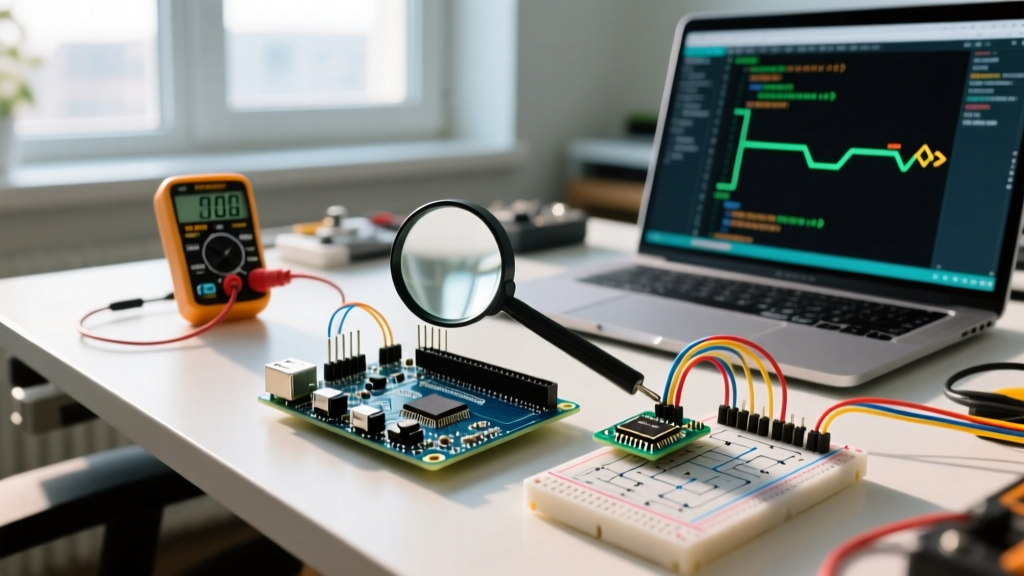
When makers ask, "Is Arduino C++?", the short answer is an emphatic yes. Underneath the beginner-friendly .ino file extension and the simplified setup() and loop() paradigm lies a robust C++ toolchain. Whether you are compiling for an 8-bit ATmega328P using avr-gcc or a 32-bit ESP32-S3 using xtensa-esp32-elf-g++, the Arduino IDE invokes a C++ compiler.
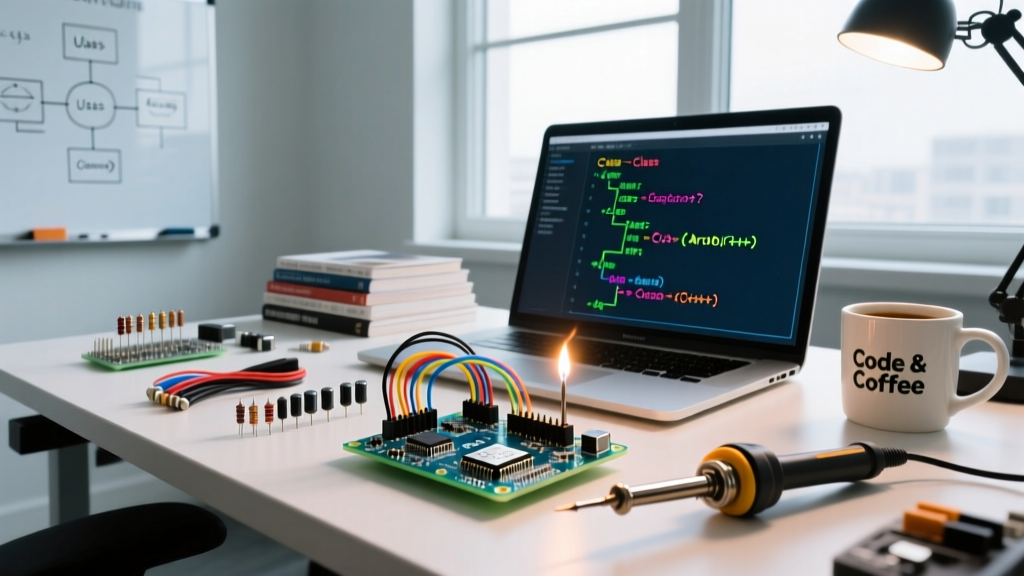
However, the Arduino environment intentionally masks C++'s complexity through a preprocessor that auto-generates function prototypes and includes Arduino.h. While excellent for prototyping, this "Wiring" abstraction becomes a bottleneck for complex, production-grade firmware. In 2026, as microcontrollers like the Raspberry Pi Pico 2 (RP2350) and ESP32-C6 push multi-megabyte RAM and dual-core processing, migrating from procedural sketches to modern Object-Oriented Programming (OOP) C++ is no longer optional for scalable embedded design.
Procedural Sketches vs. Modern C++ Architecture
Before initiating a migration, it is critical to understand the architectural differences between a standard Arduino sketch and a professional C++ embedded project.
| Feature | Standard Arduino Sketch (.ino) | Modern C++ Firmware (.cpp/.h) |
|---|---|---|
| File Structure | Single monolithic file | Modular headers (.h) and implementations (.cpp) |
| State Management | Global variables | Class members, encapsulation, RAII |
| Memory Handling | Heavy reliance on String class | std::string_view, char[], custom allocators |
| Toolchain | Arduino IDE (Hidden flags) | PlatformIO / CMake (Explicit -std=gnu++17 flags) |
| Reusability | Copy-pasting code blocks | Templated libraries, namespaces, inheritance |
Step-by-Step Migration: Extracting Hardware Logic into Classes
Let’s migrate a common procedural sensor-reading sketch into a reusable, memory-safe C++ class. We will use a BME280 environmental sensor as our target device.
Step 1: Define the Interface (Header File)
Create a file named BME280_Sensor.h. This defines the contract for your hardware abstraction layer (HAL). Notice the use of #pragma once and explicit inclusion of Arduino.h, which is mandatory for custom C++ files in the Arduino ecosystem.
#pragma once
#include <Arduino.h>
#include <Wire.h>

class BME280_Sensor {
public:
    explicit BME280_Sensor(uint8_t i2c_address = 0x76);
    bool begin(TwoWire &wire = Wire);
    float readTemperature();

private:
    uint8_t _address;
    TwoWire *_i2c;
    bool _initialized;
};
Step 2: Implement the Logic (Source File)
In BME280_Sensor.cpp, implement the methods. By encapsulating the I2C pointer, we allow the class to work across multiple I2C buses (e.g., Wire and Wire1 on the RP2040) without relying on global state.
#include "BME280_Sensor.h"

BME280_Sensor::BME280_Sensor(uint8_t i2c_address)
    : _address(i2c_address), _initialized(false) {}

bool BME280_Sensor::begin(TwoWire &wire) {
    _i2c = &wire;
    _i2c->begin();
    // Hardware initialization sequence...
    _initialized = true;
    return true;
}

float BME280_Sensor::readTemperature() {
    if (!_initialized) return NAN;
    // I2C read logic...
    return 22.5f;
}
Step 3: Refactor the Main Loop
Your main .ino file now becomes a clean orchestrator, completely devoid of low-level bit-shifting or hardware registers.
#include "BME280_Sensor.h"

BME280_Sensor outdoorSensor(0x76);
BME280_Sensor indoorSensor(0x77);

void setup() {
    Serial.begin(115200);
    outdoorSensor.begin(Wire);
    indoorSensor.begin(Wire1); // Utilizing dual I2C on RP2040/ESP32
}

void loop() {
    Serial.printf("Out: %.2fC, In: %.2fC\n",
        outdoorSensor.readTemperature(),
        indoorSensor.readTemperature());
    delay(1000);
}
Upgrading the Toolchain: Moving to PlatformIO
To truly leverage modern C++ (C++17/C++20), you must upgrade your build environment. The Arduino IDE 2.x has improved, but PlatformIO remains the industry standard for professional embedded C++ development. PlatformIO integrates seamlessly with VS Code and allows explicit control over compiler flags, static analysis, and unit testing.
Crucially, PlatformIO supports hardware debugging. By integrating a Segger J-Link EDU Mini (~$20) or an official ESP-Prog (~$15) via debug_tool = jlink in your platformio.ini, you can set GDB breakpoints directly inside C++ class methods—a workflow nearly impossible in the basic Arduino IDE.
When configuring your environment, explicitly set the C++ standard to unlock features like constexpr, structured bindings, and std::optional:
[env:esp32s3]
platform = espressif32
board = esp32-s3-devkitc-1
framework = arduino
build_unflags = -std=gnu++11
build_flags = -std=gnu++17 -Wall -Wextra
Memory Management: Escaping the Arduino String Trap
The most critical aspect of migrating to C++ is abandoning the String class. On an ATmega328P with only 2KB of SRAM, the dynamic memory allocation and fragmentation caused by String concatenation will inevitably lead to a hard crash. Adhering to the C++ Core Guidelines, modern embedded firmware relies on stack allocation and string views.
Memory Overhead Comparison
| Data Type | Memory Footprint | Fragmentation Risk | Use Case |
|---|---|---|---|
String | High (Heap + Control Block) | Severe | Quick prototyping only |
char[] | Fixed (Stack/Global) | None | UART buffers, MQTT payloads |
std::string_view | Minimal (Pointer + Size) | None | Read-only string parsing (C++17) |
std::array | Fixed (Stack) | None | Sensor data buffers |
Advanced C++ Paradigms for Microcontrollers
"Embedded C++ is not about stripping the language down; it is about using zero-cost abstractions to write safer, more expressive code without sacrificing clock cycles." — Embedded Systems Architecture Principles.
1. RAII (Resource Acquisition Is Initialization)
Instead of manually calling pinMode() and remembering to clean up interrupts, wrap hardware resources in classes. When the object goes out of scope, the destructor automatically releases the resource, preventing dangling pins or locked I2C buses during exception handling.
2. Templates and Static Polymorphism (CRTP)
Replace #define macros with constexpr and templates. While standard OOP relies on virtual functions for polymorphism, this introduces a hidden v-table pointer (2 bytes on AVR, 4 bytes on ARM Cortex-M). In high-frequency Interrupt Service Routines (ISRs), this lookup adds latency. Instead, use the Curiously Recurring Template Pattern (CRTP) to achieve static polymorphism. The arm-none-eabi-g++ compiler resolves CRTP method calls at compile-time, resulting in zero-cost abstractions with strict type-checking and no v-table overhead.
Common Migration Pitfalls
- Missing Arduino.h: Custom
.cppfiles will fail to compile if they useuint8_t,delay(), orSerialwithout#include <Arduino.h>. - The F() Macro vs constexpr: In standard Arduino, the
F()macro stores strings in PROGMEM. In modern C++, preferconstexpr char[]or custom string literal operators mapped to flash memory for better type safety and IDE autocompletion. - Global Constructors: Avoid complex logic in class constructors that run before
setup(). Hardware peripherals like I2C and SPI are not initialized untilsetup()is called. Always use a dedicatedbegin()method for hardware initialization.
Summary
So, is Arduino C++? Absolutely. By migrating from procedural .ino sketches to modular, object-oriented C++ architectures, you future-proof your firmware, eliminate memory fragmentation, and unlock the full power of the AVR Libc and standard C++ libraries. Transitioning to PlatformIO and adopting modern C++17 standards transforms the Arduino ecosystem from a hobbyist playground into a professional embedded engineering platform.