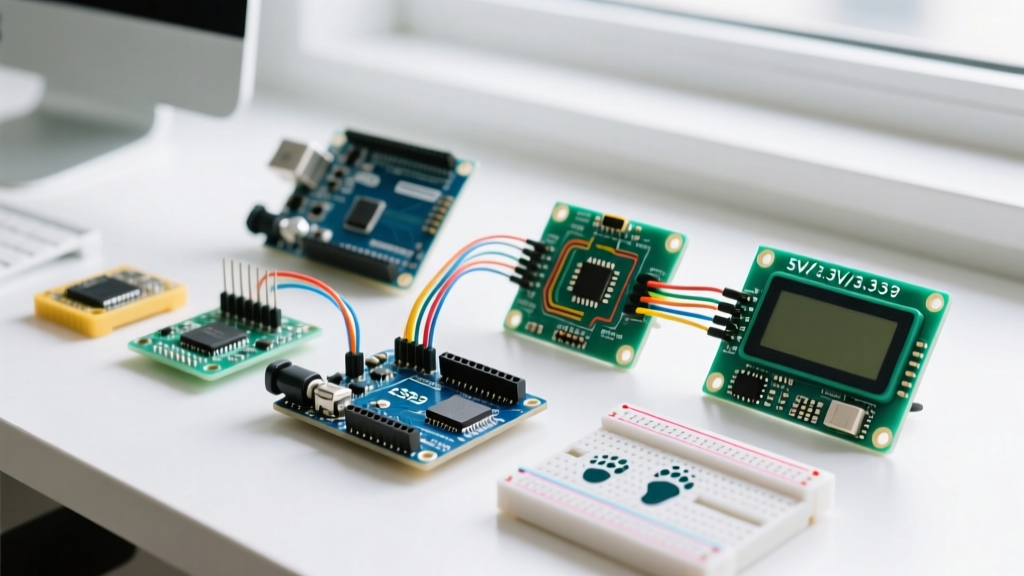

The Hidden Trap: 5V vs. 3.3V Logic Levels
One of the most expensive lessons for Arduino beginners is discovering that not all microcontrollers speak the same electrical language. The classic Arduino Uno R3, powered by the ATmega328P, operates at 5V logic. This means it outputs 5V on its digital pins and expects roughly 3.0V or higher to register a HIGH signal. However, modern boards like the Arduino Nano 33 IoT (SAMD21 ARM Cortex-M0+), the Portenta H7, and third-party ESP32 development boards operate strictly at 3.3V logic.
Feeding a 5V signal directly into a 3.3V-tolerant GPIO pin does not just cause erroneous readings; it forces current backward through the microcontroller's internal protection diodes. Over time, this degrades the silicon gate oxide, leading to thermal runaway, erratic behavior, or a dead short that permanently bricks your $25 board. According to the SparkFun tutorial on logic levels, ignoring voltage translation is the number one cause of hardware failure in university-level mechatronics labs.
Real-World Failure Mode: The HC-SR04 Ultrasonic Sensor
The HC-SR04 ultrasonic distance sensor is a staple in starter kits, priced around $1.50. It requires a 5V trigger pulse and returns a 5V echo pulse. If you wire this directly to an Arduino Nano 33 IoT, the 5V echo pin will fry the SAMD21's input buffer.
Expert Fix: Never rely on internal pull-up resistors or simple voltage dividers for high-speed data lines. Instead, use a dedicated logic level converter. The SparkFun Bi-Directional Logic Level Converter (SKU: BOB-12009, ~$2.95) uses MOSFET-based translation for safe I2C and bidirectional UART. For unidirectional signals like the HC-SR04 echo pin, a Texas Instruments CD4050BE non-inverting hex buffer (available for ~$0.60 at Mouser or DigiKey) provides robust, high-speed 5V-to-3.3V step-down translation without the signal degradation seen in resistor dividers.
Pinout Compatibility Matrix: I2C, SPI, and UART
When transitioning from an Arduino Uno to a more compact Nano or a Wi-Fi-enabled ESP32, physical pin layouts change drastically. Beginners often assume that because a pin is labeled A4, it functions identically across all boards. This assumption breaks hardware communication protocols like I2C and SPI. Below is a critical compatibility matrix for the three most common beginner boards in 2026.
| Protocol / Signal | Arduino Uno R3 (ATmega328P) | Arduino Nano 33 IoT (SAMD21) | ESP32 DevKit V1 (30-Pin) |
|---|---|---|---|
| I2C SDA | A4 | A4 (Physical Pin 18) | GPIO 21 |
| I2C SCL | A5 | A5 (Physical Pin 19) | GPIO 22 |
| SPI MOSI | Pin 11 | Pin 22 (ICSP header) | GPIO 23 |
| SPI MISO | Pin 12 | Pin 25 (ICSP header) | GPIO 19 |
| SPI SCK | Pin 13 | Pin 27 (ICSP header) | GPIO 18 |
| Hardware UART TX | Pin 1 | Pin 5 (TX1) | GPIO 1 (U0TXD) |
Note on ESP32 Compatibility: Unlike the ATmega328P, the ESP32 features an internal GPIO matrix, meaning I2C and SPI can be remapped to almost any pin via software. However, sticking to the default hardware pins listed above ensures compatibility with standard Arduino libraries that do not support custom pin mapping.
Shield Stacking and Mechanical Tolerances
Arduino shields are designed to stack seamlessly on an Uno R3. However, mechanical compatibility is a frequent pain point for beginners purchasing clone boards from third-party marketplaces.
- ICSP Header Offset: Many budget Nano clone boards omit the 2x3 ICSP (In-Circuit Serial Programming) header entirely. If you attempt to use an Ethernet Shield (W5500) or a TFT LCD shield that routes SPI through the ICSP header rather than digital pins 11-13, the shield will physically mate but fail to communicate.
- USB-C Overhang: The newer Arduino Uno R4 WiFi features a USB-C port. While the footprint is backward compatible, the metal shielding on some USB-C receptacles is slightly wider than the old USB-B square connector. On tightly packed clone motor shields, the USB-C housing can physically scrape against shield components or prevent the shield from seating fully into the female headers.
- Header Height: Standard Arduino headers are 8.5mm tall. If you are stacking a sensor shield over a motor driver shield, ensure you are using stackable headers (10.5mm or 15mm). Standard male-to-female jumper wires will cause a short circuit if the PCBs touch.
Power Delivery and the USB-C Transition
Power compatibility is just as critical as data compatibility. The classic Arduino Uno R3 relies on a 2.1mm barrel jack or a USB Type-B connection, limited to roughly 500mA from a standard USB 2.0 port. If your project includes high-torque servos (like the MG996R, which can draw 2.5A under stall conditions), pulling power from the Uno's onboard 5V regulator will trigger the polyfuse or cause a brownout reset.
Navigating USB-C Power Delivery (PD)
Modern boards like the Arduino Uno R4 WiFi and the Nano ESP32 have adopted USB-C. However, not all USB-C ports are created equal. These boards utilize USB-C primarily for power input and data, but they do not always implement full USB Power Delivery (PD) negotiation sinks.
- The Charger Issue: If you plug an Uno R4 into a high-wattage USB-C PD wall charger (e.g., a 65W laptop charger) using a USB-C to USB-C cable, the charger may refuse to output 5V because the Arduino lacks the 5.1kΩ pull-down configuration resistors on the CC lines required to identify as a standard USB sink.
- The Solution: Always use a USB-A to USB-C cable connected to a standard 5V/2A USB-A wall adapter for reliable power delivery to modern Arduino boards, or ensure your USB-C cable has a built-in PD decoy chip.
Arduino IDE 2.x and Library Backend Compatibility
As of 2026, the Arduino IDE 2.3.x ecosystem is the standard. The shift from the legacy Java-based IDE 1.8.x to the modern Electron/Go-based IDE 2.x introduced a completely new backend powered by arduino-cli. For Arduino beginners following outdated YouTube tutorials from 2019, this creates severe software compatibility roadblocks.
Migrating Legacy Sketches and FQBN
The new IDE uses Fully Qualified Board Names (FQBN) to compile code. If you are trying to compile an older sketch written for the ESP8266 or an early ARM board, you may encounter fatal compilation errors regarding deprecated headers.
- The
avr/pgmspace.hError: Many legacy libraries hardcode AVR-specific memory macros. If you try to compile these on an Arduino Nano 33 IoT, the compiler will fail. You must open the offending library's.hfile and wrap the include statement in a conditional block:#if defined(__AVR__). - Board Manager JSON Deprecation: Older tutorials instruct users to paste raw HTTP URLs into the Additional Boards Manager URLs field. Modern IDE versions and security protocols require HTTPS. Ensure your ESP32 board manager URL points to the official Espressif HTTPS raw GitHub link, otherwise the IDE 2.x backend will silently fail to fetch the package index.
For a comprehensive breakdown of the modern software environment, refer to the official Arduino IDE 2.x Documentation, which details the new serial monitor, debugger integration, and library dependency resolution.
Summary Checklist for Beginners
Before powering on your first circuit or uploading your first sketch, run through this compatibility checklist to protect your hardware and your sanity:
- Voltage Check: Have I verified the logic level (3.3V vs 5V) of both my microcontroller and my sensors? Do I have a CD4050BE or TXB0108 level shifter if they mismatch?
- Pinout Verification: Am I using the correct hardware I2C/SPI pins for my specific board variant, rather than assuming Uno R3 pinout defaults?
- Power Budgeting: Have I calculated the total current draw of my actuators? Am I using an external BEC (Battery Eliminator Circuit) or buck converter for loads exceeding 400mA?
- IDE Environment: Am using HTTPS URLs for third-party board managers, and have I checked my legacy libraries for AVR-specific compiler directives?
By understanding these hardware and software boundaries, you transition from simply copying code to engineering robust, reliable embedded systems. For further foundational knowledge on setting up your first environment, consult the Arduino Getting Started Guide.