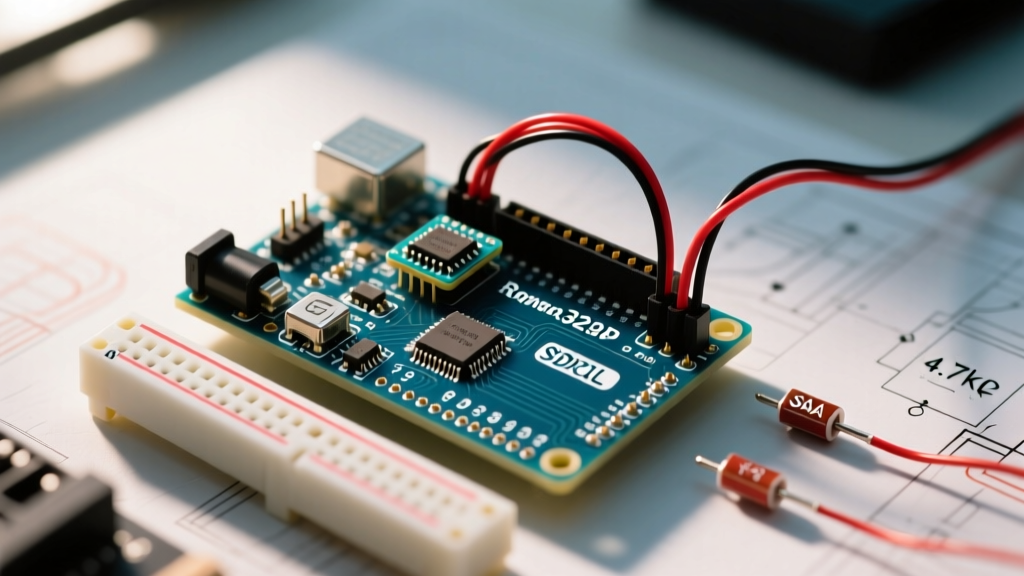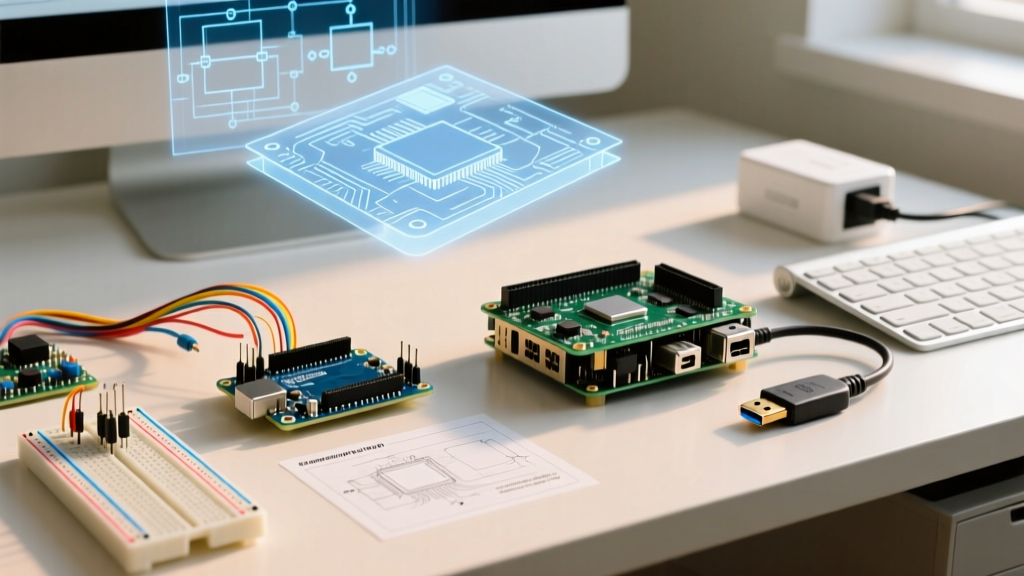

The Fundamental Divide: Microcontroller vs. Microprocessor
When makers and engineers ask about the difference between Arduino and Raspberry Pi, the answer boils down to a fundamental architectural divide: Arduino is a microcontroller platform, while the Raspberry Pi is a single-board computer (SBC) built around a microprocessor. Understanding this distinction is critical for selecting the right hardware for your 2026 electronics projects, as it dictates everything from boot times and power consumption to real-time processing capabilities.
An Arduino board, such as the current-standard Arduino Uno R4 WiFi, executes a single compiled C/C++ program in a continuous loop directly on bare metal (or a lightweight RTOS). There is no operating system to manage memory or schedule tasks. Conversely, a Raspberry Pi, like the Raspberry Pi 5, runs a full desktop-class operating system (typically Raspberry Pi OS, a Debian Linux derivative). It handles multitasking, memory management, and complex networking stacks, but introduces OS-level latency that makes it unsuitable for strict real-time hardware control.
Quick Reference Comparison Matrix
Below is a side-by-side hardware and operational comparison using the current baseline models for both ecosystems.
| Feature | Arduino Uno R4 WiFi | Raspberry Pi 5 (8GB) |
|---|---|---|
| Core Architecture | Microcontroller (Renesas RA4M1, Arm Cortex-M4) | Microprocessor (Broadcom BCM2712, Quad Arm Cortex-A76) |
| Clock Speed | 48 MHz | 2.4 GHz |
| RAM | 32 KB SRAM | 8 GB LPDDR4X |
| Operating System | None (Bare Metal / RTOS) | Linux (Raspberry Pi OS, Ubuntu) |
| Boot Time | < 1 millisecond | 8 to 25 seconds |
| Analog Inputs (ADC) | 6 native pins (14-bit resolution) | None (Requires external SPI/I2C ADC IC) |
| Logic Level | 5V (Tolerant) | 3.3V (Strict) |
| Base MSRP (2026) | $27.50 | $80.00 |
Deep Dive: I/O, Interfacing, and the ADC Limitation
The most common stumbling block for beginners transitioning between these platforms is hardware interfacing. Arduino boards are designed specifically for physical computing. They feature native Analog-to-Digital Converters (ADC), allowing you to read analog sensors (like potentiometers, thermistors, or light-dependent resistors) directly using the analogRead() function. The Uno R4 boasts a 14-bit ADC, providing 16,384 discrete values for high-precision sensor reading.
The Raspberry Pi lacks native analog input pins. Its GPIO header is strictly digital. If your project requires reading analog voltage levels, you must wire an external ADC integrated circuit, such as the MCP3008 (10-bit) or MCP3208 (12-bit), and communicate with it via the SPI bus. Furthermore, the Raspberry Pi operates at strict 3.3V logic. Feeding a 5V signal from an older sensor or an Arduino directly into a Pi's GPIO pin will permanently destroy the Broadcom SoC. Arduino's 5V tolerance makes it much more forgiving when interfacing with legacy industrial equipment and older maker components.
PWM and Real-Time Interrupts
Pulse Width Modulation (PWM) is essential for motor control and LED dimming. On an Arduino, hardware timers generate PWM signals with exact, jitter-free timing. On a Raspberry Pi running Linux, software-based PWM is subject to OS thread scheduling jitter. While the Pi 5 includes a dedicated hardware PWM peripheral, accessing it reliably without root-level kernel module configuration is complex. For precise robotics or high-speed motor encoders, the Arduino's deterministic interrupt handling (reacting to hardware events in microseconds) vastly outperforms the Linux kernel's interrupt latency, which can fluctuate between 10 and 50 microseconds depending on background system load.
Power Consumption and Deployment Environments
Power profiles dictate where these boards can be deployed. An Arduino Uno R4 draws approximately 45mA to 65mA at idle and can be put into deep sleep modes drawing mere microamps, making it ideal for battery-powered or solar remote weather stations. A project can run for months on a standard 18650 lithium-ion cell.
The Raspberry Pi 5, by contrast, idles at roughly 2.5W to 3W and can spike to 12W under heavy multi-core load. It requires a robust 5V/5A USB-C PD power supply. While you can run a Pi from a battery bank, it requires high-capacity LiPo packs and specialized power management HATs to handle safe shutdowns before voltage drops corrupt the microSD card filesystem. If your project needs to survive sudden power loss without filesystem corruption, the Arduino's lack of an OS is a massive advantage.
Project Decision Framework
Use this quick checklist to determine which platform fits your project requirements:
- Choose Arduino if: You need instant boot times, low power consumption, native analog sensor reading, 5V logic compatibility, or strict real-time hardware interrupts (e.g., custom motor controllers, wearable tech, remote environmental sensors).
- Choose Raspberry Pi if: Your project requires computer vision (OpenCV), machine learning inference, heavy database management, a graphical user interface, or complex networking like hosting a web server or media center.
Frequently Asked Questions (FAQ)
Can I use an Arduino and a Raspberry Pi together in the same project?
Yes, this is a highly recommended architecture for complex robotics and automation. In this setup, the Raspberry Pi acts as the 'brain' handling high-level tasks like path planning, computer vision, and Wi-Fi communication. The Arduino acts as the 'cerebellum,' handling low-level, real-time tasks like reading encoders, stabilizing PID loops, and driving motor controllers. They typically communicate via a serial UART connection, I2C, or USB, with the Pi sending high-level commands and the Arduino returning telemetry data.
Which platform is more cost-effective for mass production?
For prototyping, the $27 Arduino Uno is convenient. However, for mass production, neither the standard Pi nor the full Arduino board is used. Engineers extract the core microcontroller chip (like the ATmega328P or Renesas RA4M1) and design a custom PCB. A standalone ATmega328P costs under $2.00 in bulk. Raspberry Pi does offer compute modules (like the CM4 or CM5) for embedded commercial products, but the base cost remains significantly higher ($40+) compared to a custom microcontroller circuit.
Is the Raspberry Pi Pico an Arduino or a Raspberry Pi?
The Raspberry Pi Pico (and Pico 2) bridges the gap. It is a microcontroller board built around the RP2040 or RP2350 chip, not a single-board computer. It does not run Linux. Functionally and architecturally, the Pico competes directly with Arduino boards (like the Nano or Uno) and is programmed similarly using C/C++ or MicroPython. It represents the Raspberry Pi Foundation's entry into the microcontroller space, offering incredible I/O flexibility like Programmable I/O (PIO) state machines.
Expert Tip: When bridging a 5V Arduino and a 3.3V Raspberry Pi via UART or I2C, always use a bidirectional logic level converter (like the BSS138 MOSFET-based modules). Direct connections risk frying the Pi's GPIO bank if a wiring fault occurs.
Ultimately, the difference between Arduino and Raspberry Pi is not about which is 'better,' but rather which tool matches the computational and physical constraints of your specific engineering challenge. By leveraging the real-time determinism of microcontrollers alongside the massive computational throughput of single-board computers, makers can build highly sophisticated, responsive systems.