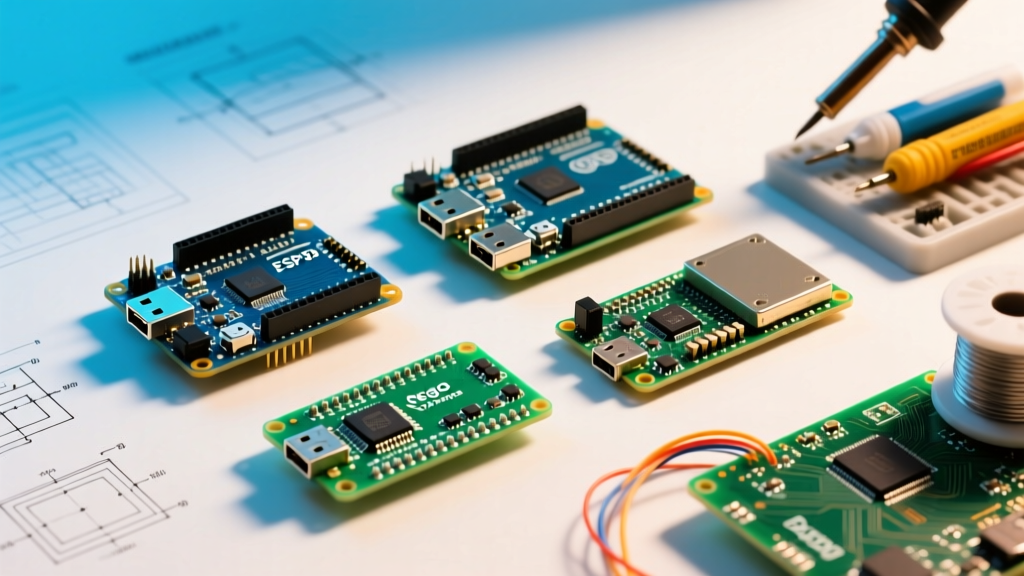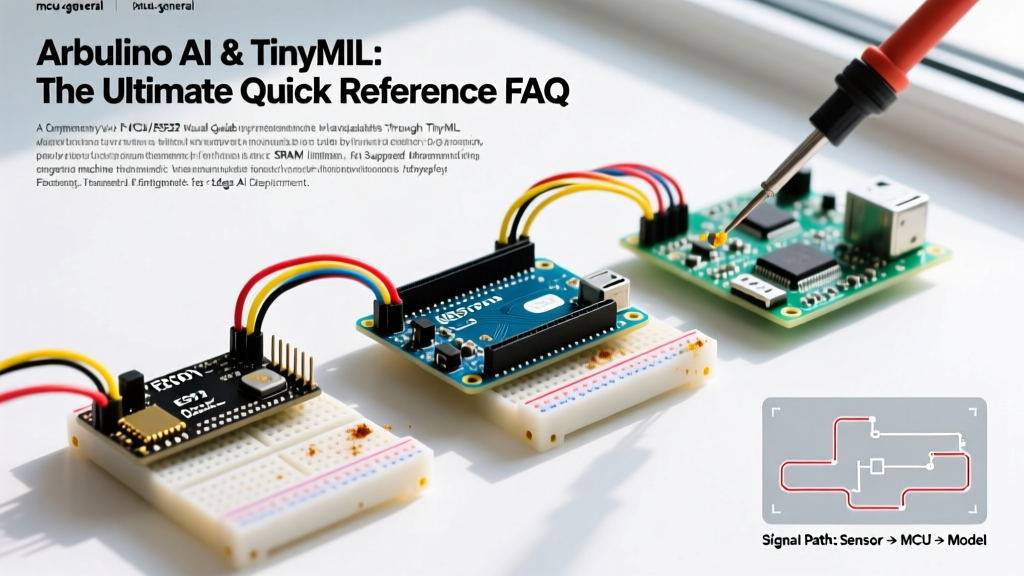

The integration of Arduino AI into edge computing has fundamentally shifted how makers and engineers approach machine learning. Instead of relying on cloud latency and high power consumption, TinyML (Tiny Machine Learning) allows microcontrollers to run neural networks locally. Whether you are building predictive maintenance sensors, offline voice recognition, or low-power vision systems, understanding the hardware constraints and software pipelines is critical. This quick reference guide and FAQ covers the exact specifications, failure modes, and deployment strategies for running AI on Arduino boards in 2026.
Quick Reference Matrix: Arduino Boards for Edge AI
Not all microcontrollers are created equal when it comes to matrix multiplication and tensor operations. Below is a comparison of the most capable Arduino boards for AI workloads, based on current 2026 pricing and hardware revisions.
| Board Model | MCU Core | SRAM | Flash | Est. Price | Best AI Use Case |
|---|---|---|---|---|---|
| Nano 33 BLE Sense Rev2 | nRF52840 (Cortex-M4F) | 256 KB | 1 MB | $38 | Audio keyword spotting, IMU gesture recognition |
| Nicla Vision | STM32H747 (Dual M7/M4) | 2 MB | 16 MB | $115 | Basic computer vision, MobileNetV1 inference |
| Portenta H7 | STM32H747XI (Dual M7/M4) | 2 MB | 2 MB | $105 | Complex sensor fusion, multi-axis anomaly detection |
| Uno R4 Minima | Renesas RA4M1 (Cortex-M4) | 32 KB | 256 KB | $20 | Ultra-low-power binary classification, simple logic |
Core Arduino AI FAQs
Can the classic Arduino Uno R3 run AI models?
No. The classic Uno R3 relies on the ATmega328P microcontroller, which features only 2 KB of SRAM and a 16 MHz 8-bit AVR architecture. According to the TensorFlow Lite for Microcontrollers documentation, the absolute minimum SRAM required to initialize the inference engine and allocate a basic tensor arena is roughly 16 KB. For practical audio or vibration models, you need at least 32 KB to 64 KB of SRAM. If you are constrained to the Uno form factor, upgrade to the Uno R4 Minima (32 KB SRAM) or the Uno R4 WiFi (which includes an ESP32-S3 co-processor with 512 KB SRAM, highly capable of Edge AI).
What are the hard SRAM limits for TensorFlow Lite Micro?
When running Arduino AI models, the most critical bottleneck is the tensor arena—a contiguous block of SRAM allocated for input, output, and intermediate tensors.
- Basic Anomaly Detection (1D Dense Networks): Requires 10 KB - 20 KB SRAM.
- Keyword Spotting (1D CNN / RNN on Audio): Requires 40 KB - 80 KB SRAM.
- Person Detection (Quantized MobileNetV1 on Vision): Requires 200 KB - 500 KB SRAM.
If your model's arena exceeds the physical SRAM of the MCU, the interpreter.AllocateTensors() function will fail, returning a kTfLiteError. Always calculate your arena size using the Edge Impulse memory estimator or the TFLite offline memory planning tool before flashing.
Edge Impulse vs. Arduino IDE: Which workflow is superior?
They serve different phases of the AI lifecycle. Edge Impulse is a cloud-based SaaS platform optimized for data acquisition, Digital Signal Processing (DSP) block configuration, model training, and INT8 quantization. It exports a compiled C++ library. The Arduino IDE is strictly for deploying that exported library, writing the inference loop, and interfacing with local sensors. For 95% of makers, the optimal pipeline is training in Edge Impulse and deploying via the Arduino IDE. For advanced users writing custom C++ ops, pulling directly from the TFLite Micro GitHub Repository and compiling via PlatformIO or CMake is recommended.
Step-by-Step: Deploying Your First Edge ML Model
Follow this standardized pipeline to move from raw sensor data to localized inference on an Arduino Nano 33 BLE Sense Rev2.
- Data Acquisition: Use the Edge Impulse Data Forwarder or the Arduino CLI to capture raw sensor data (e.g., 16kHz audio via the onboard MP34DT05 PDM microphone). Ensure you capture at least 20 minutes of balanced class data.
- DSP Block Selection: For audio, apply a Mel-Frequency Energy (MFE) or Spectrogram block. For IMU data (BMI270), use the Spectral Analysis block to extract frequency-domain features from time-series vibrations.
- Neural Network Architecture: Design a lightweight 1D Convolutional Neural Network (CNN). Avoid fully connected (Dense) layers for time-series data, as they consume excessive Flash memory and SRAM.
- Training & Quantization: Train the model using Float32 precision. Before exporting, apply Post-Training Quantization (PTQ) to convert weights to 8-bit integers (INT8). This reduces model size by 75% and accelerates inference on Cortex-M4 DSP instructions.
- Export & Deploy: Export as an 'Arduino Library'. Import the
.zipinto the Arduino IDE, include the header (#include <your_model_inferencing.h>), and pass a populatedsignal_tstruct to therun_classifier()function.
Sensor Selection for Arduino AI Workloads
The success of an edge AI model relies entirely on the fidelity of the input data. When wiring sensors to your Arduino for ML, prioritize digital interfaces and high sampling rates.
- Vibration / Predictive Maintenance: Use the ISM330DHCX (6-axis IMU with embedded machine learning core). It can run basic decision trees directly on the sensor, offloading the MCU.
- Acoustic / Voice: Use PDM microphones like the MP34DT05. PDM requires an I2S or PDM hardware peripheral (available on Nano 33 BLE) to decode the 1-bit stream into 16-bit PCM without blocking the main CPU thread.
- Time-of-Flight / Proximity: The VL53L1X provides multi-zone depth mapping via I2C, useful for basic gesture recognition without the power draw of a camera.
Common Failure Modes & Edge Cases in Edge ML
When moving from a Python/Jupyter environment to a 32-bit microcontroller, several hardware-specific edge cases frequently cause silent failures or degraded accuracy.
1. I2C Bus Contention and Timing Misses
If you are reading an IMU at 100Hz for real-time anomaly detection while simultaneously updating an OLED display on the same I2C bus, the display write operations will block the I2C bus. This causes missed sensor samples, altering the frequency spectrum and resulting in false negatives during inference. Solution: Move the display to a hardware SPI bus, or use Direct Memory Access (DMA) for I2C transactions if your MCU supports it.
2. Quantization Drift in Edge Cases
Converting Float32 weights to INT8 reduces precision. If your training dataset lacks examples of the extreme edges of your operating environment (e.g., extreme temperature shifts affecting sensor baseline), the quantized model will suffer from 'drift' and misclassify outliers. Solution: Always provide a robust representative dataset during the PTQ calibration phase to ensure the quantization scale and zero-point accurately map the true data distribution.
3. Thermal Throttling on Vision Boards
Boards like the Nicla Vision pack a dual-core STM32H7 running at 480MHz into a 22x22mm footprint. Running continuous MobileNetV1 inference at 15 FPS will cause the silicon to heat up rapidly, potentially triggering thermal throttling or damaging adjacent temperature-sensitive components. Solution: Implement a duty-cycling loop. Run inference at 2 FPS, or use the Cortex-M4 core to handle sensor polling while keeping the M7 core in sleep mode until a hardware interrupt triggers a vision capture.
Pro-Tip on Memory Management: Never allocate the tensor arena dynamically usingmalloc()ornewinside yourloop()function. Memory fragmentation on microcontrollers without an MMU will eventually cause a hard fault. Always declare youruint8_t tensor_arena[kArenaSize]as a global, statically allocated array. For deeper architectural guidelines, consult the Arduino Official Documentation on memory optimization.
Summary
Arduino AI is no longer a novelty; it is a robust engineering discipline. By selecting the right hardware (like the Nano 33 BLE Sense Rev2 for audio or Nicla Vision for imaging), respecting SRAM boundaries, and rigorously quantizing your models to INT8, you can deploy highly responsive, privacy-preserving machine learning models directly to the edge. Keep your tensor arenas static, isolate your I2C buses, and leverage DSP blocks to minimize compute overhead.