
The 2026 Kit Landscape: Official vs. Clone Ecosystems
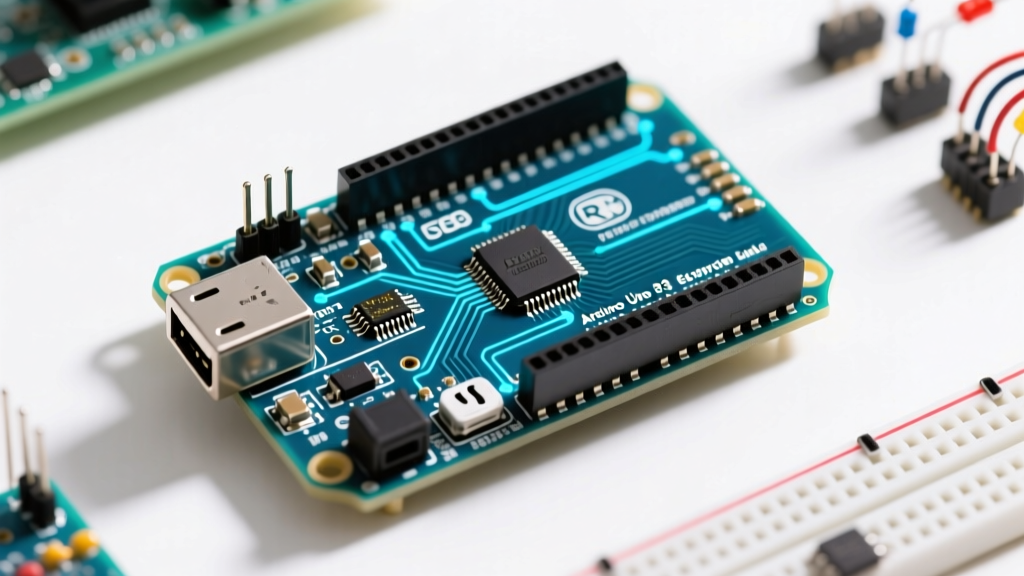
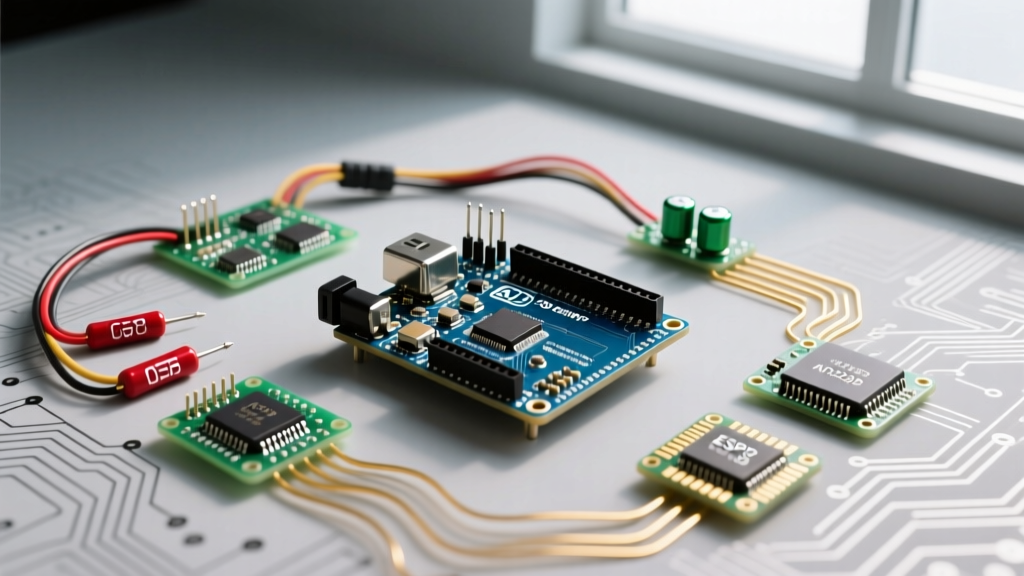
The arduino uno starter kit remains the most ubiquitous on-ramp into embedded systems and DIY electronics. However, treating all starter kits as identical is a critical mistake for project planning. The market is currently split into two distinct tiers, each with vastly different hardware realities and project ceilings.
The Clone Ecosystem (Elegoo, RexQualis, OSEPP)
Priced between $30 and $45, these kits dominate the market. They utilize third-party ATmega328P microcontrollers and replace the official ATmega16U2 USB-to-Serial chip with the CH340G or CH341A chip. While functionally identical for basic code execution, the CH340G introduces a specific failure mode: Windows 11 automatic driver updates frequently overwrite stable CH340 drivers with generic, incompatible serial drivers, resulting in 'Port not found' errors in the IDE. Makers using clone kits must be prepared to manually manage WCH driver rollbacks.
The Official Arduino Ecosystem (Uno R4 Minima/WiFi)
Priced between $90 and $130, official kits now feature the Uno R4 architecture. The R4 Minima swaps the aging 8-bit ATmega328P for a 32-bit Renesas RA4M1 (Arm Cortex-M4) running at 48MHz, alongside native USB-C and a hardware floating-point unit (FPU). This fundamentally changes the suitability matrix for computationally heavy projects.
Silicon Breakdown: ATmega328P vs. Modern Contenders
To determine if an Uno starter kit is the right foundation for your build, you must compare its silicon limitations against modern alternatives. Below is a hardware matrix comparing the classic Uno R3 (found in 90% of clone kits) against the R4 and popular alternatives.
| Platform | MCU & Architecture | Clock Speed | SRAM / Flash | Logic Level | Avg. Kit Price |
|---|---|---|---|---|---|
| Uno R3 (Clone Kits) | ATmega328P (8-bit AVR) | 16 MHz | 2 KB / 32 KB | 5V | $30 - $45 |
| Uno R4 Minima | Renesas RA4M1 (32-bit Arm) | 48 MHz | 32 KB / 256 KB | 5V (3.3V tolerant) | $90 - $110 |
| ESP32 DevKit | Xtensa LX6 (32-bit Dual-Core) | 240 MHz | 520 KB / 4 MB | 3.3V | $25 - $40 |
| Raspberry Pi Pico | RP2040 (32-bit Dual-Core) | 133 MHz | 264 KB / 2 MB | 3.3V | $35 - $50 |
Project Suitability Matrix: Where the Uno Excels
Despite the emergence of cheaper, faster alternatives, the classic 5V Arduino Uno starter kit remains the undisputed champion for specific project categories.
- Educational Fundamentals & Breadboarding: The Uno's 5V logic level is highly forgiving. It provides robust noise immunity on breadboards, and its male header pins make it the most physically stable board for pushing jumper wires without bending pins.
- Electromechanical Actuation: Projects requiring direct interfacing with 5V relay modules, ULN2003 stepper drivers (for 28BYJ-48 motors), and standard hobby servos (SG90) are perfectly suited to the Uno. The 5V I/O pins can source/sink up to 20mA safely, driving indicator LEDs and optocouplers without external transistors.
- Offline Telemetry & Data Logging: If your project involves reading analog sensors (soil moisture, LDRs, thermistors) and logging to a MicroSD card via SPI, the Uno's 10-bit ADC and hardware SPI bus are more than adequate. The lack of native WiFi is a feature, not a bug, for low-power, isolated environmental monitors.
- Legacy Shield Compatibility: If your project relies on the massive ecosystem of legacy Arduino Shields (Motor Shields, CNC Shields, GSM Shields), the Uno form factor is mandatory.
Edge Cases & Failure Modes: When the Uno Fails
Choosing an Arduino Uno starter kit for the wrong application leads to frustrating hardware bottlenecks. Based on extensive field testing, here are the primary failure modes makers encounter when pushing the ATmega328P beyond its limits.
1. The 5V I2C Logic Trap
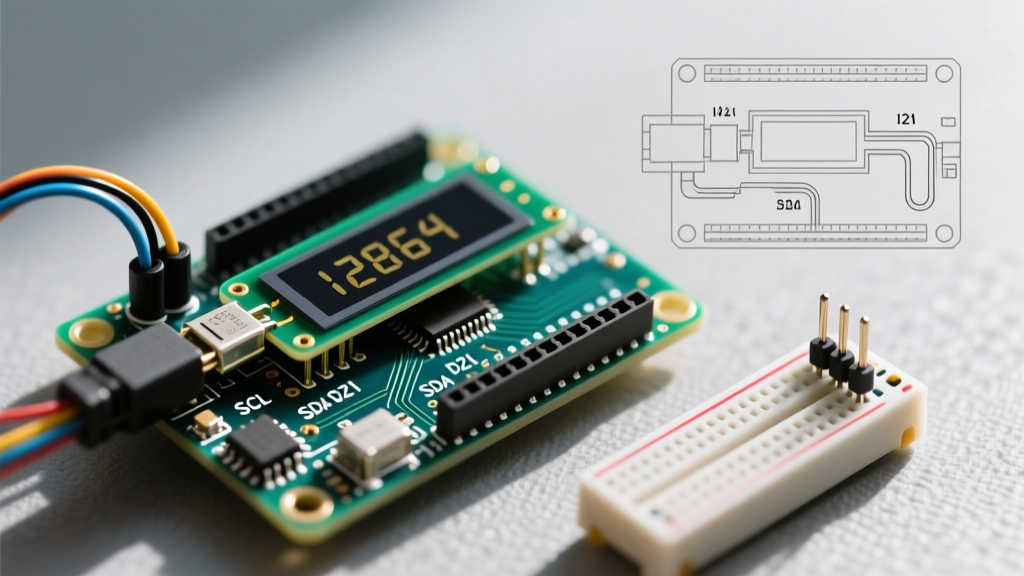
Modern sensor modules (BME280, MPU6050, VL53L0X) operate strictly at 3.3V logic. The Uno R3 operates at 5V. While many cheap sensor boards include onboard voltage regulators for power, they do not include logic level shifters for the I2C data lines (SDA/SCL). Connecting a 5V Uno directly to a 3.3V I2C sensor will backfeed 5V into the sensor's internal protection diodes. This causes intermittent I2C bus lockups and eventually destroys the sensor. The Fix: You must budget for a BSS138 or TXS0108E bidirectional logic level converter, which is rarely included in basic starter kits.
2. Heap Fragmentation and the 'String' Class
The ATmega328P has a mere 2,048 bytes of SRAM. A common failure mode for beginners is using the Arduino String object for parsing serial data or formatting JSON payloads. As documented in the official Arduino Memory Guide, the String class dynamically allocates and deallocates memory on the heap. On a 2KB system, this rapidly causes heap fragmentation. The Uno will compile perfectly, run for 4 to 6 hours, and then silently crash or reboot when the heap collides with the stack. The Fix: Makers must use fixed-length C-style character arrays (char[]) and functions like snprintf() to manage memory predictably.
3. Hardware Interrupt Bottlenecks
The Uno R3 only supports hardware interrupts on Pin 2 and Pin 3. If your project requires reading multiple rotary encoders, high-speed flow meters, or precise tachometers simultaneously, the Uno will drop pulses. The ESP32 or Pi Pico, which support interrupts on almost all GPIO pins, are mandatory for high-speed multi-sensor polling.
Cost-to-Value Analysis for Makers
Expert Insight: Do not buy an 'Ultimate' or 'Premium' starter kit with 300+ components. These kits pad the price with hundreds of useless 1/4W carbon film resistors and generic jumper wires. Buy a 'Super' or 'Standard' kit containing the board, breadboard, basic sensors, and a relay module, then purchase specialized components (like I2C level shifters or high-torque steppers) a la carte.
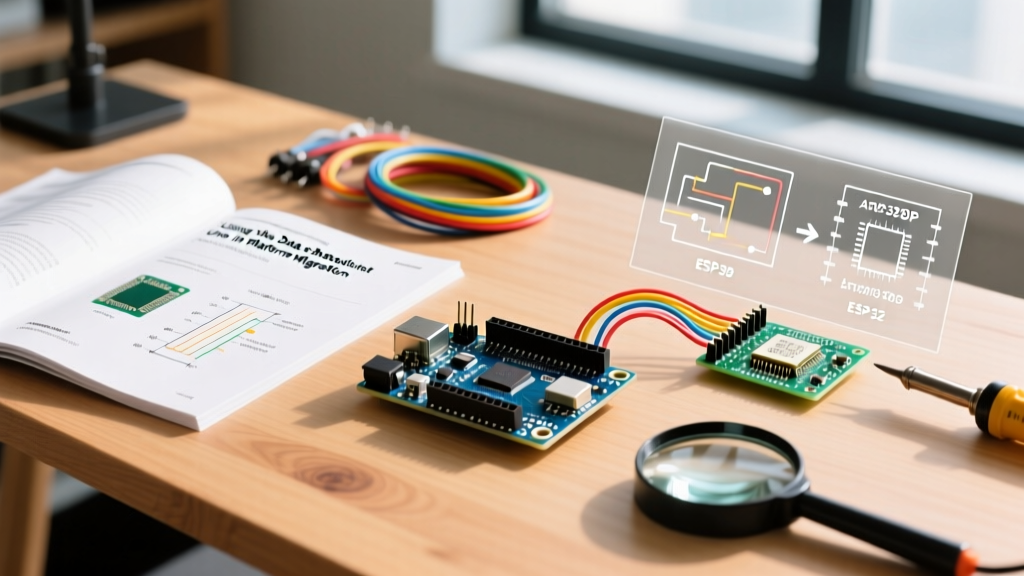
When evaluating the ATmega328P ecosystem in 2026, the value proposition relies entirely on your learning curve. If you are learning C++ memory management, basic circuit theory, and digital logic, a $35 clone kit offers unmatched ROI. If you are building a commercial prototype requiring OTA updates, capacitive touch, or floating-point math, the Uno starter kit is a sunk cost; you should pivot immediately to an ESP32 or Raspberry Pi Pico kit.
Final Verdict: Purchasing Framework
Use this decision matrix to finalize your component order:
- Buy the Uno R3 Clone Kit if: You are a beginner focusing on offline robotics, basic sensor polling, and learning C++ syntax without the overhead of RTOS or WiFi stack management.
- Buy the Official Uno R4 Kit if: You need the Uno shield form factor and 5V logic, but require 32-bit processing, hardware FPU for PID control loops, and native USB-C HID capabilities.
- Abandon the Uno Kit if: Your project requires IoT connectivity (MQTT/HTTP), battery-powered deep sleep (the Uno's onboard voltage regulator draws ~15mA quiescent current, ruining battery life), or high-resolution audio/DSP processing.