
The Anatomy of the "Duckov Pile"
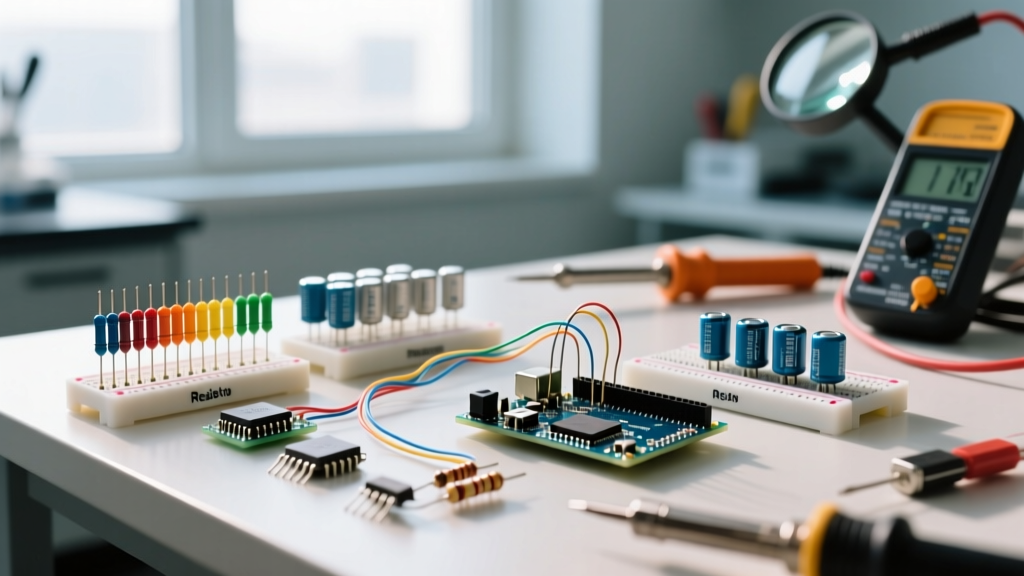
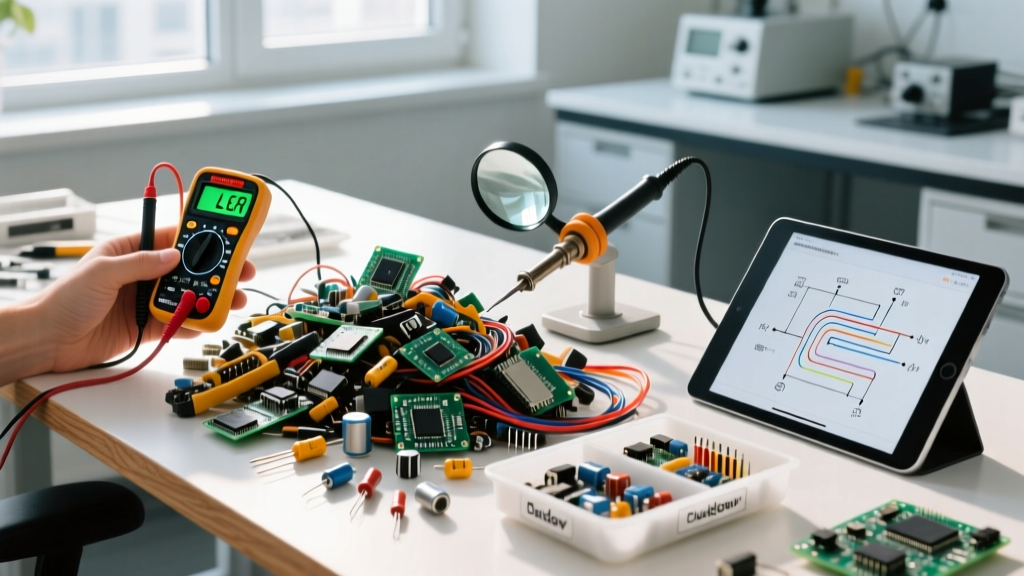
Every electronics hobbyist eventually faces the same inevitable phenomenon: the duckov pile of electronic components. Coined in niche maker forums to describe the chaotic, unsorted mountain of scavenged, surplus, and desoldered parts that accumulate on a workbench, this pile is both a treasure trove and a nightmare. Whether you have been harvesting SMD resistors from dead motherboards or buying bulk surplus lots from AliExpress, leaving these parts unorganized guarantees you will end up buying duplicates while sitting on thousands of usable components.
In this beginner tutorial, we will transform your chaotic duckov pile into a highly organized, fully tested, and easily accessible inventory using 2026's best bench tools and modular storage frameworks.
Essential Tools for Component Triage
Before you can organize, you must identify and test. Scavenged parts often lack markings, and surplus components may be out of spec or degraded. You need the right diagnostic gear.
- FNIRSI DSO-TC3 Multi-Tester ($55): A 3-in-1 device combining a component tester, basic oscilloscope, and signal generator. Drop an unmarked transistor or capacitor into the ZIF socket, and it identifies the pinout and measures basic values instantly.
- Der EE DE-5000 LCR Meter ($135): Essential for precise measurements. While the TC3 gives you a ballpark, the DE-5000 measures inductance, capacitance, and resistance with 0.05% basic accuracy, crucial for filtering audio or RF circuits.
- Hakko CHP-170 Micro-Nippers ($12): Flush-cutting 2mm nippers for cleanly snipping harvested leads without damaging the component body or your PCB donor boards.
- Brady BMP21-PLUS Label Printer ($180): For printing durable, heat-shrink, and vinyl labels for your storage bins. Thermal transfer ensures labels won't fade when exposed to flux fumes or UV light.
Step-by-Step Sorting Workflow
Do not attempt to sort the entire pile at once. Use a triage system based on the IPC standards for component handling and categorization.
- Macro-Sorting (The Broad Sweep): Separate the pile into five main categories: Passive (Resistors/Capacitors/Inductors), Active (ICs, Transistors, Diodes), Electromechanical (Relays, Switches, Connectors), Hardware (Standoffs, Screws), and Wire/Coax.
- Micro-Sorting (Value Identification): Take the passive pile and sort by physical size first. For SMD components, separate into EIA standard sizes (0402, 0603, 0805, 1206). For through-hole, sort by physical body size (e.g., 1/4W vs 1/2W resistors).
- Testing and Culling: Test all electrolytic capacitors for Equivalent Series Resistance (ESR). Any aluminum electrolytic capacitor harvested from a 10-year-old board with an ESR > 1.0Ω (for 100µF+ caps at 100kHz) should be discarded. Degraded capacitors are the leading cause of revived electronics failing within weeks.
- Bagging and Tagging: Place sorted batches into anti-static ziplock bags (2x3 inches). Include a slip of paper noting the part number, value, tolerance, and harvest date.
Storage Solutions: Ditching the Tackle Box
The traditional Plano tackle box is a beginner's trap. Dividers shift, 0603 resistors migrate into the 10kΩ bin, and static buildup ruins sensitive MOSFETs. In 2026, the maker community has standardized around two superior systems for managing a duckov pile of electronic components.
| Storage System | Best For | Estimated Cost (Starter Kit) | Pros & Cons |
|---|---|---|---|
| Gridfinity (3D Printed) | Custom SMD bins, IC trays, module storage | $40 (Filament) + Printer time | Pros: Infinitely customizable, open-source (Gridfinity). Cons: Requires a 3D printer, not inherently ESD safe unless using specialized filament. |
| Akro-Mils 10164 | Through-hole passives, connectors, hardware | $65 (Cabinet + 64 drawers) | Pros: Durable, stackable, no assembly required. Cons: Fixed drawer sizes, dividers can be flimsy. |
| ESD-Safe Tote Boxes | Raw ICs, sensitive microcontrollers | $25 (Pack of 10) | Pros: Protects against static discharge. Cons: Opaque, requires heavy external labeling. |
Expert Warning on Counterfeit Parts: When sourcing surplus ICs to add to your inventory, be highly vigilant. According to NASA's Electronic Parts and Packaging (NEPP) Program, counterfeit and salvaged components remarketed as "new" pose severe reliability risks. Always cross-reference date codes and check for signs of resurfacing (e.g., sanded-off logos or uneven epoxy textures) before trusting a salvaged IC in a critical power or aerospace project.
Handling SMD Components from the Pile
Surface Mount Device (SMD) components are notoriously difficult to manage once they are loose. If your duckov pile contains thousands of loose 0805 resistors, invest in a SMD component book (like the SMDbook by TinkerSphere, approx. $30). These feature anti-static plastic pages with heat-sealed pockets. Alternatively, use a vacuum pickup pen (e.g., the Virtual Industries VTP-100, $140) to move tiny components from your sorting mat into their final storage bins without losing them to static cling or sneezes.
Creating a Digital Inventory
Once your physical components are sorted, digitizing your inventory prevents duplicate purchasing. Use open-source software like Part-DB or InvenTree. These platforms allow you to upload datasheets, track minimum stock levels, and even integrate with the Octopart API to monitor real-time pricing from authorized distributors like Mouser and Digi-Key. By scanning a 1D barcode on your storage drawer with a cheap USB barcode scanner ($25), you can instantly pull up the exact quantity and location of a specific 10kΩ 0603 resistor.
The "Known Good" vs. "Questionable" Bins
Not every component in your pile can be fully tested with basic hobbyist gear. High-frequency RF transistors, specialized ASICs, and high-voltage MOSFETs often require curve tracers or specialized test jigs. Create a dedicated "Questionable / Untested" section in your storage. Label these parts clearly with a red dot. When a project requires a part from this bin, test it in a breadboard or low-stakes prototype circuit before committing it to a final soldered PCB.
Frequently Asked Questions
How do I clean flux residue off harvested components?
Use a soft-bristle ESD-safe brush (like the Techspray 2125) and 99% Isopropyl Alcohol (IPA). Submerging components in an ultrasonic cleaner with a dedicated PCB cleaning solution (e.g., MG Chemicals 413A) for 3-5 minutes works wonders for heavily soiled salvaged parts, but avoid this for components with open cavities like unsealed potentiometers or microphones.
Should I keep the original tape and reel packaging?
Absolutely. If you buy surplus lots that include partial tape-and-reel strips, leave the components in the tape. It protects the leads from bending, prevents static damage, and keeps the part number and value printed on the carrier tape intact. You can store these strips in specialized 3D-printed tape dispensers or simply coil them into ziplock bags.
What is the best way to identify unmarked SMD capacitors?
Unmarked SMD ceramic capacitors (MLCCs) are common in the duckov pile. Unfortunately, visual inspection cannot determine their capacitance value or dielectric type (C0G vs. X7R). You must desolder them and measure them with an LCR meter. If you are harvesting from a known PCB, use a multimeter to trace the capacitor's nodes to ground and VCC to infer its likely purpose (e.g., 100nF decoupling cap vs. bulk filtering).